262
|
Chapter 31
What You’ll Be Using
To browse and download apps, you need to use the following:
> An Internet connection
(Wi-Fi or 4G)
The App Store
Office Productivity Apps
To work with word processor documents, spreadsheets, and presentations, you
need an office suite for your iPad. While the iPad doesn’t come with an office suite,
you can buy several inexpensive apps that can turn your iPad into a replacement
for a laptop.
Pages, Numbers, and Keynote
The most popular iPad office suite is Apple’s own iWork, which consists of Pages,
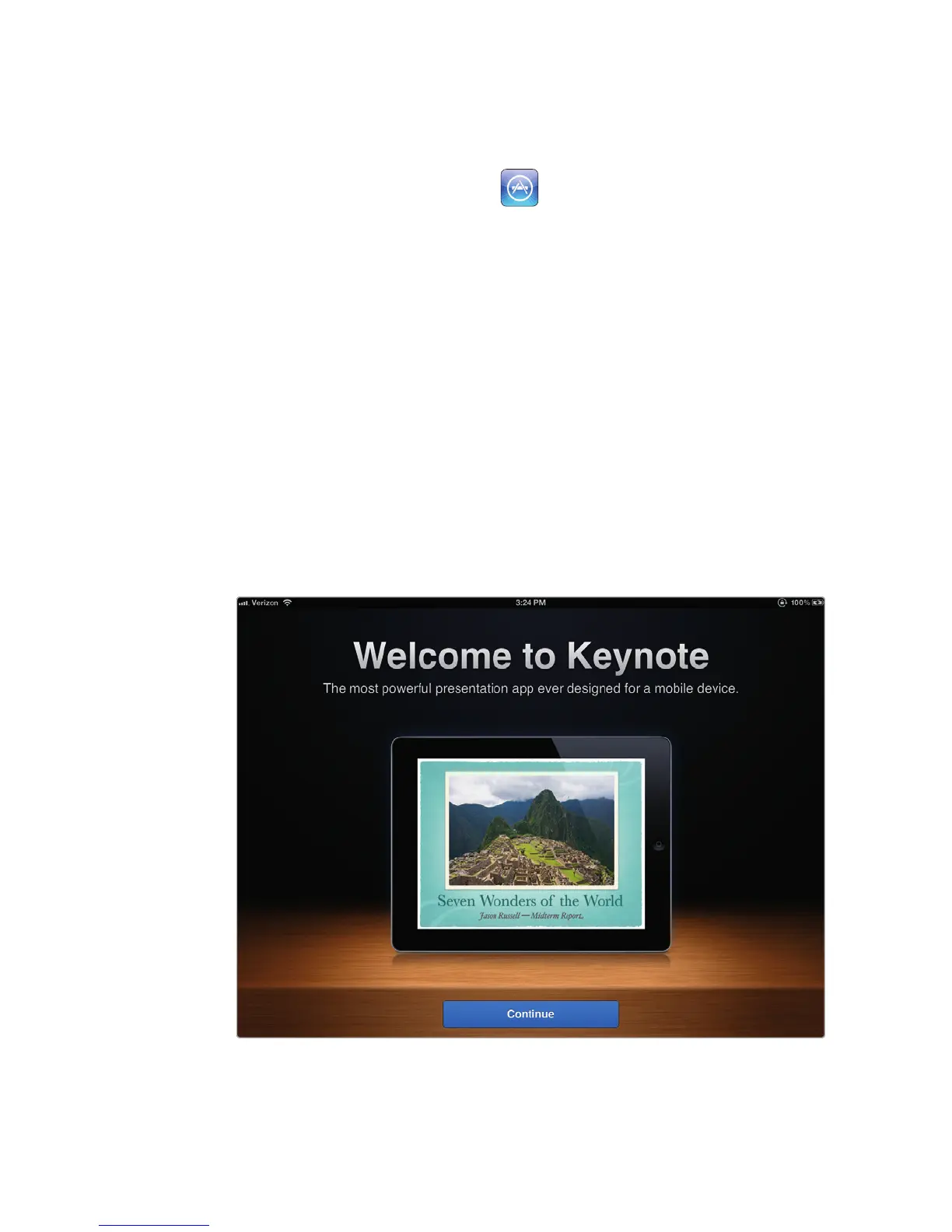
Numbers, and Keynote (shown in Figure 31-1). The three apps are sold individually,
so you can pick the ones you need and skip the others.
If you use iWork on a Mac, you can transfer files between your Mac andiPad
without converting file formats (see Chapter 16 for syncing advice). If you use Micro-
soft Office files, you can open and edit them in iWork on your iPad, then transfer
them back to your computer again.
FIGURE 31-1: Keynote is just one app that’s part of the iWork office suite.



 To Next Page