The Best iPad Apps
|
263
Documents To Go, Office2 HD and QuickOffice
If you don’t use iWork and rely more on Microsoft Office files, you can use Docu-
ments To Go to create and edit Word, Excel, and PowerPoint files. For added con-
venience, Documents To Go can store and retrieve files from cloud services, such
as iDisk, Dropbox, and Google Docs. This lets you access your files as long as you
have an Internet connection.
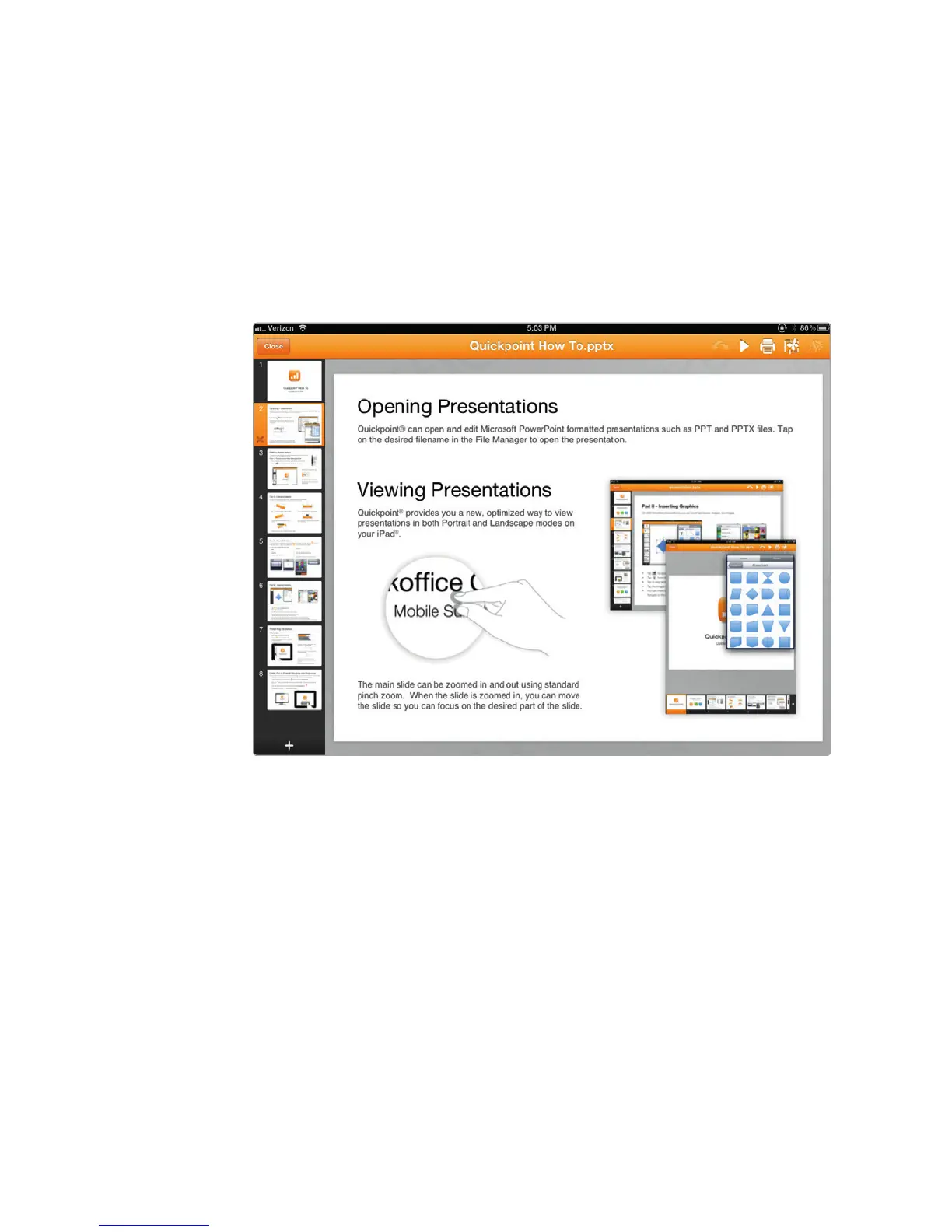
Two other apps that provide near perfect compatability with Microsoft Office
files are Office2 HD and QuickOffice. Both apps let you create and edit Microsoft
Word, Excel, and PowerPoint files that you can open on a regular computer later, as
shown in Figure 31-2.
Bento and FileMaker Go
The Contacts app that comes with the iPad is great for storing names, addresses,
and phone numbers but not so flexible if you need to store other types of informa-
tion. For those who need a more versatile database, grab a copy of Bento. If you
have Bento on your Mac, you can share databases, but even if you just get Bento
for the iPad, you can create custom databases for storing any type of information
you might need.
For a more sophisticated database, get FileMaker Go. Not only can you
develop databases directly on your iPad with FileMaker Go, but you can also use
aWi-Fi or Internet connection to remotely access FileMaker databases on your
desktop computer. This gives you the ability to view and edit your database’s data
without storing it on your iPad.
FIGURE 31-2: QuickOffice makes it easy to edit and create Word and
Excel files.



 To Next Page