264
|
Chapter 31
Evernote, Simplenote, PearNote, and PaperDesk
The Notes app that comes with the iPad can be handy for typing notes, but to syn-
chronize your notes with your computer or an online storage site, you might want
to use Evernote or Simplenote instead to make sure you never lose an idea.
If you need to store notes and record audio at the same time, then consider
PearNote. This feature can be especially useful when recording lectures so you can
hear playback of exactly what was spoken while you review your typed notes.
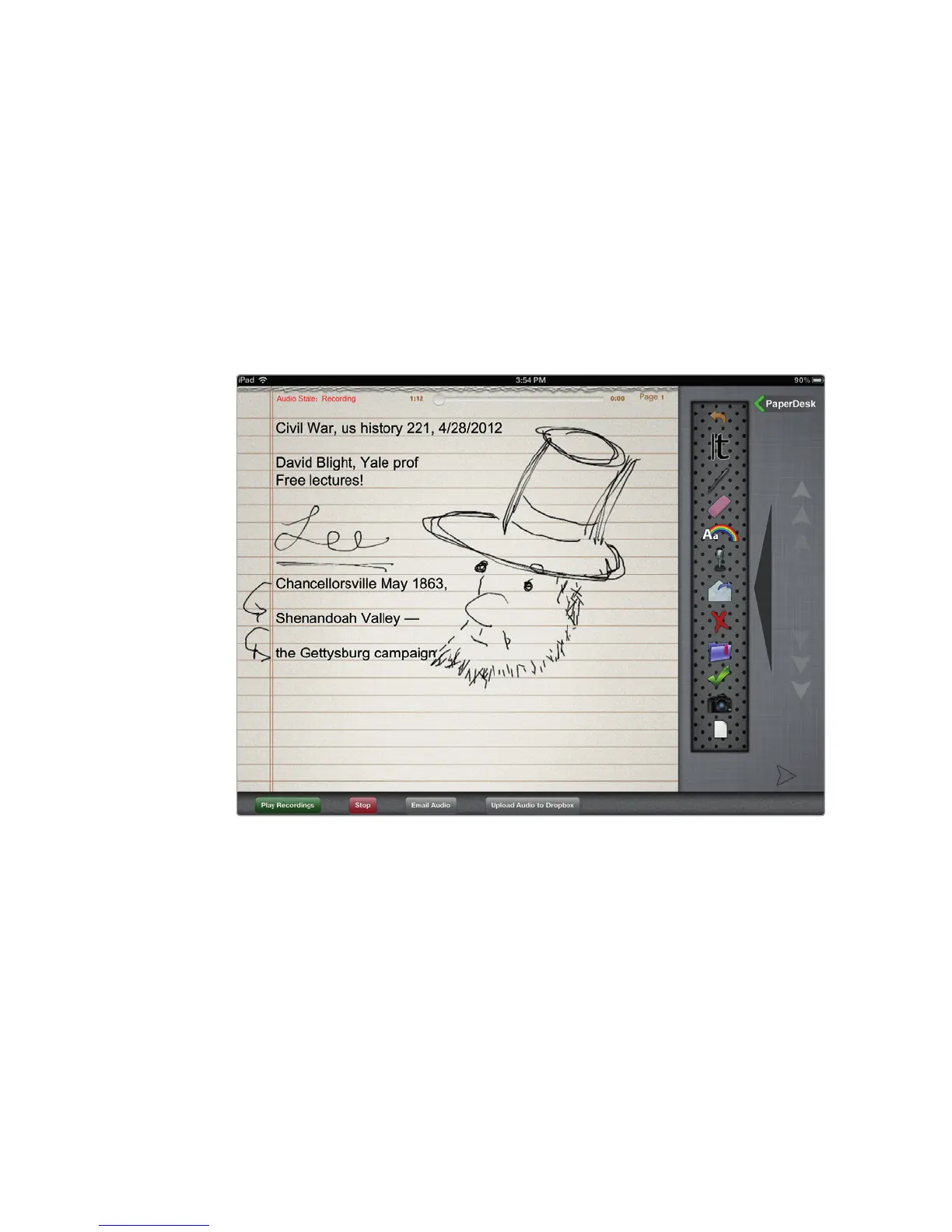
PaperDesk lets you type notes, record audio, and draw and save pictures
in your notes, as shown in Figure 31-3. One unique feature of PaperDesk is that if
you tap a word that you’ve typed, PaperDesk will jump to the specific location in
the audio recording when you typed that word so you can replay exactly what you
heard when you jotted down a particular note.
Dropbox for iPad
Many people create files on their iPads that they later transfer to their computer
and vice versa. If you rely on Apple’s iCloud services and use a Mac computer, trans-
ferring files can occur seamlessly in the background, so your files appear magically
on your iPad and Mac. However, if you’re using a Windows PC, then you may need
to rely on Dropbox instead. With Dropbox, you can place a file in your dropbox
that you can retrieve from your iPad or Windows PC.
FIGURE 31-3: PaperDesk lets you sketch and type notes as you record
audio.



 To Next Page