The Best iPad Apps
|
265
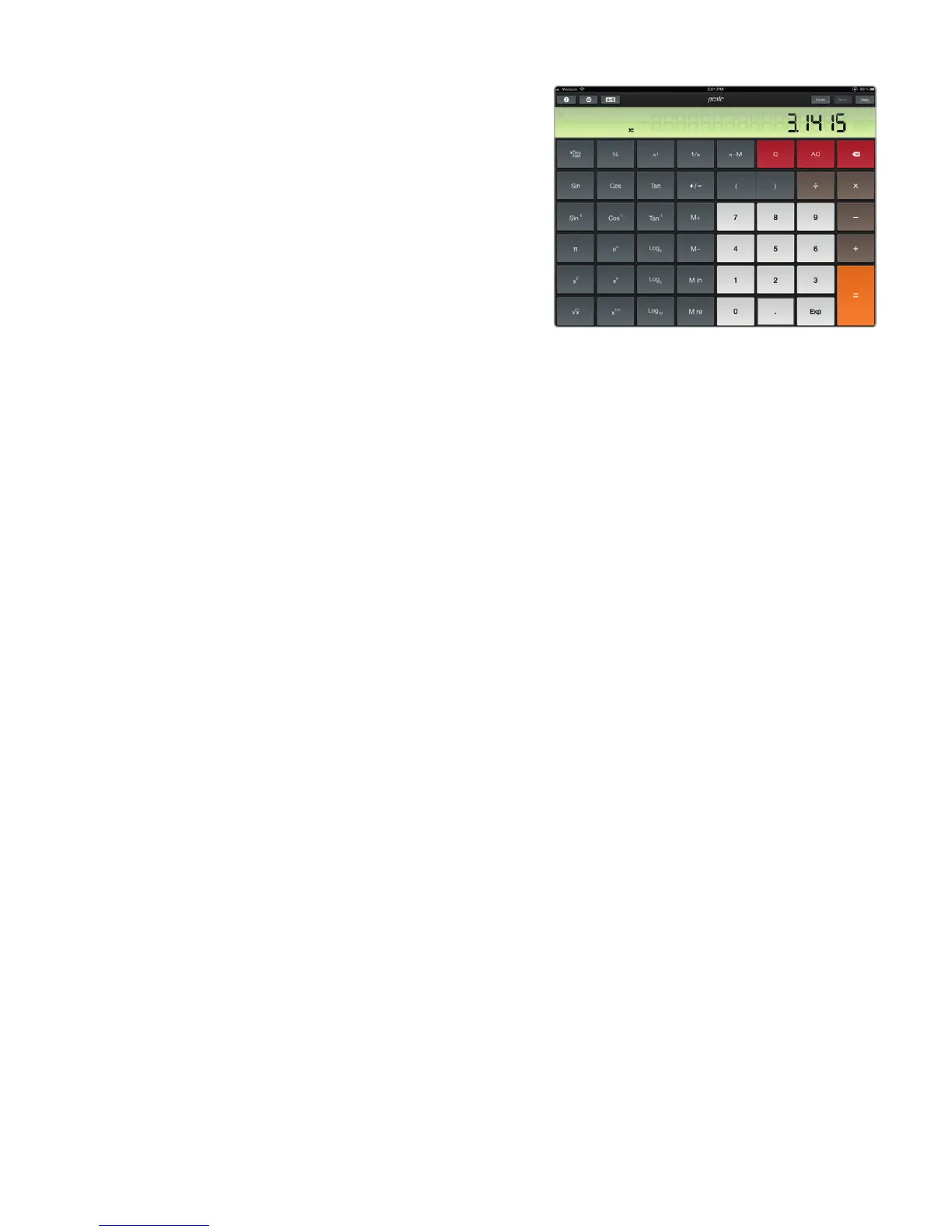
PCalc Lite
If you’re familiar with the iPhone,
you know that it comes with a free
calculator app. Oddly enough,
the iPad lacks this simple calcu-
lator app, so grab a free copy
of PCalc Lite, which gives you a
full-blown scientific calcu lator, as
shown in Figure31-4. Plenty of
free alternative calculators are
available in the App Store as
well—just search for them!
Air Display
Need a little extra real estate while working on your desktop or laptop computer?
The Air Display app lets you wirelessly turn your iPad into a second monitor for
both Mac and Windows PCs. That way you can prop your iPad next to your com-
puter and see more without the hassle of buying or connecting a second moni-
tor, which can be especially useful if you take your iPad around with your laptop
computer.
News and Information
One way to get the latest news is to load Safari and visit your favorite news web-
sites. However, it’s often easier to use a special app that retrieves the type of news
that you want.
ABC News, AP News, BBC News, Fox News, NPR News,
Reuters News Pro, and USA Today
Many of the top news sites provide their own unique (and free) apps specially
designed for retrieving and displaying news on an iPad. By using one of these
freeapps with an Internet connection through your iPad, you can read world,
sports, and financial news, as shown in Figure 31-5.
Bloomberg for the iPad and NASDAQ QFolio
If you invest in the stock market, you may be interested in tracking your stock
portfolio and keeping up with the latest financial news. (Naturally, this requires an
Internet connection.) Both the Bloomberg and NASDAQ QFolio apps provide a list
of the latest financial news headlines along with a list of your stocks so you can see
how they’re doing throughout the day. Many brokerage firms, such as ScottTrade,
E*Trade, and TD Ameritrade, even offer their own iPad apps so you can trade
directly from your iPad.
FIGURE 31-4: PCalc Lite gives your iPad
a calculator app.



 To Next Page