268
|
Chapter 31
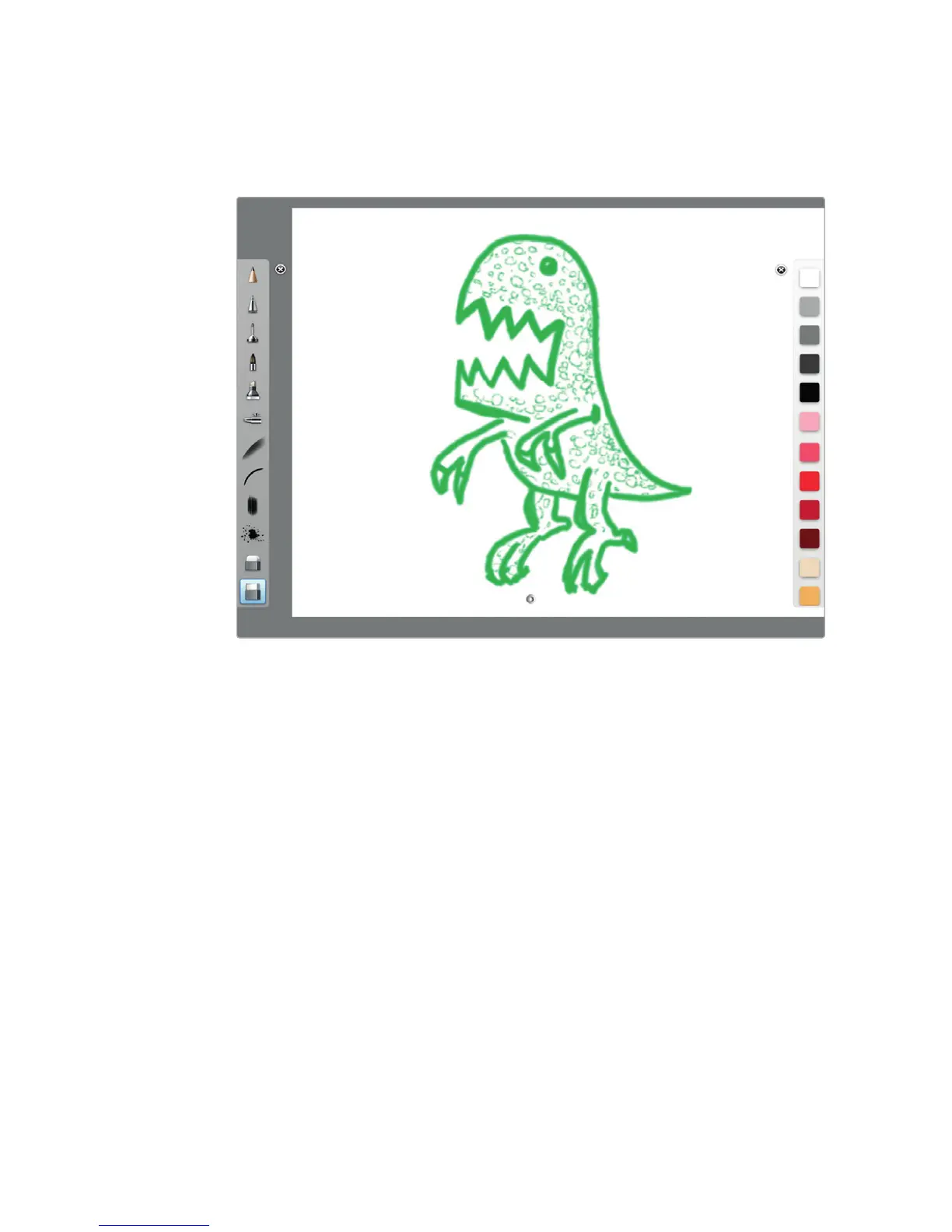
SketchBook Pro and Adobe Photoshop Touch
For serious artists who need to manipulate pixels, grab a copy of Autodesk’s
SketchBook Pro or Adobe’s Photoshop Touch. Now you can manipulate images
using Layers and Brushes, as shown in Figure 31-8.
SketchBook Ink and Adobe Ideas
Rather than manipulate individual pixels, you might prefer creating drawings using
vectors instead, which produce images that retain their resolution no matter how
much you enlarge or shrink them on the screen. For vector illustration, grab a copy
of AutoDesk’s SketchBook Ink or Adobe Ideas.
Adobe Photoshop Express
While some people are capable of creating a picture from scratch, others prefer
taking a real picture and modifying it. On a computer, you can use a program like
Photoshop, but on an iPad, you can use a similar program from Adobe called Pho-
toshop Express.
With Photoshop Express, you can modify digital images and turn them into
art, or just draw mustaches on people you don’t like or scribble funny pictures on
images just to keep yourself amused while waiting in line at a bank or airport (see
Figure 31-9).
FIGURE 31-8: SketchBook Pro turns the iPad into an artistic canvas.



 To Next Page