The Best iPad Apps
|
269
Entertainment Apps
Most people don’t get a computer to balance their budget or write business
reports. Instead, most people really get a computer to play games and have fun.
While you can use your iPad exclusively for business, you can easily turn your iPad
into an entertainment center to watch videos, listen to Internet radio stations, or
read the latest classics or best sellers.
iBooks, Kindle, and NOOK
iBooks, Apple’s free reading app, gives you access to the iBookstore and lets
you organize and read your ebooks. Unfortunately, the iBookstore may not have
the largest selection of ebooks available, so if you have a Kindle, download a
free copy of the Kindle app so you can read all your Kindle ebooks on either your
Kindle or youriPad.
For another alternative to Apple’s iBookstore, download a free copy of the
Barnes & Noble NOOK app. Just like the iBooks and Kindle apps, the NOOK app
organizes your ebooks and lets you shop online for more books. With so many
options for reading ebooks on your iPad, you can choose which you like best.
Netflix and Crackle
If you subscribe to Netflix, download this free app, and you can watch streaming
video directly on your iPad. Rather than pay to watch movies, install the Crackle
app and watch movies for free. Crackle provides an ever-changing library of older
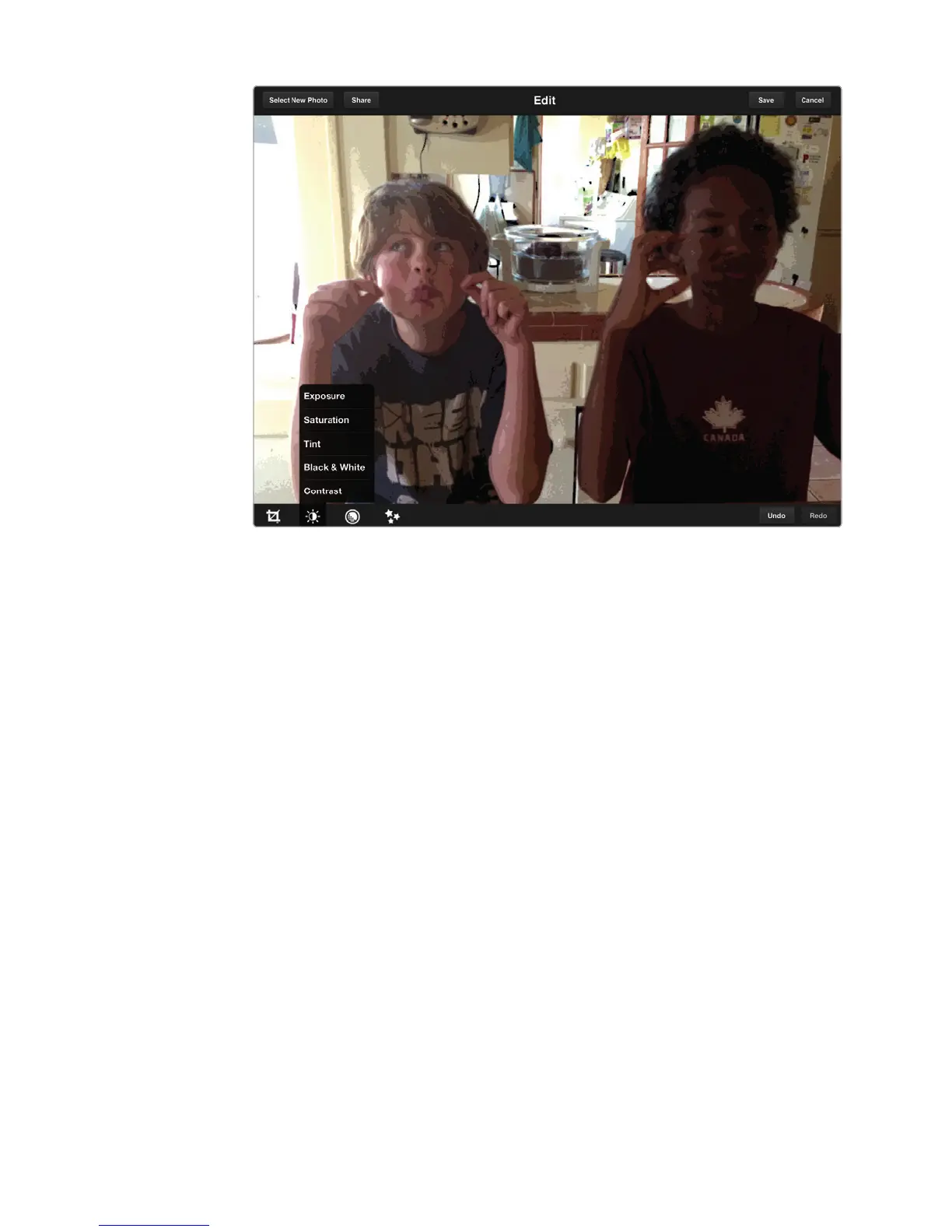
FIGURE 31-9: Add artistic effects to your photos with Photoshop Express.



 To Next Page