12
|
Chapter 2
4. Tap the Push on/off switch to make it read OFF.
5. Tap an option under the Fetch category, such as Every 15 Minutes or
Hourly.
6. Press the Home button to return to the Home screen.
Turning Off Location Services
Location Services is a fancy term that means some iPad apps, such as the Maps
app, rely on the Global Positioning System (GPS) and triangulation of cellular phone
towers to identify the physical location of your iPad. If it knows your physical loca-
tion in the world, an iPad app can then help you find the nearest restaurant or gas
station, for example.
Unfortunately, Location Services burns up battery energy. If you don’t need
this type of service, you can turn it off to reduce power consumption by following
these steps:
1. From the Home screen, tap Settings. The Settings screen appears.
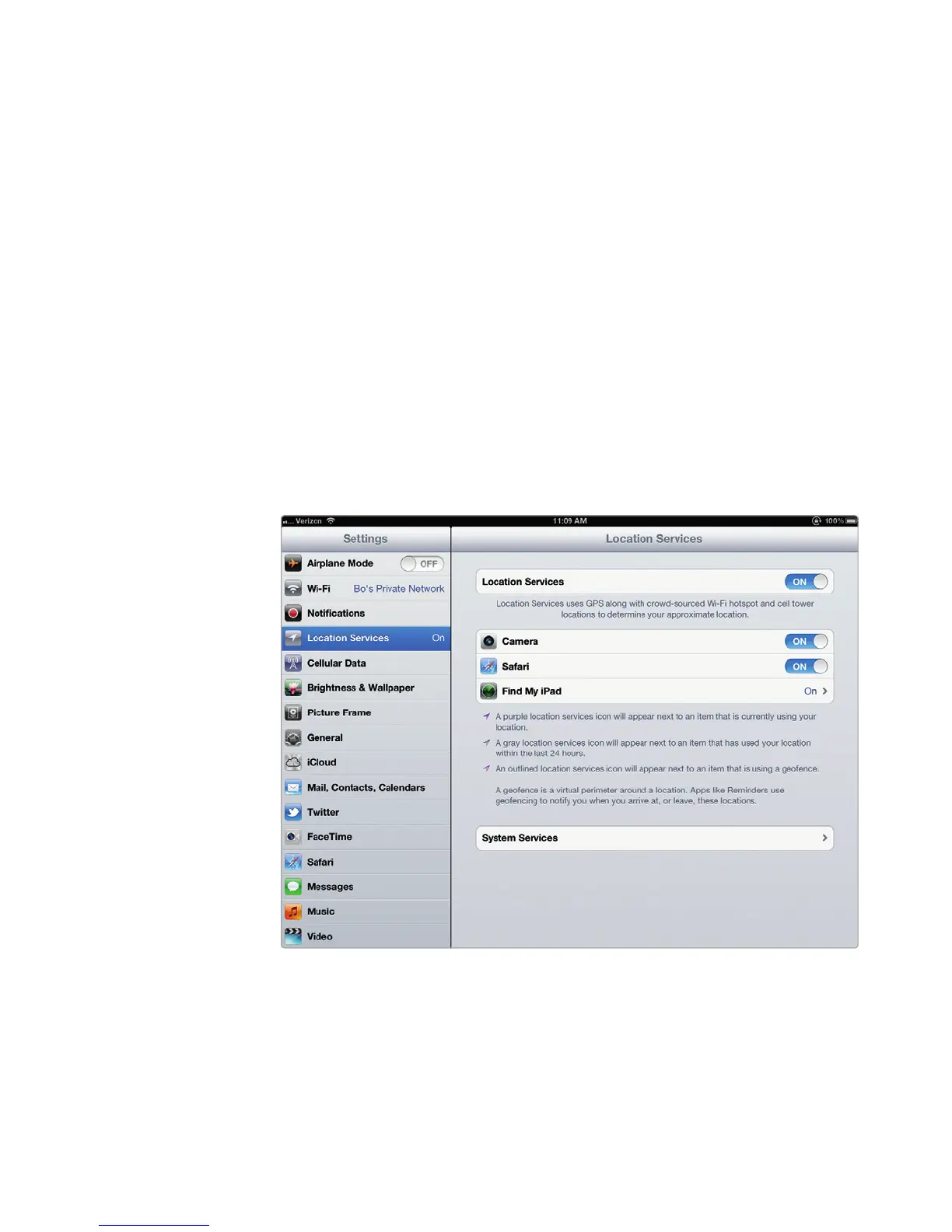
2. Tap Location Services. The Location Services settings screen appears, as
shown in Figure 2-3.
FIGURE 2-3: The Location Services settings screen



 To Next Page