42
|
Chapter 5
Additional Ideas for Using the
Virtual Keyboard
Getting familiar with the virtual keyboard may take time, especially if you’re used to
using physical keyboards. If you’re a hunt-and-peck typist, you may find the iPad’s
keyboard perfectly suited to your typing style.
The key to using the virtual keyboard is to practice in order to get over your
initial unfamiliarity. To make typing more comfortable and natural, consider buying
an optional case, which can prop the iPad up at an angle.
If you prefer a physical keyboard even after practicing with the virtual one,
you can wirelessly connect any Bluetooth-enabled keyboard to your iPad. If you
buy the optional camera connection kit, you can plug an adapter into your iPad
that provides a USB port. Then you can plug an ordinary USB keyboard into this
port and type on this keyboard.
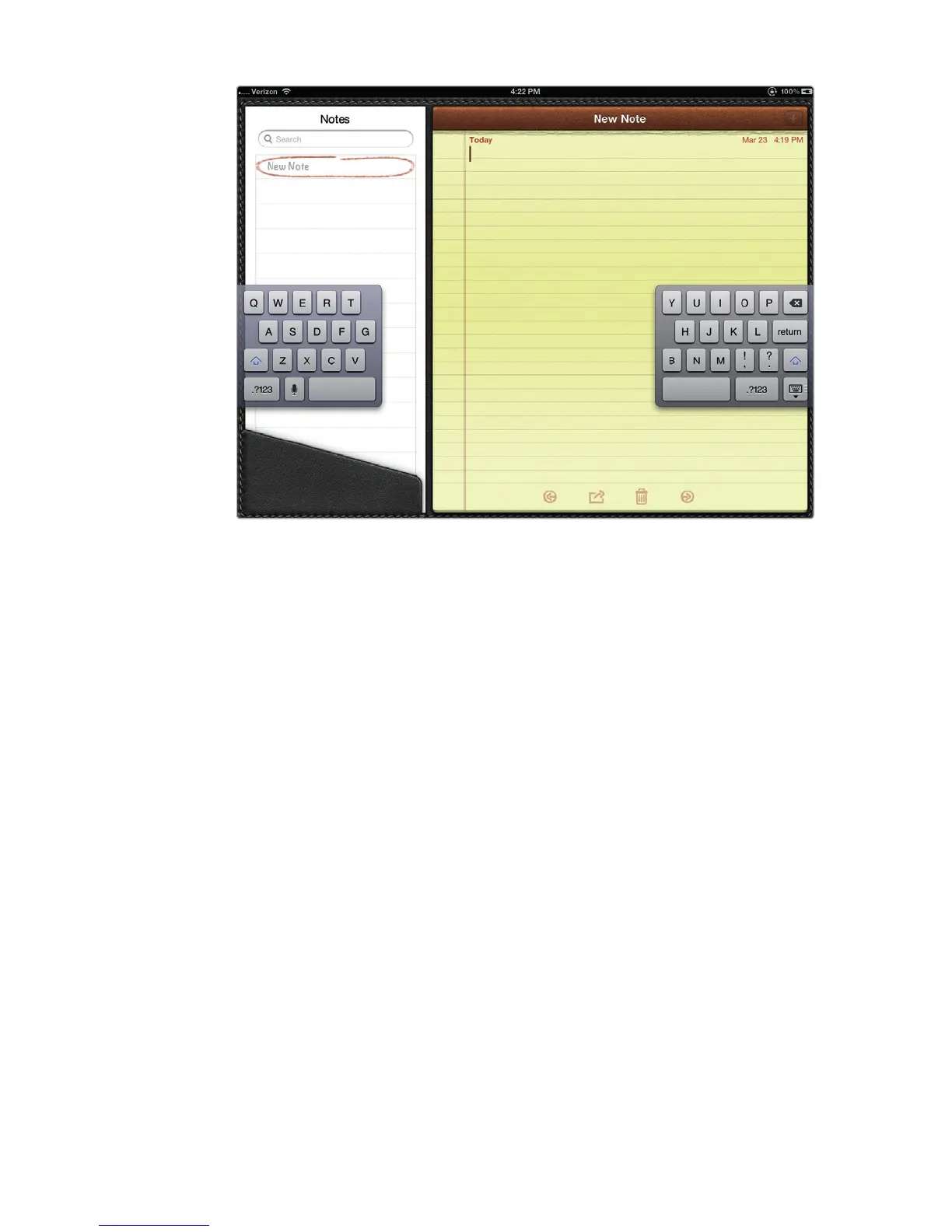
FIGURE 5-17: A Split keyboard



 To Next Page