62
|
Chapter 8
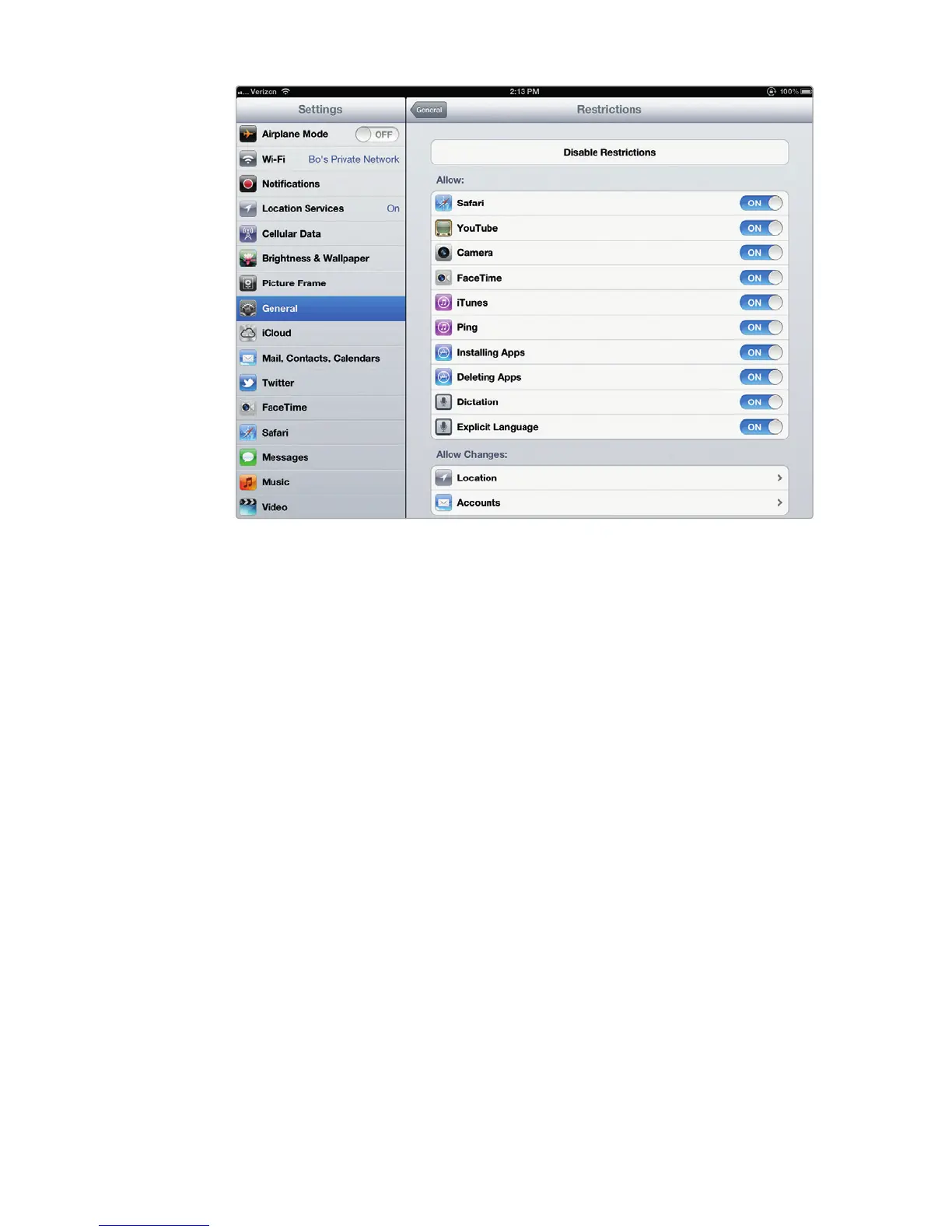
Q NOTE: When you turn a feature off, such as YouTube or Safari, the icon for
that feature disappears from the Home screen.
Filtering Content
Another way the parental controls feature can protect your children is by letting
you choose what type of content (music, podcasts, movies, TV shows, and apps)
you’ll allow on your iPad. For example, you may not want your children to view any
movies rated R or higher or listen to any music or podcasts rated Explicit. The fol-
lowing are some of the content you can filter:
> In-App Purchases Blocks or allows installed apps to purchase additional
content, such as a magazine app that charges a fee for new content.
> Ratings For Defines which nation’s ratings system to use, such as United
States or Germany.
> Music & Podcasts Blocks or allows music or podcasts labeled Explicit.
> Movies Blocks all movies or just those above a certain rating such as R
orNC-17.
> TV Shows Blocks or allows TV shows depending on their ratings such as
TV-14 or TV-MA.
> Apps Blocks or allows apps depending on their ratings such as 9+ or 17+.
FIGURE 8-2: The Restrictions settings screen lets you select the on/off
switches of different features.



 To Next Page