iPad Basics — Software Information 24
2010-04-30
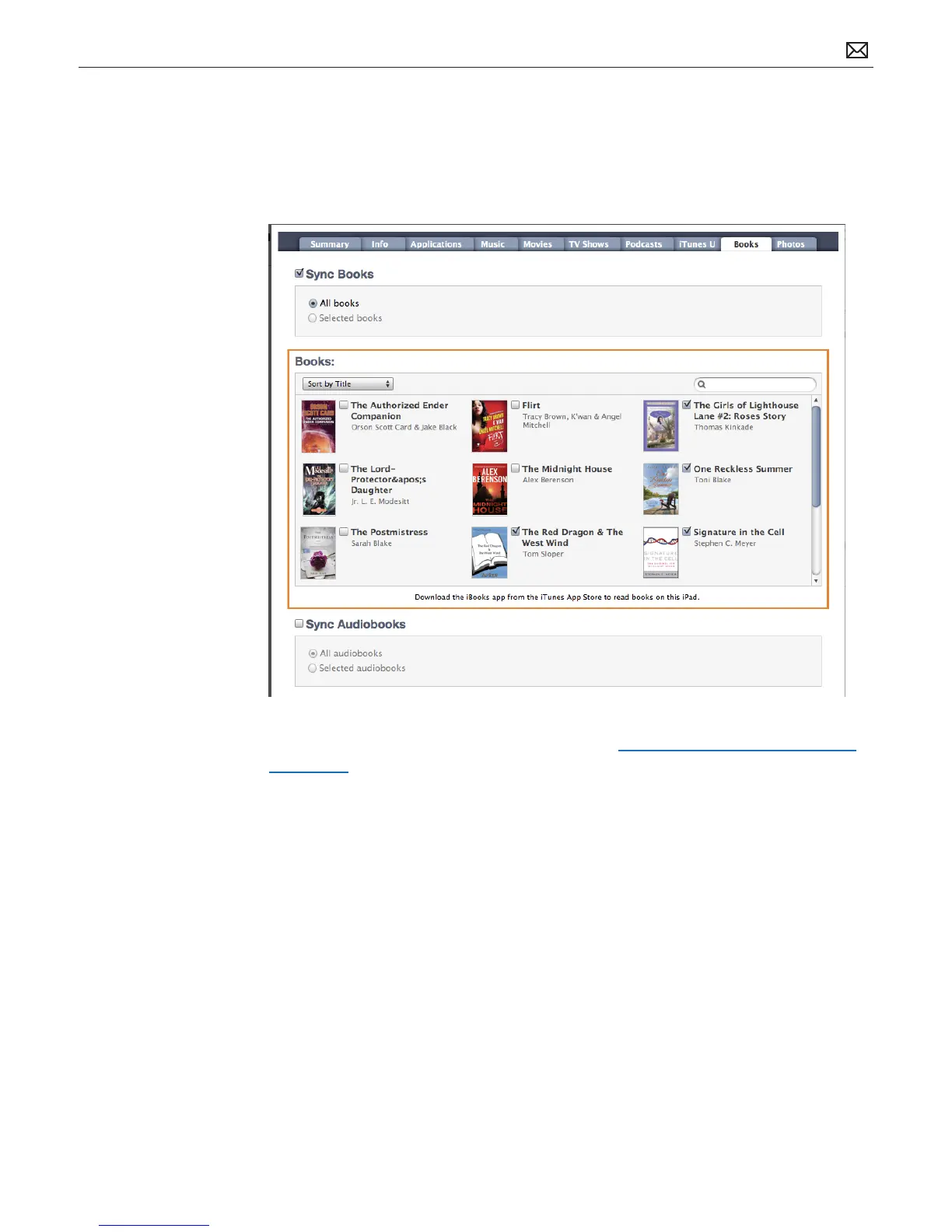
• Books pane: Use the Books section on the Books pane to select your syncing options for
audio books, iBooks from the iBookstore, and e-books in ePub format downloaded from the
Internet. Note: The books available for sale through the iBooks app will only be available for
US customers or customers who have a US Store account.
For more information on syncing, refer to Kbase article: Syncing iPad, iPhone, or iPod touch
with iTunes.



 To Next Page