iPad General Troubleshooting 42
2010-04-30
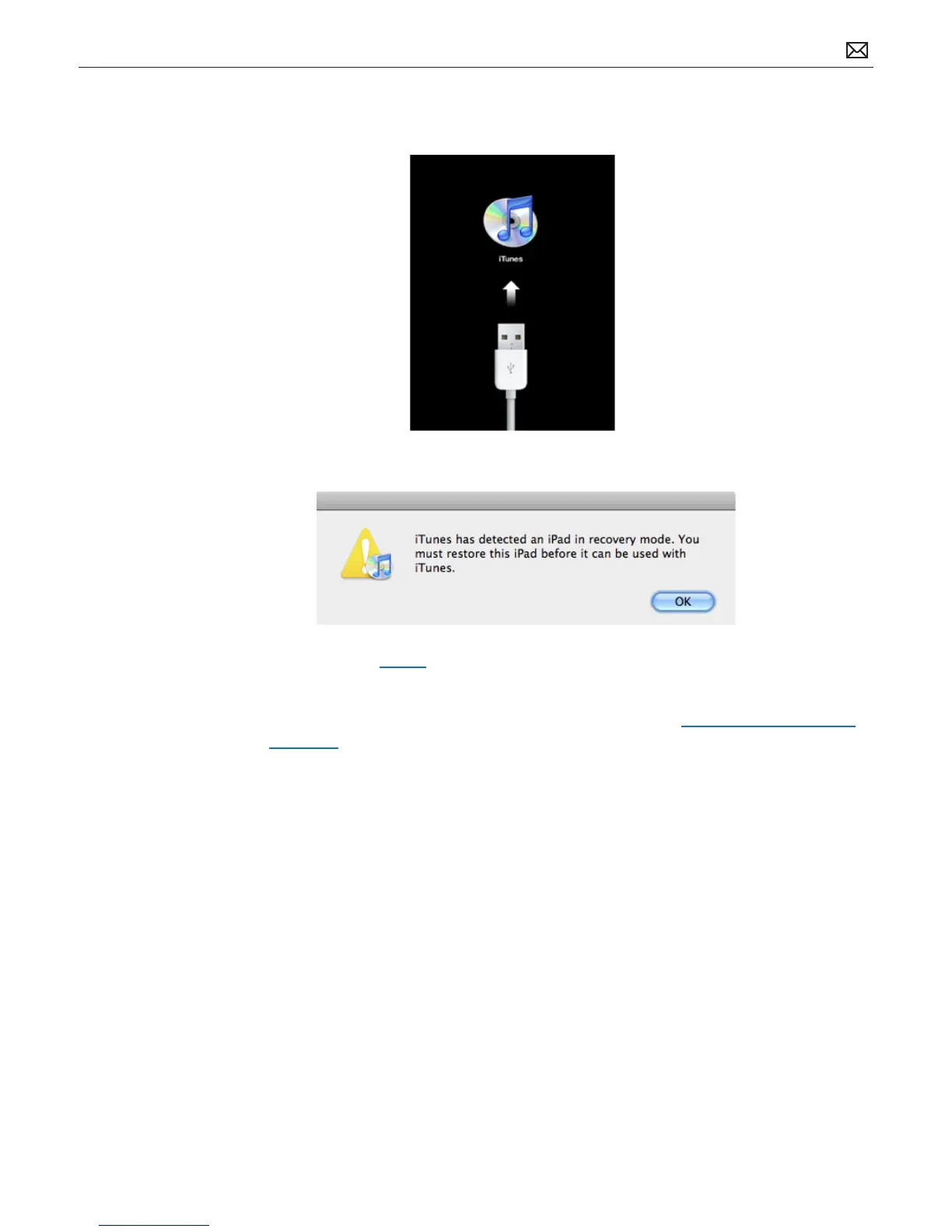
4. Continue holding the Home button until you see the “Connect to iTunes” screen. When this
screen appears you can release the Home button:
5. If necessary, open iTunes. You should see the following “recovery mode” alert:
6. Use iTunes to restore iPad.
If you don’t see the “Connect to iTunes” screen, try these steps again. If you see the “Connect to
iTunes” screen but iPad does not appear in iTunes, refer to article, http://support.apple.com/
kb/TS1495 and its related links.



 To Next Page