iPad Symptom Charts — Connectivity Issues 62
2010-04-30
Deep Dive
Check Result Action Code
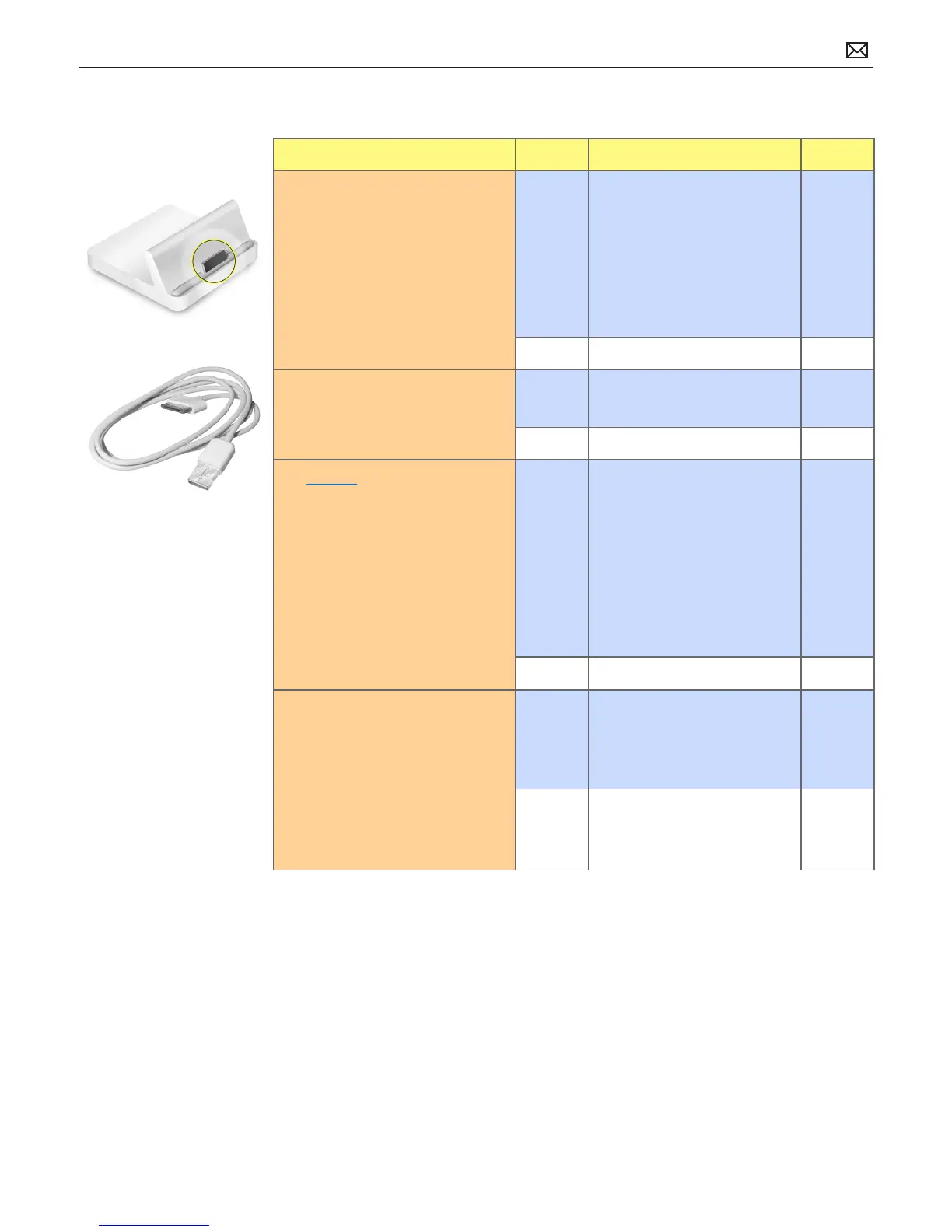
1. Check dock for debris,
contamination, corrosion, or
damage.
Yes Clean or x if possible.
Go to step 2.
If not safe to connect USB
cable, the issue is not covered
under warranty.
Check for out-of-warranty
repair option.
No Go to step 2.
2. Able to connect a known good
USB cable to iPad?
Yes Go to step 3.
No Go to step 4
3. Restore iPad with iTunes. (This
restores the iPhone OS.)
Note: This will delete all media
and data. All settings will be reset
as well. If possible, sync iPad with
iTunes before restoring to back up
your most recent data and settings
Yes Connect iPad to computer.
In the left column under
Devices, click on your iPad,
then click on Restore in the
Summary tab
Fixed? Return iPad to
customer.
If no, go to step 4.
No Go to step 4.
4. Is issue caused by accidental
damage?
Yes The issue is not covered
under warranty.
Check for out-of-warranty
repair option.
No Covered if under warranty
Check for out-of-warranty
repair option.
F5A



 To Next Page