iPad Symptom Charts — Connectivity Issues 61
2010-04-30
Cannot Add or Play a Song, Video, or Other Item
Quick Check
Symptom Quick Check
• Cannot add or play
a song, video, or
other item
• Possible corrupt
song, video, or
other media
content
1. Verify iPad has the latest software updates
• Use iTunes to install the latest version of the iPhone OS
software
• Use iTunes version 9.1 or later
2. Very content in question plays correctly in iTunes.
3. Could be a media issue, such as a non-supported format.
• Using known good content, try re-importing/converting
the song, video, etc. from the original source media and
then sync to iPad.
4. Charge iPad battery
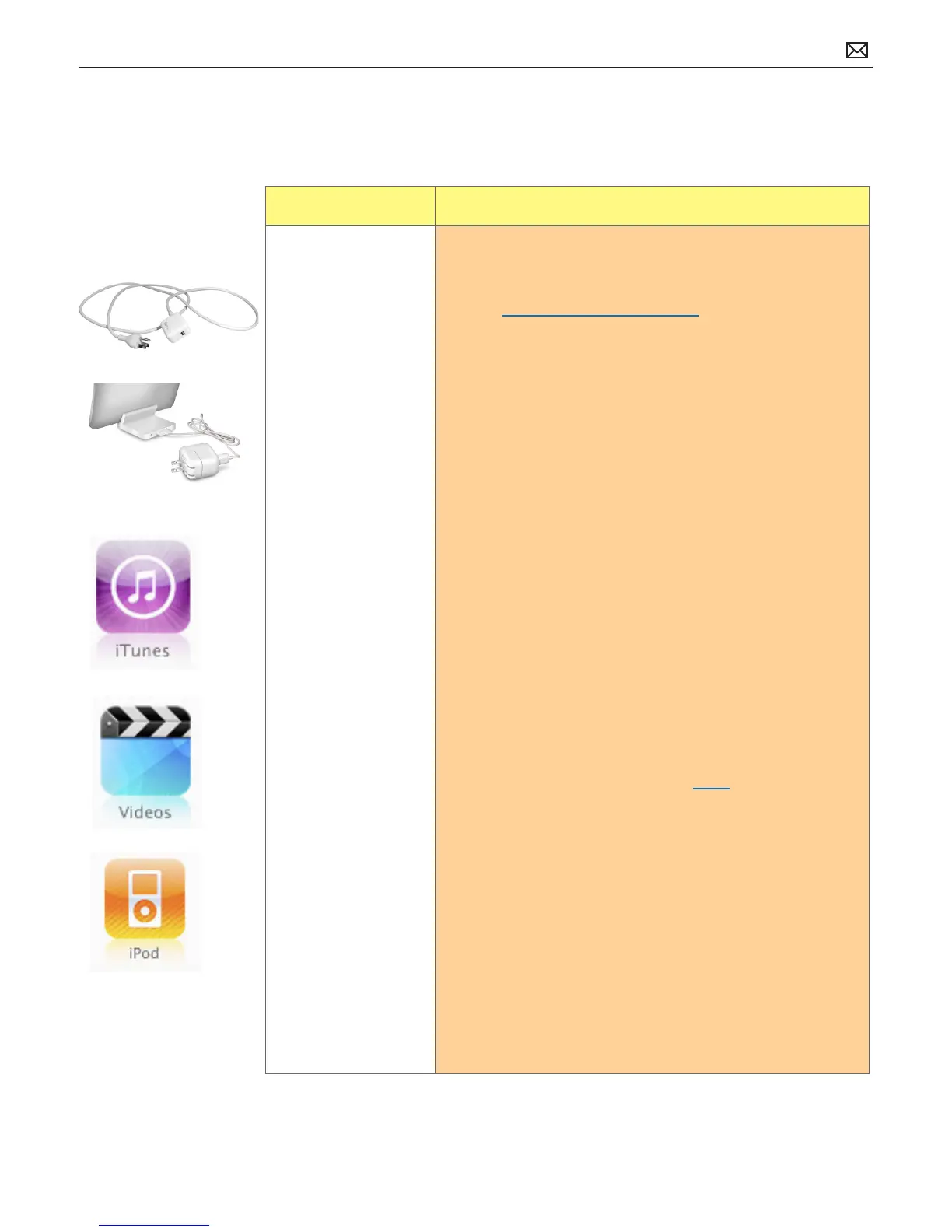
• Connect to a power outlet and charge with iPad 10W
USB Power Adapter for 10 minutes
5. Disconnect all other USB devices connected to the computer
such as USB printer, USB scanner, etc. and then reconnect the
iPad to see if it xes the problem.
6. Connect the iPad to a dierent computer (if available) to see
if the problem still occurs.
7. Restart:
• Press and hold the Sleep/Wake button until a red slider
appears. Slide your nger across the slider to turn o
iPad.
• Turn iPad on by pressing and holding the Sleep/Wake
button until the Apple logo appears
• If you can’t restart the device -Reset iPad. Press and hold
the Sleep/Wake button and the Home button at the
same time for at least 10 seconds, until the Apple logo
appears.
8. Restart computer and reconnect iPad.
9. Restore iPad.
• Restore iPad with iTunes. (This restores the iPhone OS)
10. Go to Deep Dive
Possible Causes:



 To Next Page