iPad Symptom Charts — Connectivity Issues 77
2010-04-30
TV Out/Video Out Not Functioning
IMPORTANT: Educate the customer that TV Out/Video Out does not support mirroring everything on iPad
to a TV. The TV-out function only works in certain applications that support it, such as Videos, YouTube,
Photos app Slide Shows, and Keynote slide shows.
Symptom Quick Check
• Unable to play content on
television
• Projector unable to display
content
1. Ensure compatibility with iPad of accessory being
used.
2. Verify iPad has the latest software updates
• Use iTunes to install the latest version of the
iPhone OS software
3. TV-out requires the following hardware:
• Refer to Knowledge Base article HT1454:
iPhone, iPad, iPod: TV out support to
determine compatibility.
4. Verify cables are plugged into the appropriate
input jacks on the TV, and correct input is selected
using the TV’s controls.
• Note: When properly working, videos,
YouTube and Keynote slide shows do not
appear on iPad when appearing on the TV.
Only the Photos app slideshows appear on
the iPad.
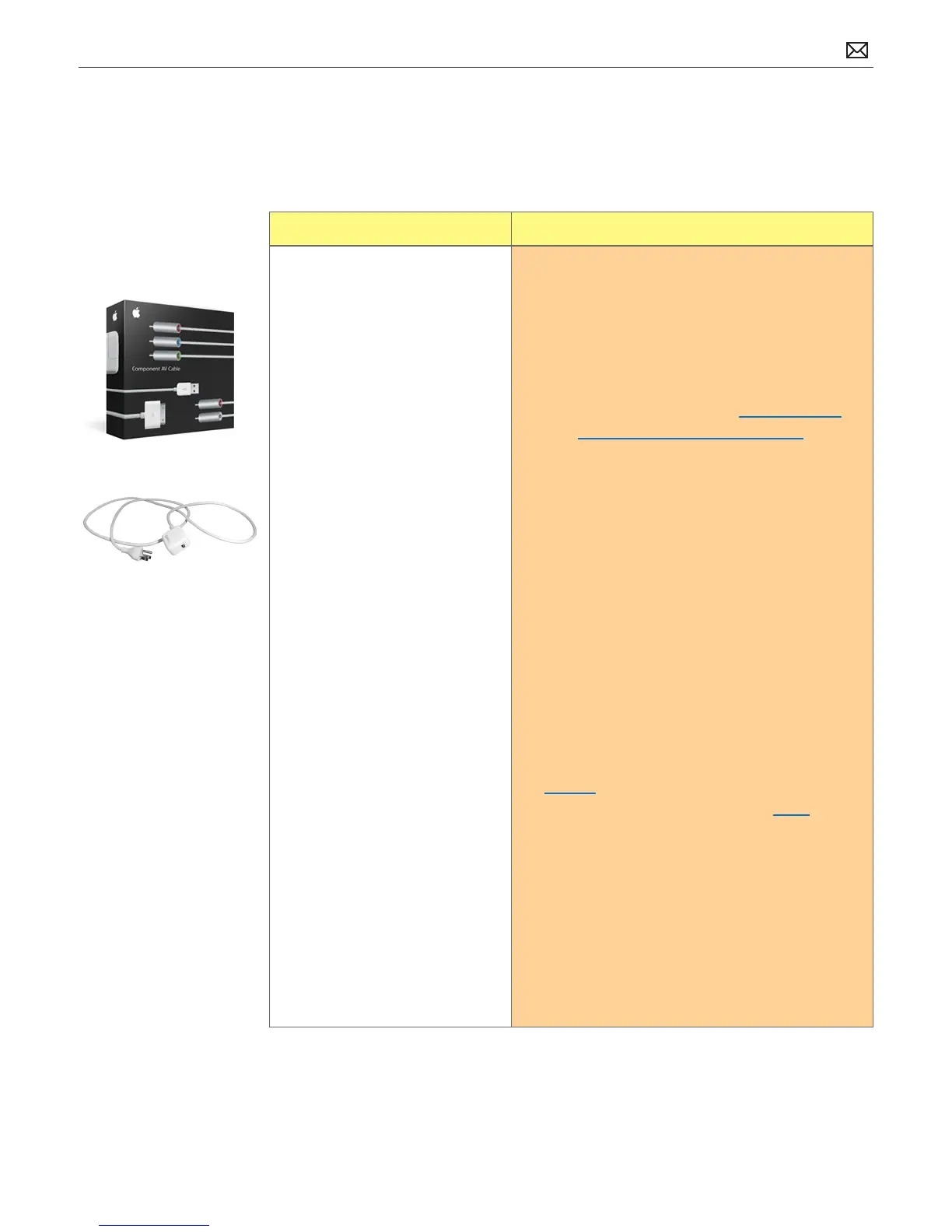
5. Charge iPad. Verify the Apple Component AV
Cable and/or Apple Composite AV Cable USB
connector is plugged into the 10W USB Power
Adapter and it’s charging iPad while you play
content.
6. Restart:
• If you can’t restart the device - Reset iPad.
7. Restore:
• Restore iPad with iTunes. (This restores the
iPhone OS.)
• Connect iPad to computer. In the left column
under Devices, click on your iPad, then click
on Restore in the Summary tab.
8. Go to Deep Dive
Possible Causes



 To Next Page