© Computer Coaching Services | www.computercoach.co.nz | 027 637 0413 | info@computercoach.co.nz P a g e | 18
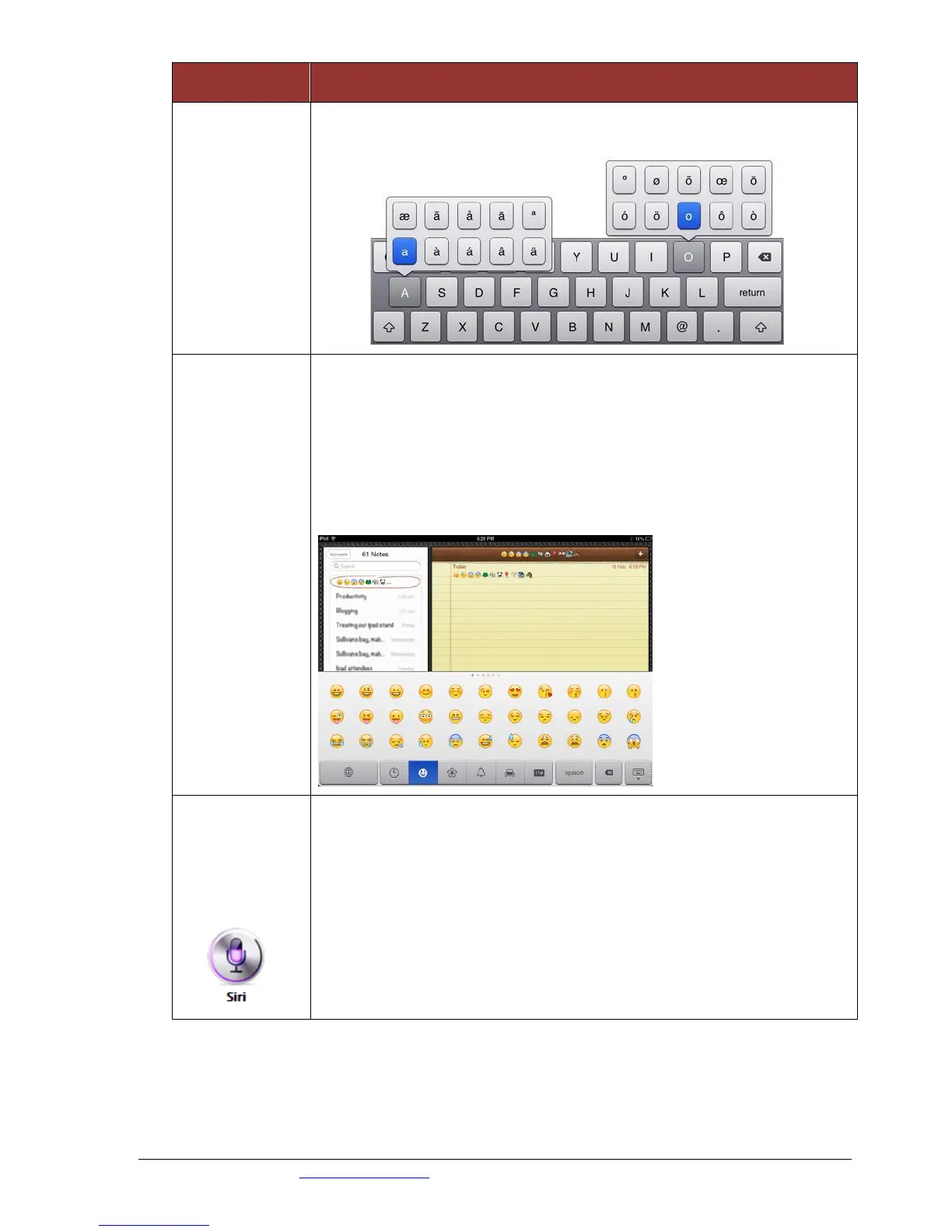
Hold down a key to see other key options.
Drag your finger over to select
Insert Smiley /
Emoji
Characters
Use built-in Emoji keyboard, to type smiley or emoji characters
Go to Settings | General | Keyboard.
Tap Add New Keyboard...
Select Emoji.
Tap International key on the keyboard (or touch and hold the key,
then slide to Emoji)
Find your symbol and tap to insert.
Use Siri’s
speech-to-text
function to
type a note
Press the Notes app
Click + on the top right corner of the screen to start a new note
Click on the first line
On the built in keypad, tap the microphone to the left of the
spacebar.
Dictate your message. (Speak clearly)
Press the microphone when finished. Your text should be on the
screen.



 To Next Page