© Computer Coaching Services | www.computercoach.co.nz | 027 637 0413 | info@computercoach.co.nz P a g e | 3
iPad Introduction
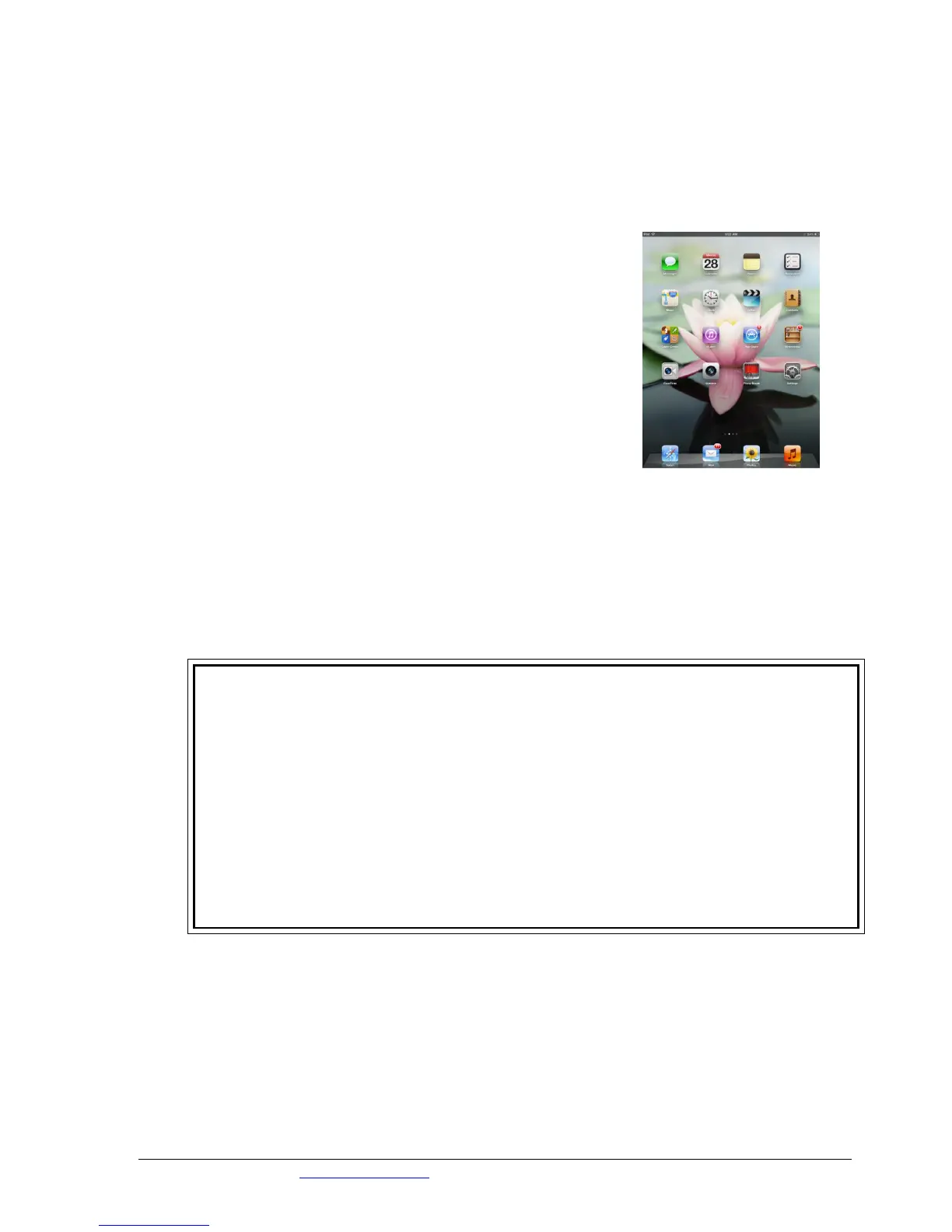
The iPad is one of the most amazing hand held devices available on the market today. Its
flexibility and range of functionality makes it an incredibly useful tool for both work and play.
Listed below are some of the uses for your iPad:
Use it:
as an internet communications device. Send email and surf
the internet.
as your online calendar
as your note taker
to take photos
to record videos
as an e-book reader
as a hand-held gaming device
to listen to your music and other audio recordings
to download from an amazing selection of apps whether for
business or pleasure
Learning Outcomes
By the end of this course you will be:
Familiar with the external area of your iPad
Comfortable with navigating around the home screen
Able to identify key indicators on the status bar
Confident with using the built in keypad and aware of shortcuts
Able to browse the internet using Safari
Able to use standards apps such as notes and calendar
Able to download apps to your iPad
Open to having a fun and informative session



 To Next Page