11
Spotlight Search
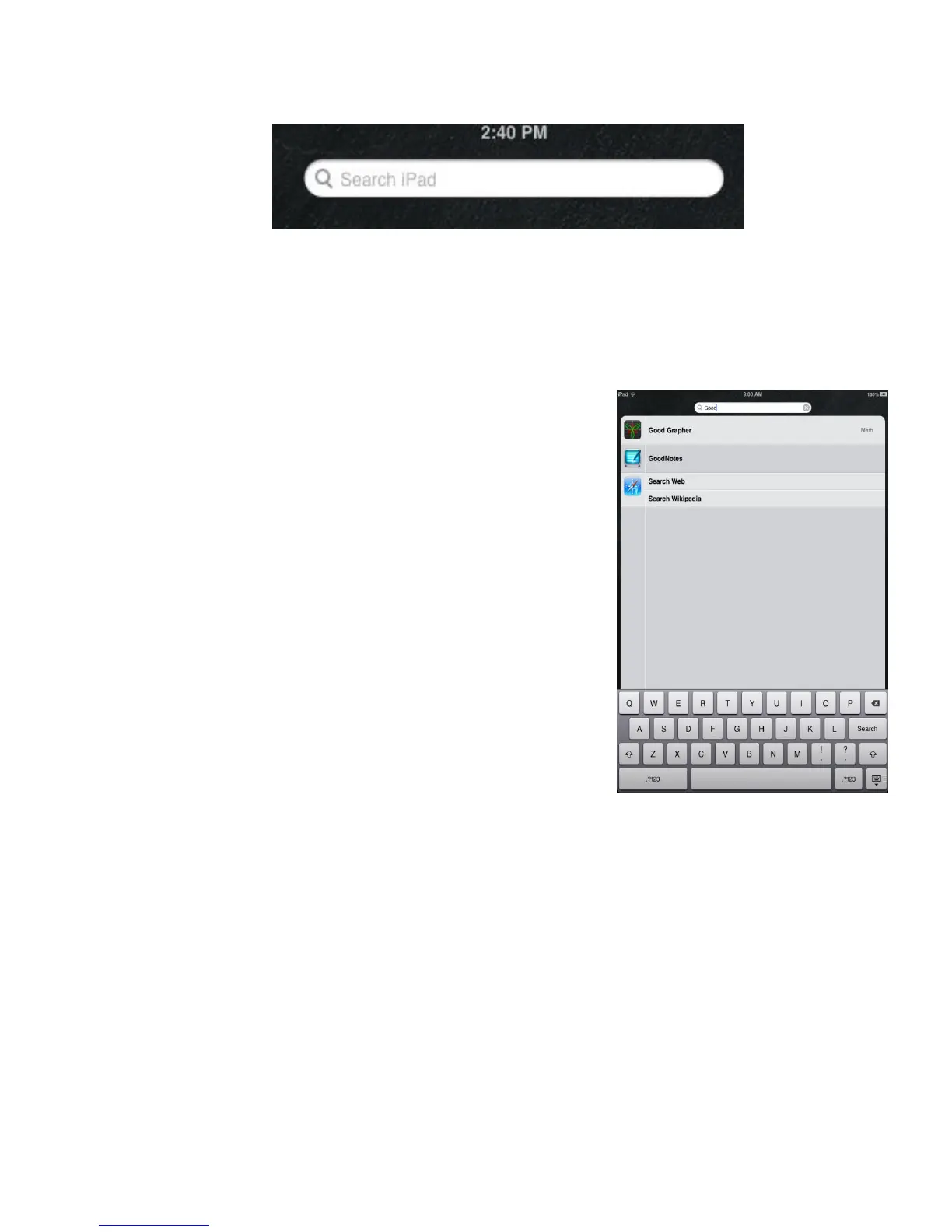
Search iPad using Spotlight: Swipe right from the first Home screen, or tap the Home
button from any Home screen to see the Search ipad screen. Enter text in the search field.
Search results will appear as you type. To dismiss the keyboard and see more results, tap
Search. Tap an item in the list to open it. The icons let you know from which apps the
results were generated. The iPad may display a top hit for you, based on previous searches.
The Spotlight Search searches the following:
Contacts—All content
Apps—Titles
Music—Names of songs, artists, and albums, and the
titles of podcasts and videos
Podcasts—Titles
Videos—Titles
Audiobooks—Titles
Notes—Text of notes
Calendar (Events)—Event titles, invitees, locations, and
notes
Mail—To, From, and Subject fields of all accounts (the
text of messages is not searched)
Reminders—Titles
Messages—Names and text of messages
Search the web or Wikipedia from Spotlight: Scroll to the bottom of the search
results, then tap Search Web or Search Wikipedia.
Open an app from Search: Enter all or part of the app name, then tap the app.
Choose which items are searched, and the order in which they are searched: Go
to Settings > General > Spotlight Search.



 To Next Page