(+"#"$%&'"
"
K'90&!;>''+)(b!
!
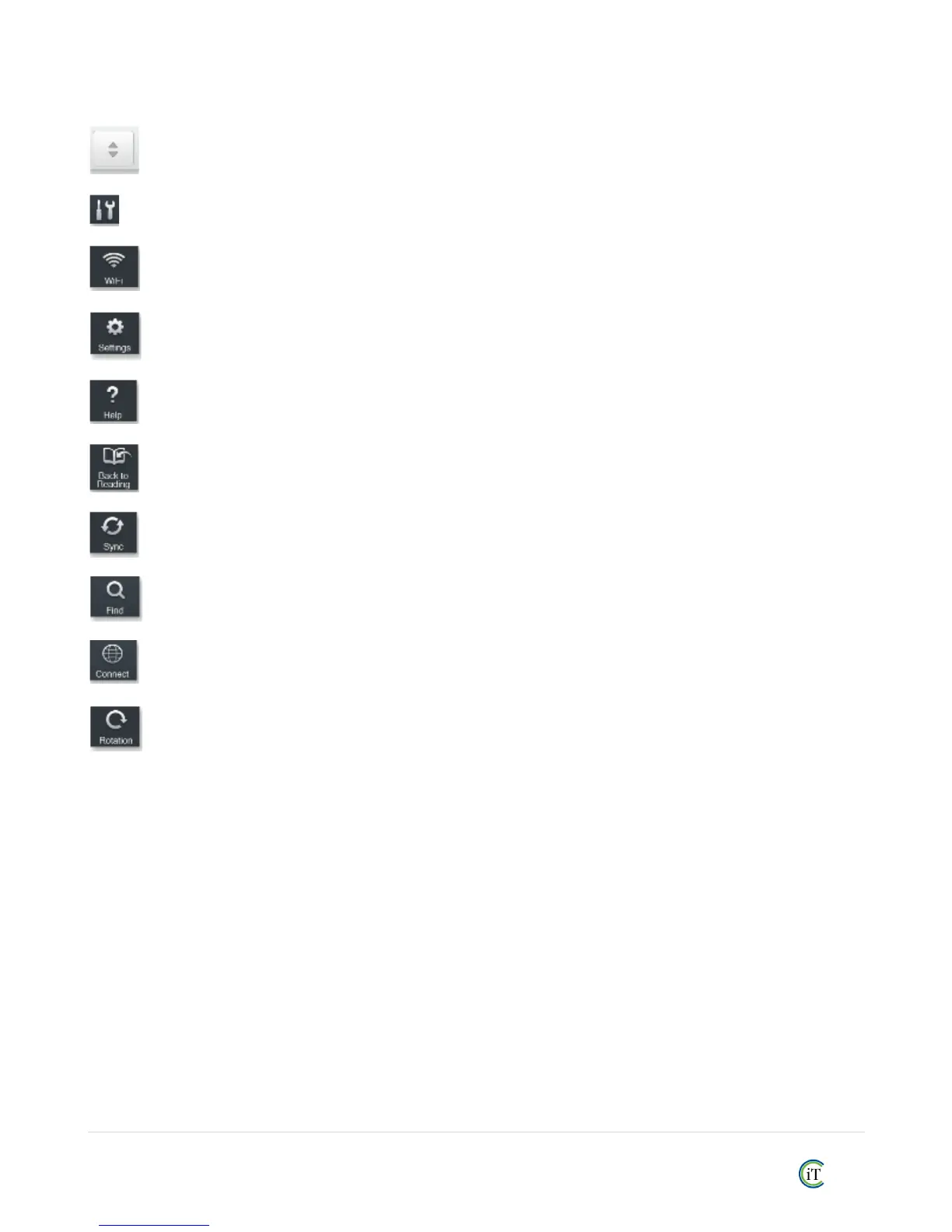
Sort Mode for file lists
Enters the Manage Files mode
Opens the WiFi transfer page used for WiFi file transfers
Opens the Application Settings where you can change various GoodReader settings
Opens the Help guide
Opens the last file you’ve been reading
Starts the Auto Sync with remote servers
Use it to Find Files/folders: Find by a name, recently read, recently added, or starred
Opens the Connect panel where you control access to remote servers, downloads and auto sync
Locks auto-rotations
&
&
&
&
&
&
&
&
&
&



 To Next Page