(,"#"$%&'"
"
>*HIBA'$&:H#AA'&
!
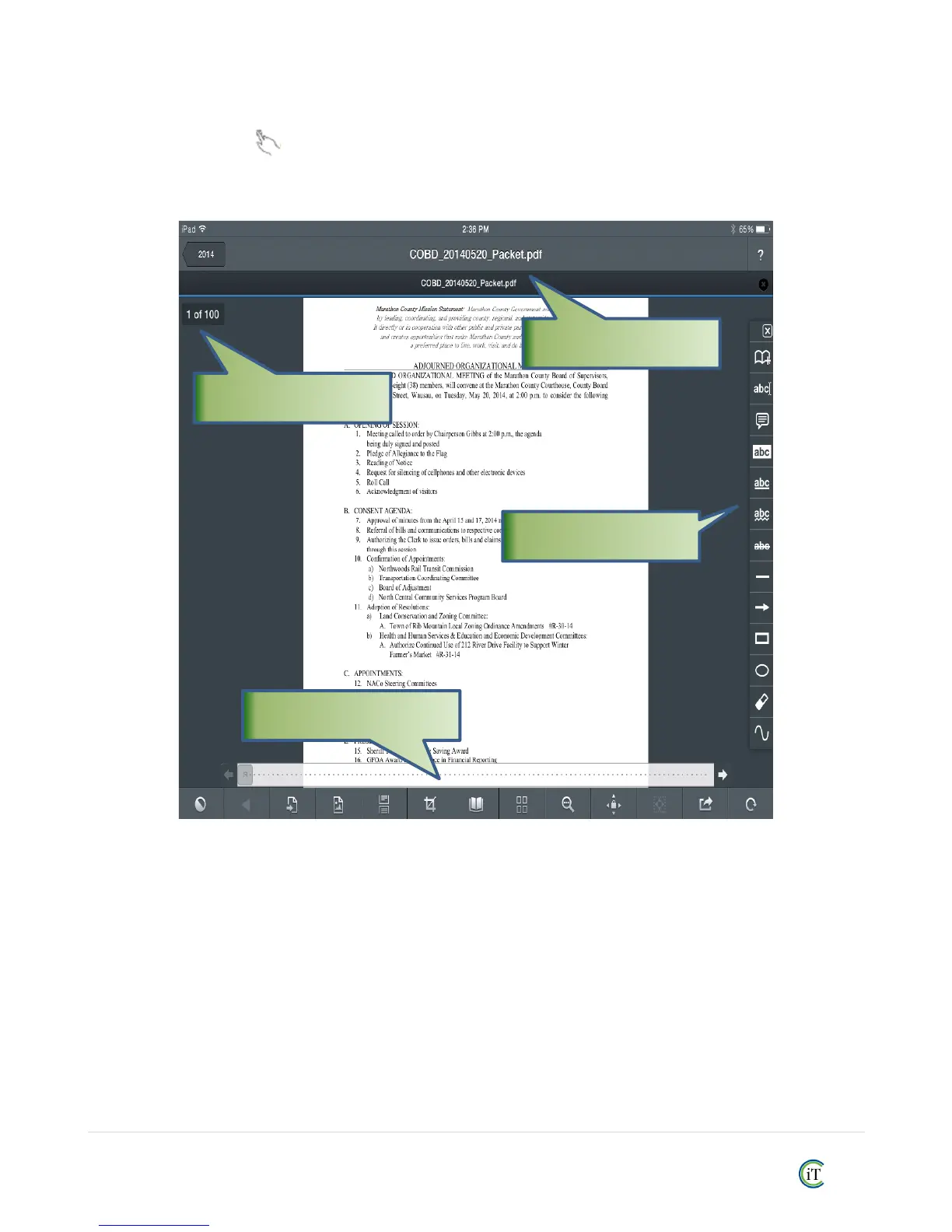
R%35!#!'YL!>%9-!+;-1G! !'$\!35- !&-13-.!+>!35-!$&.--1!#1(!*++(,-#(-.d$!3++9$!4%99!#;; -#.O!T3!35-!3+;!%$!
35-!>%9-! S1 >+.8 # 3%+1! "#.O! ! ,011%1@!(+41!35-!.%@53!$%(-!#.-!35-!T11+3#3%+1!:++9$O!!T9+1@!35-!2+33+8!#.-!
(+&08-13!c%-4%1@!#1(!I#=%@#3%+1!:++9$O!!
!
!
!
!
#$20!O$)$2010)'!!
Use it to open the Page Management panel. This panel will allow you to quickly go to a page by selecting
its preview or entering its number. It will also allow you to add, rotate, rearrange, delete, extract and email
individual pages, as well as split the file in halves and append pages from other PDF files.
!
!
!
!
!
!
!
!
!
!



 To Next Page