4. Enter the User account information of your choice!
5. Enter your credit card information!
6. Create your account!
7. Finally, sign in and enjoy!!
!
!
How to Sync Your iPad!
!
Before you turn on your iPad for the first time, it will prompt you to "Connect to iTunes"
or for short sync it to your desktop. To sync your iPad:!
!
1. Connect your iPad to the desktop.!
2. Your computer will recognize your iPad.!
3. It will prompt you to register the iPad.!
4. Follow the Step and your iPad will begin to sync.!
!
!
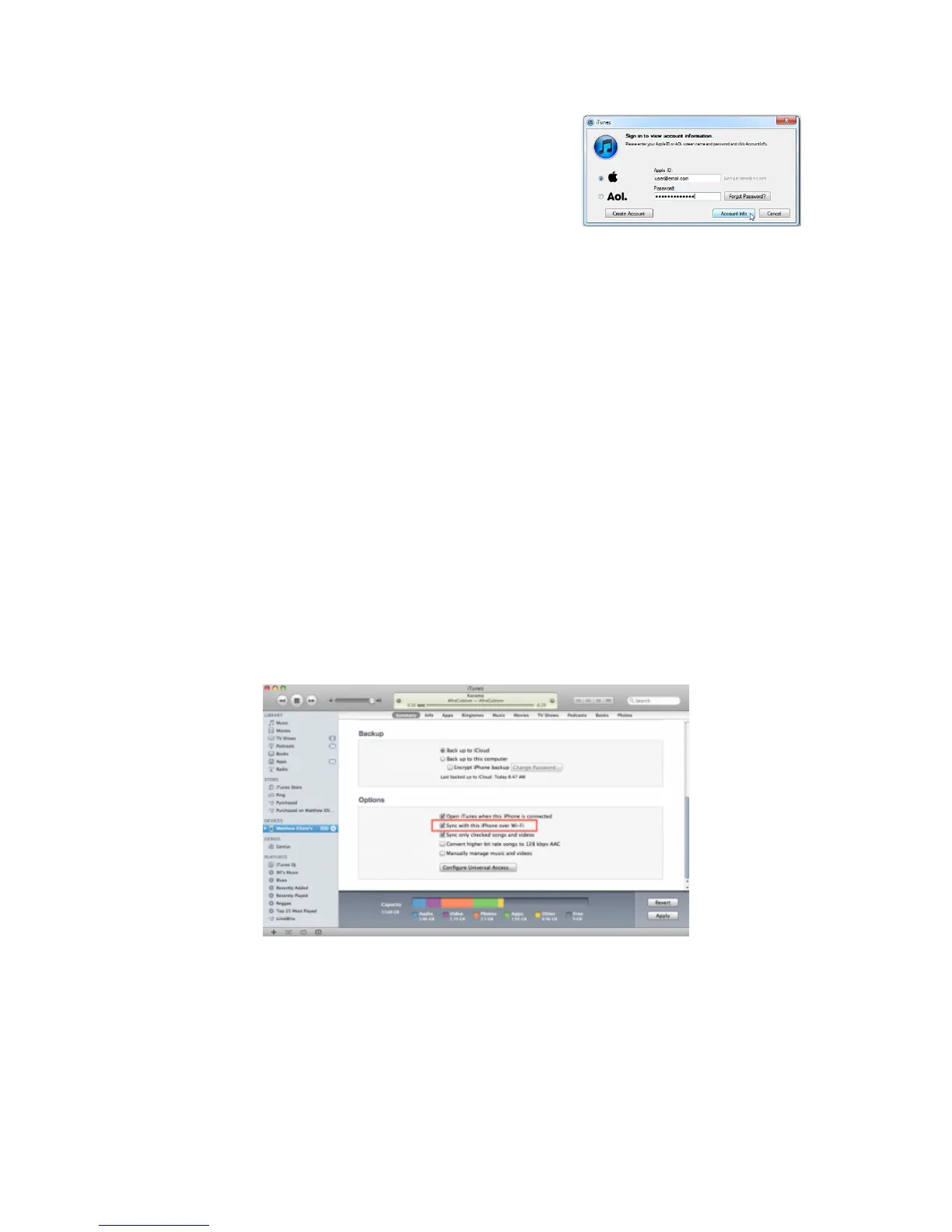
Also, you are able to sync through Wi-Fi, as long as you are on the same network as
your desktop. To set up this feature: !
!
1. Connect your iPad to the desktop.!
2. Your computer will recognize the iPad.!
3. Select your iPad in the sidebar tab labeled "Devices"!
4. Click on the Summary tab within the device menu!
5. Scroll down to Options and check the box "Sync with this iPad over Wi-Fi.!
!
!
To gain access to the Internet service in Xaverian High School, you must enroll your
iPad in the school's network. To enroll your iPad into Xaverian's network:!
!
1. First, you must go to the Settings page.!
2. Click on Wi-Fi and choose the ipadenroll network, the password is also ipadenroll.!



 To Next Page