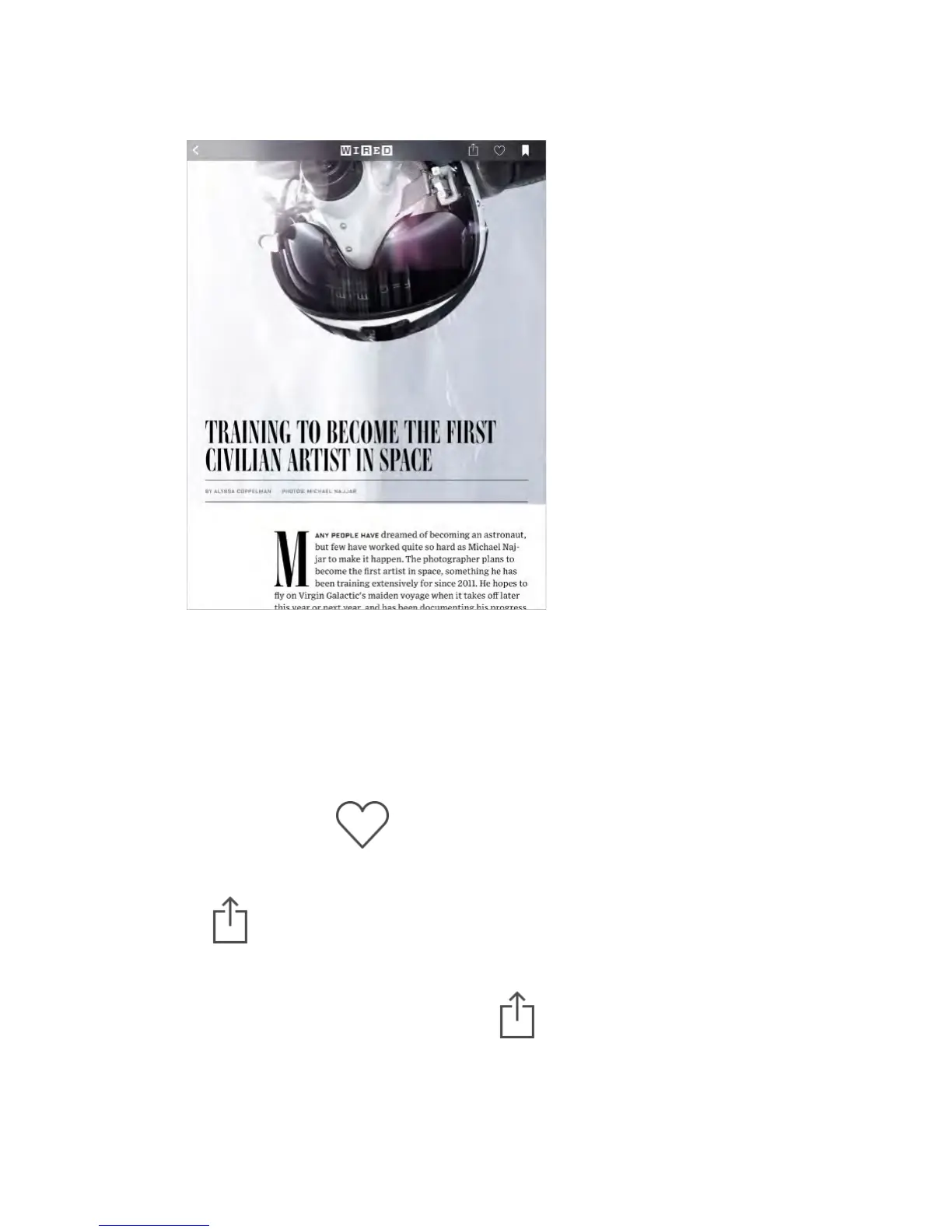
Read a story.
Tap a story to read it. Web stories delivered through an RSS feed show a
preview. To view a story in full, swipe up. To always see the full story, turn off
RSS previews in Settings > News > Show Story Preview.
Read the next story.
Swipe left to read the next story, swipe right to read the previous story. Swipe
from the left edge to return to the story feed.
Tell News what you like.
When viewing a story, tap to like the story. News takes your feedback
into account for future recommendations.
Share stories.
Tap , then choose a sharing method such as Message, Mail, Twitter, or
Facebook.
Report a concern.
If you believe a story is mislabeled or inappropriate, tap , then tap Report
a Concern.
Find related stories.



 To Next Page