Tap the topic tag to see a list of related stories.
Favorites
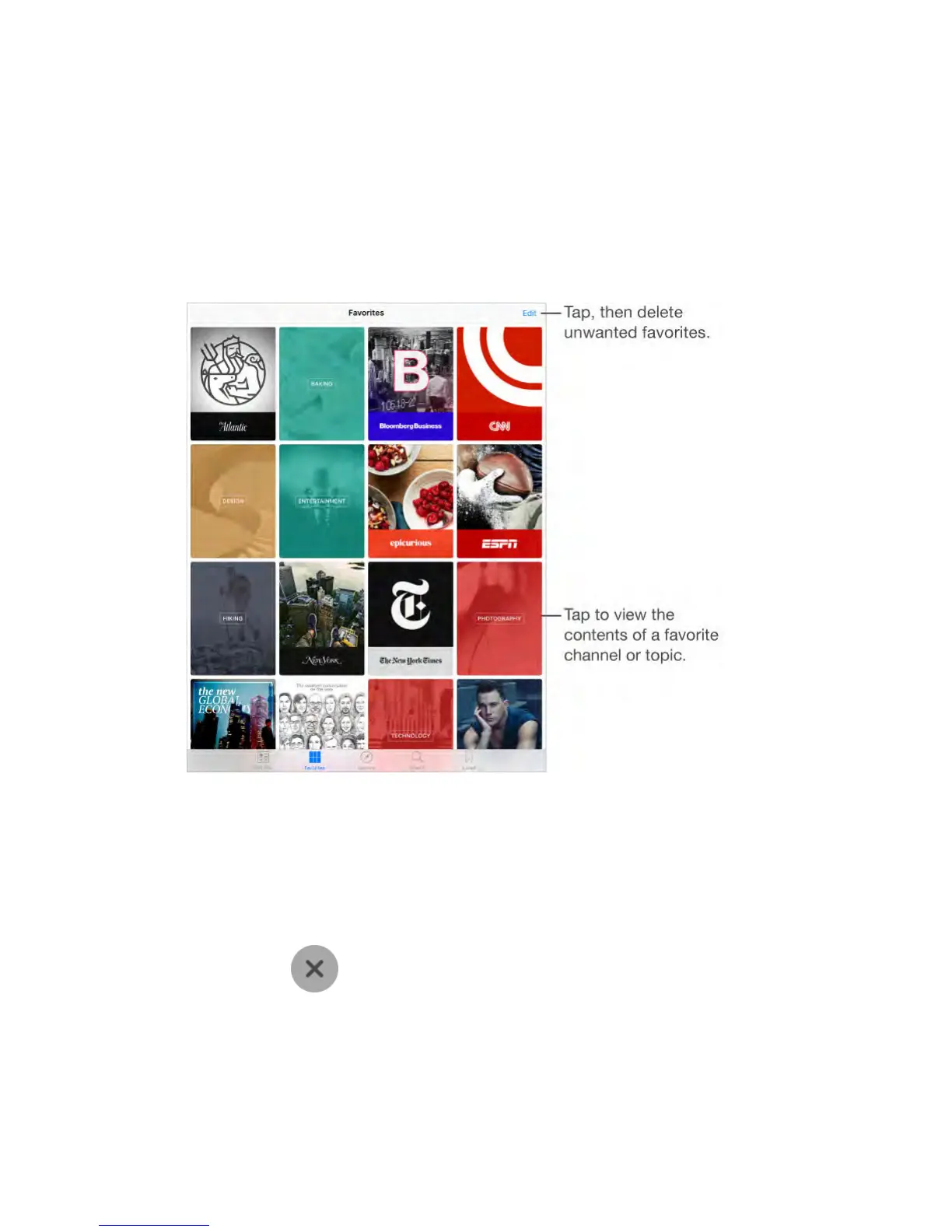
The channels and topics you select when you first open News appear in
Favorites. Favorites also includes channels and topics you add later.
Browse a channel’s stories.
Tap a channel or publication to see the most recent published stories. Some
publishers also let you browse sections, such as political stories or stories about
food.
Dig deeper into a topic.
Tap a topic to see recent related stories.
Edit your favorites.
Tap Edit, then tap to delete a channel or topic that you no longer wish
to follow.



 To Next Page