Tap Study Cards. Swipe to move between cards. Tap Flip Card to see its back.
Shuffle your study cards.
Tap , then turn on Shuffle.
Study glossary terms.
If a book includes a glossary, tap to include those words in your study
cards.
Listen to an audiobook
Open an audiobook.
Audiobooks are identified by a on the cover. Tap the book you want to
listen to. If you don’t see it in the library, swipe left or right to view other
collections.
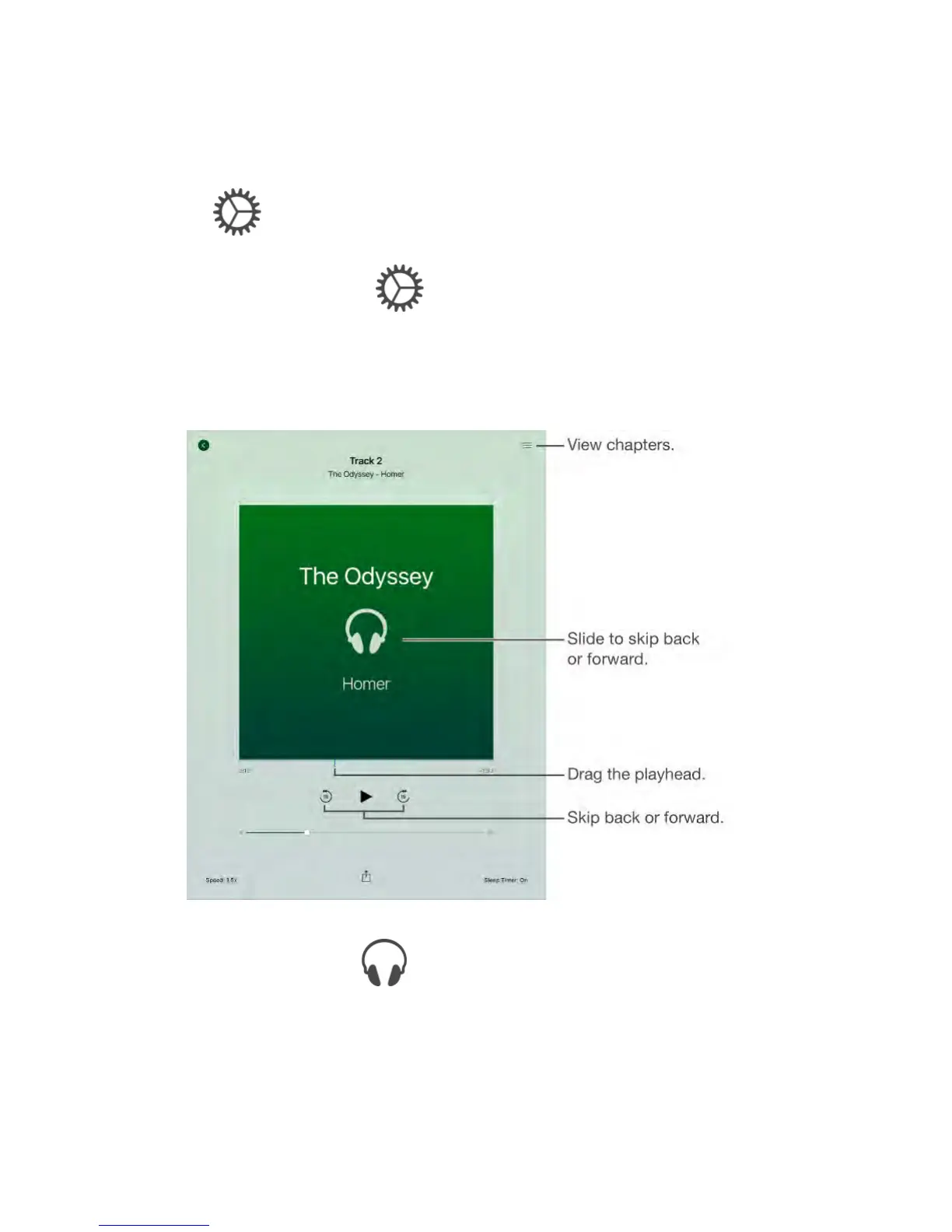
Skip farther forward or back.
Touch and hold the arrows, or slide and hold the cover. To change the number of
seconds that skipping moves, go to Settings > iBooks.



 To Next Page