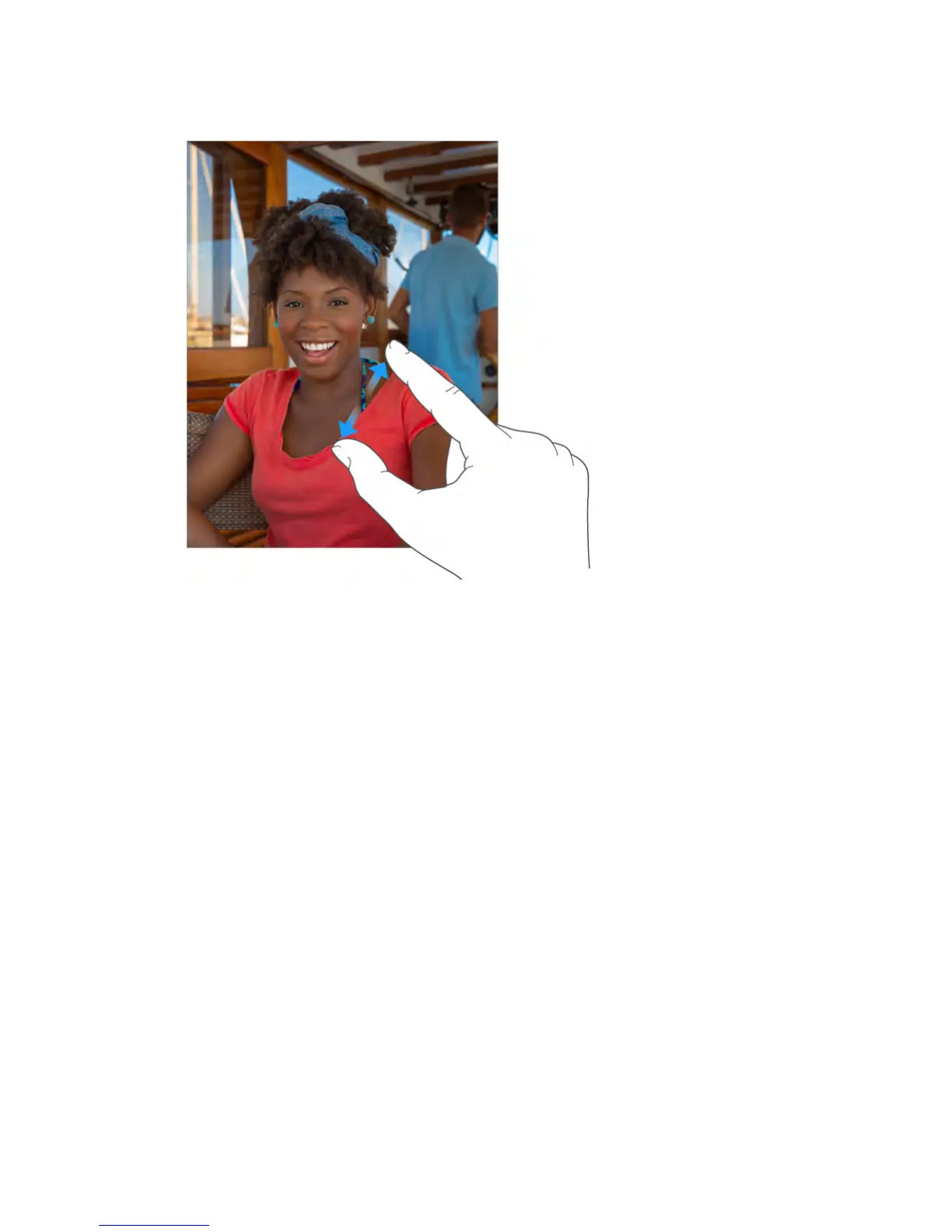
Or double-tap a photo or webpage to zoom in, then double-tap again to zoom
out. In Maps, double-tap to zoom in, then tap once with two fingers to zoom
out.
Gestures
Use multitasking gestures on iPad to return to the Home screen, reveal the app
switcher display, or switch to another app.
Return to the Home screen.
Pinch four or five fingers together.
Reveal the app switcher.
Swipe up with four or five fingers.
Switch apps.
Swipe left or right with four or five fingers.
Turn multitasking gestures on or off.
Go to Settings > General.
Change the screen orientation
Many apps give you a different view when you rotate iPad.



 To Next Page