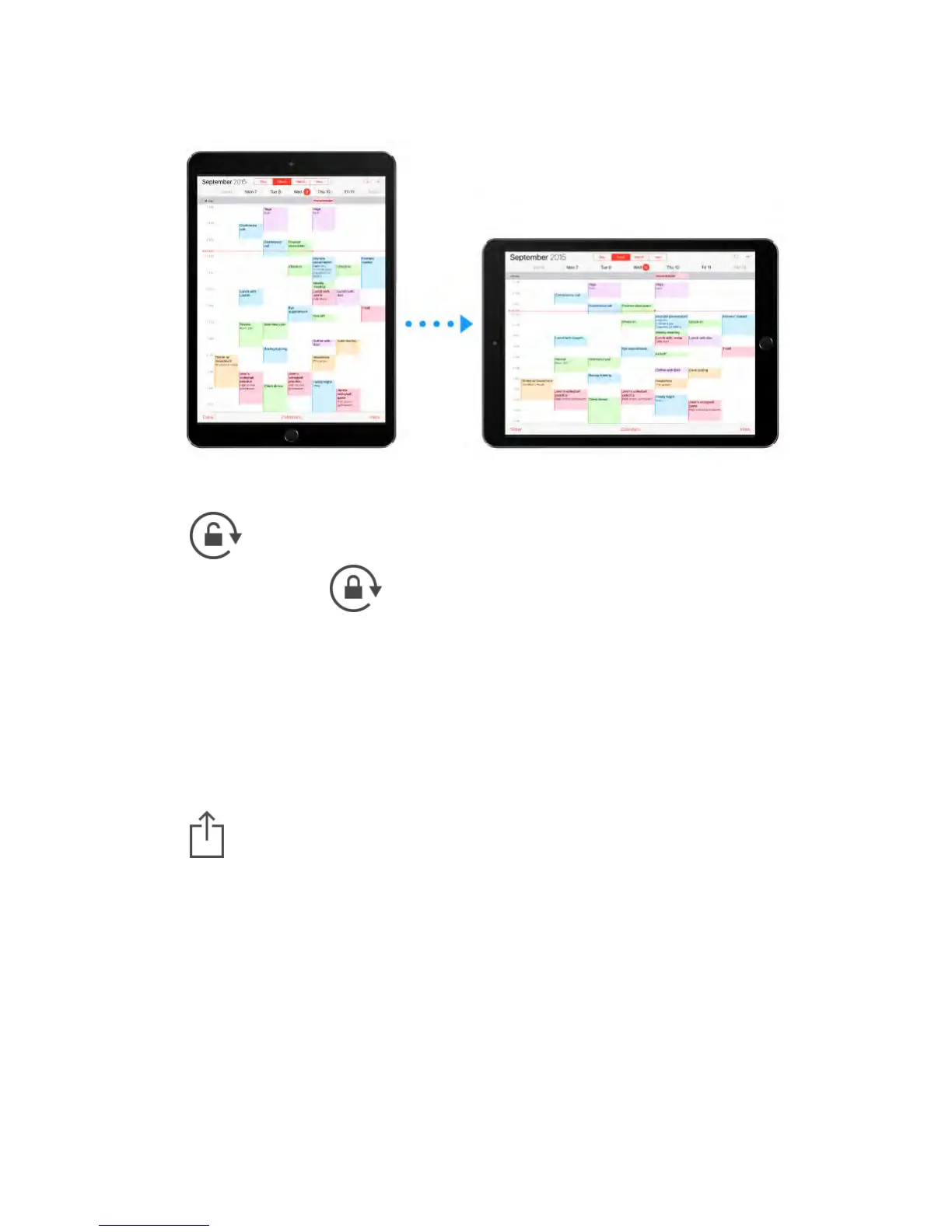
Lock the screen orientation.
Swipe up from the bottom edge of the screen to open Control Center, then tap
.
The orientation lock icon appears in the status bar when the screen
orientation is locked.
You can also set the Side Switch to lock the screen orientation instead of
silencing sound effects and notifications. Go to Settings > General then, under
“Use Side Switch to,” tap Lock Rotation.
App extensions
Some apps let you extend the functionality of your apps on iPad. An app
extension may appear as a sharing option, action option, a widget in Notification
Center, a file provider, or a custom keyboard. For example, if you download
Pinterest to iPad, Pinterest becomes another option for sharing when you click
.



 To Next Page