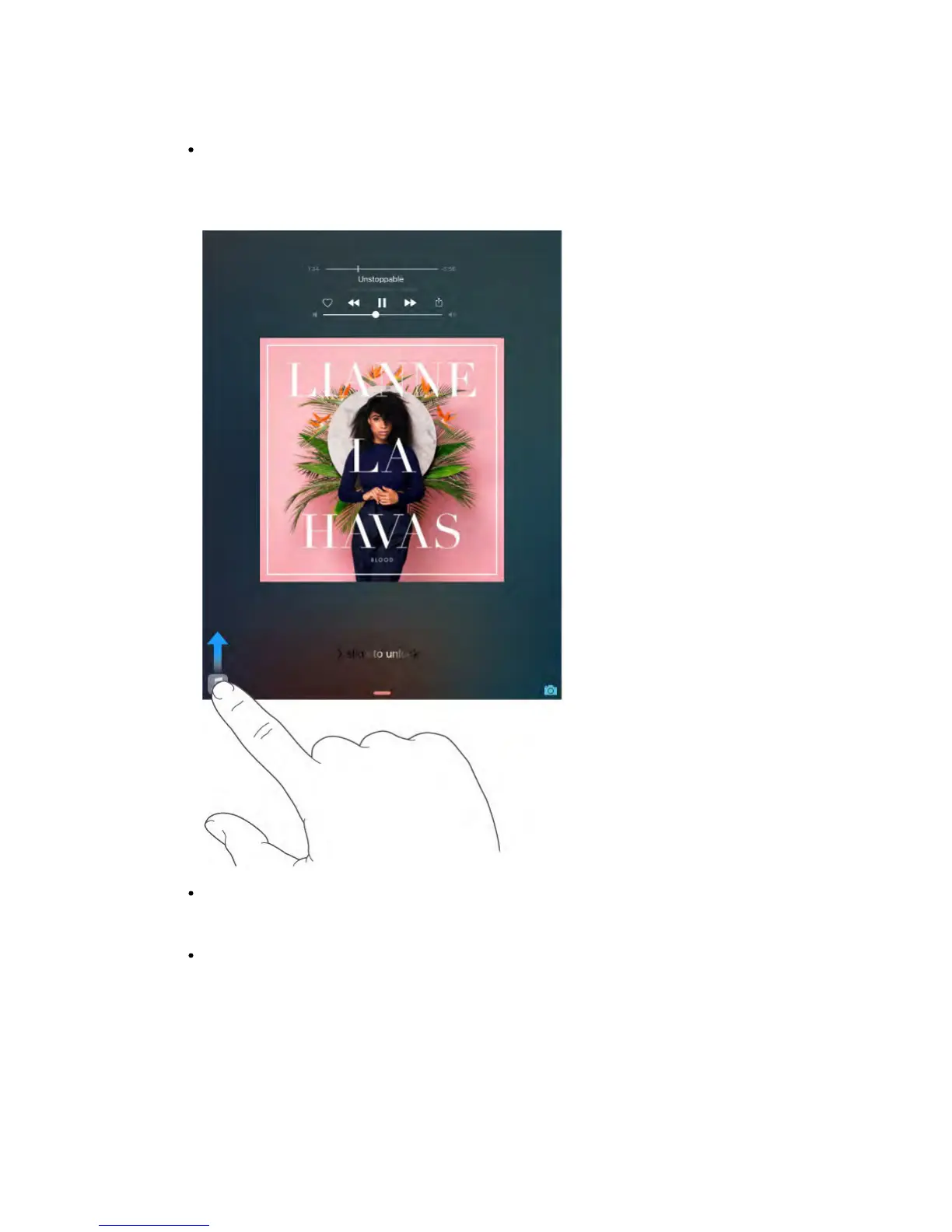
Listen to music: Plug in your headphones, and proactive assistant recognizes
that you might want to play an album you started earlier. Your music is ready
to play from the Lock screen—or swipe the Music icon up from the lower left
and it opens the Music app after you unlock iPad.
Create email and events: When you start adding people to an email or
calendar event, proactive assistant suggests the people you included in
previous emails or events.
Leave for an event: If your calendar event includes a location, proactive
assistant assesses traffic conditions and notifies you when to leave.
Turn off contact suggestions.
Go to Settings > Mail, Contacts, Calendars, then turn off Contacts Found in
Mail.
Turn off event suggestions.



 To Next Page