Go to Settings > Mail, Contacts, Calendars, then turn off Events Found in Mail.
Multitasking
Multitasking at a glance
Work with more than one app at the same time with Slide Over, Split View, and
Picture in Picture.
You can use Slide Over and Split View with many apps including Safari, Notes,
Photos, Calendar, and more. You can use Picture in Picture with FaceTime,
Videos, and more.
Slide Over
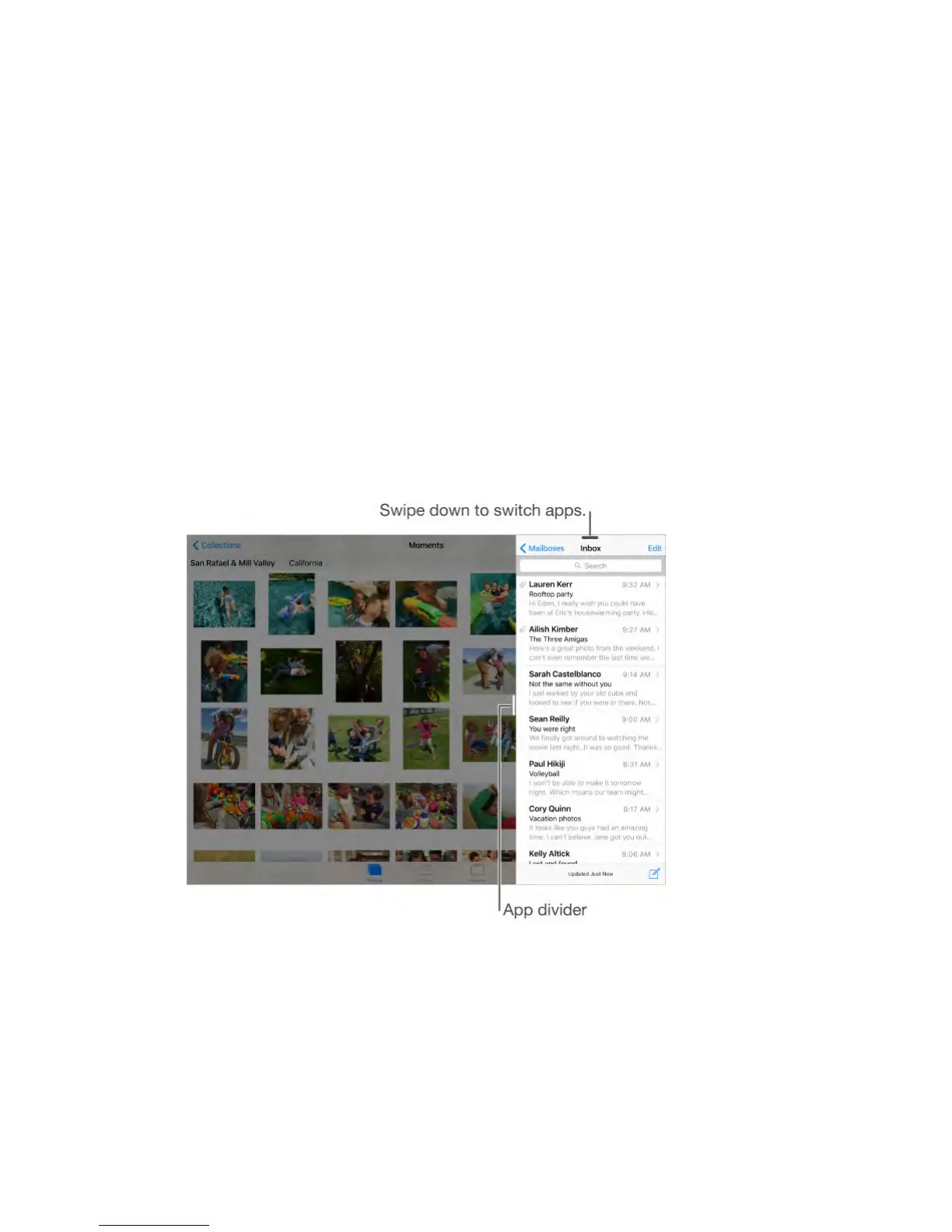
With Slide Over, you can open a second app without closing the one you’re in.
The second app (side app) slides in from the right (iPad Air and later, iPad Pro,
iPad mini 2 and later).
Open a side app.
When using an app, swipe left from the right-edge of the screen.
Switch to a different side app.
Swipe down from the top edge of the screen.
Close the side app.
Tap the app on the left, or swipe right from the app divider.



 To Next Page