Turn Slide Over off.
Go to Settings > General > Multitasking, then turn off Allow Multiple Apps.
Split View
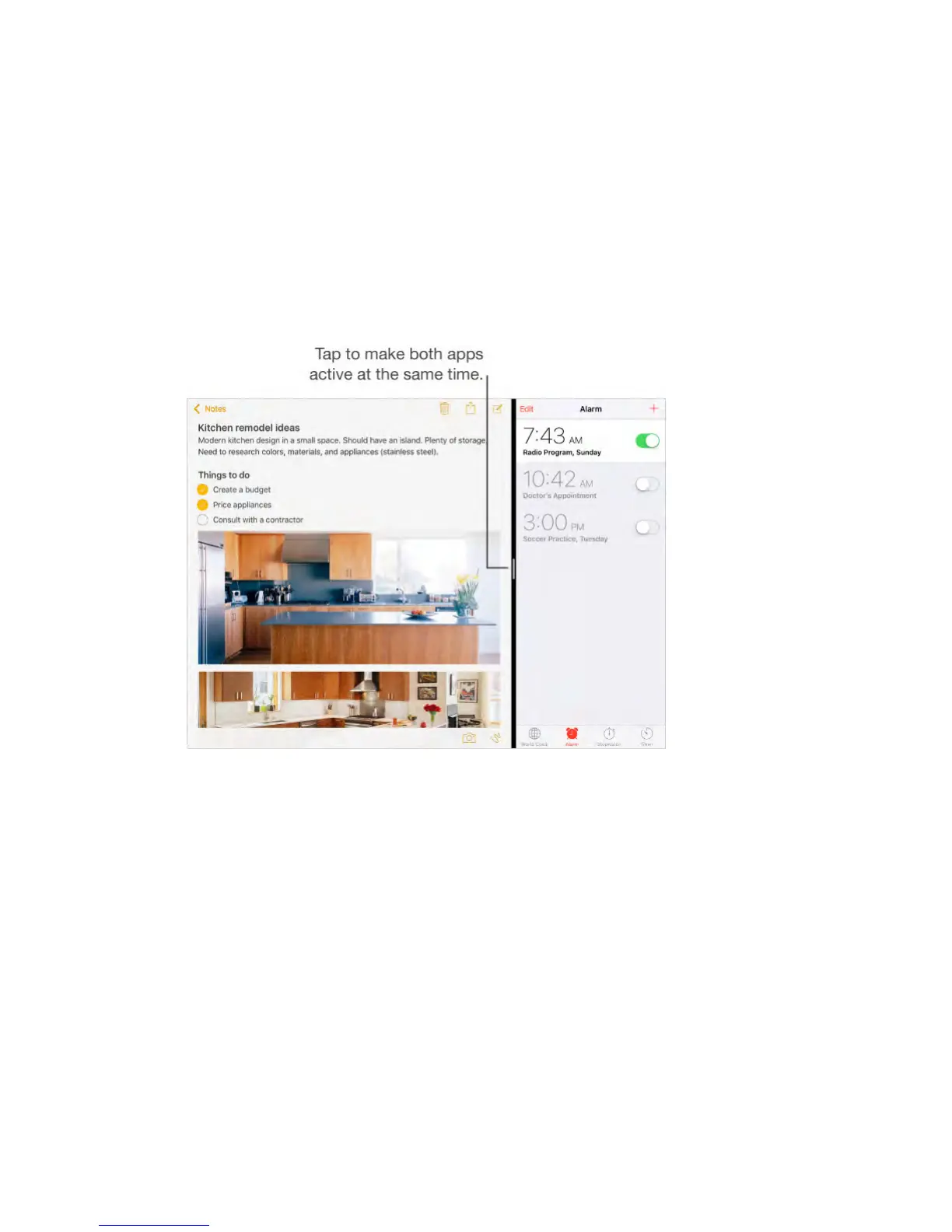
Keep two apps open and active at the same time (iPad Air 2, iPad Pro,
iPad mini 4).
Make both apps active.
When using an app, swipe left from the right edge of the screen, then tap the
middle of the app divider.
Give both apps equal space.
Drag the app divider to the center of the screen.
Close Split View.
Drag the app divider to the left or right, depending on which app you want to
close.
Turn Split View off.
Go to Settings > General > Multitasking, then turn off Allow Multiple Apps.
Picture in Picture
Open and use other apps as you watch a movie or use FaceTime (iPad Air and
later, iPad Pro, iPad mini 2 and later).



 To Next Page