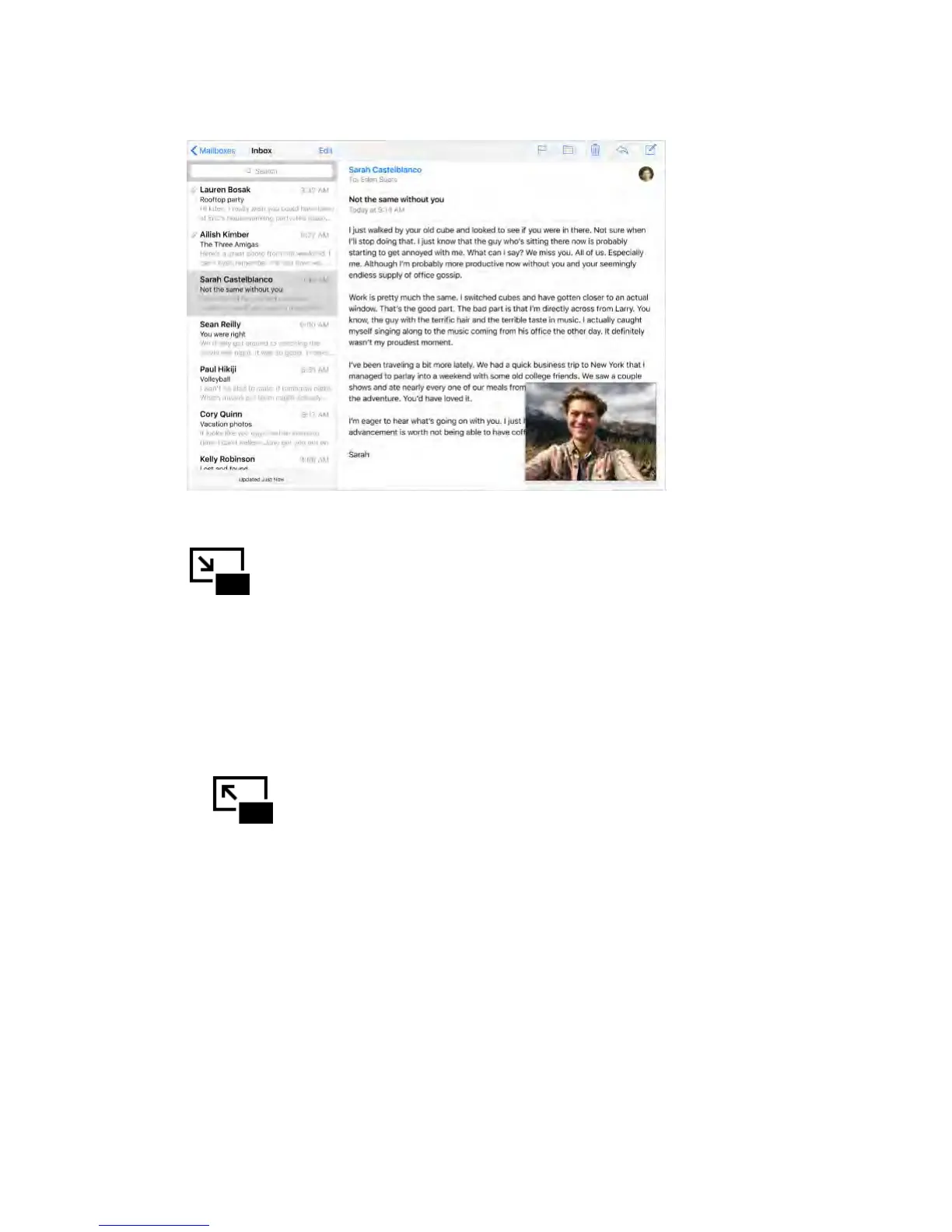
Use Picture in Picture.
When watching a video or using FaceTime, press the Home button or tap
. Your video screen scales down to a corner of your display so you
can see the Home screen and open other apps.
Resize the video window.
Pinch open the small video window to make it larger. Then pinch closed to
shrink it again.
Move the video window.
Drag the small video window to a different corner of the screen. Drag it off the
left or right edge of the screen if you need it out of the way for a bit.
Return FaceTime or video to full screen.
Tap in the small video window.
Turn Picture in Picture off.
Go to Settings > General > Multitasking, then turn off Persistent Video Overlay.
Continuity
About Continuity features
Continuity features connect iPad with your iPhone, iPod touch, and Mac so they
can work together as one. You can start an email or document on iPad, for
example, then pick up where you left off on your iPod touch or Mac. Or let iPad
use iPhone to make phone calls or send SMS or MMS text messages.



 To Next Page