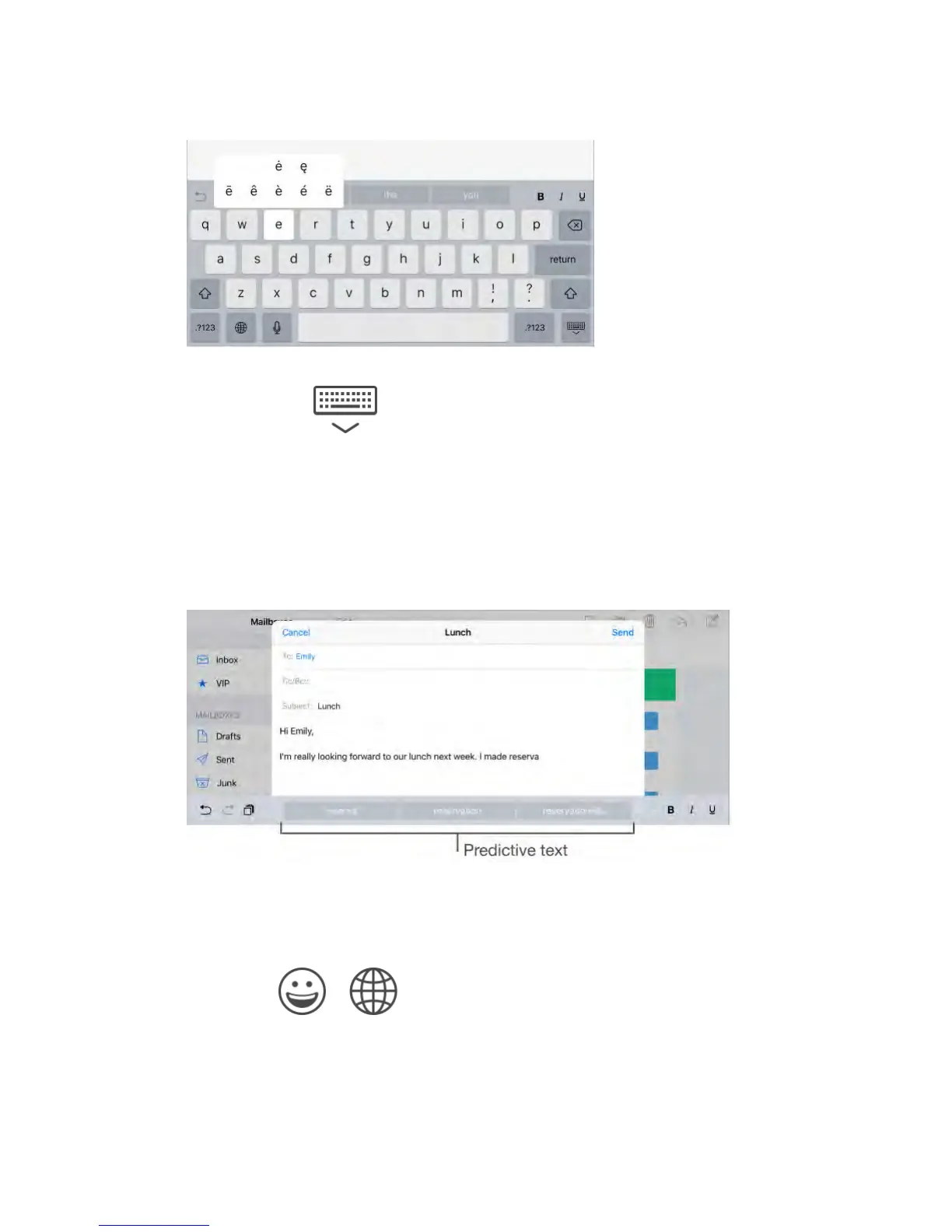
Hide the onscreen keyboard.
Tap the Keyboard key .
If you see a word underlined in red, tap it to see suggested corrections. If the
word you want doesn’t appear, type the correction.
As you write, the keyboard predicts your next word (not available in all
languages). Tap a word to choose it, or accept a highlighted prediction by
entering a space or punctuation. When you tap a suggested word, a space
appears after the word. If you enter a comma, period, or other punctuation, the
space is deleted. Reject a suggestion by tapping your original word (shown as
the predictive text option with quotation marks).
Hide predictive text.
Pull down the suggested words. Drag the bar up when you want to see the
suggestions again.
Turn off predictive text.
Touch and hold or , then slide to Predictive.
If you turn off predictive text, iPad may still try to suggest corrections for
misspelled words. Accept a correction by entering a space or punctuation, or by
tapping return. To reject a correction, tap the “x.” If you reject the same



 To Next Page