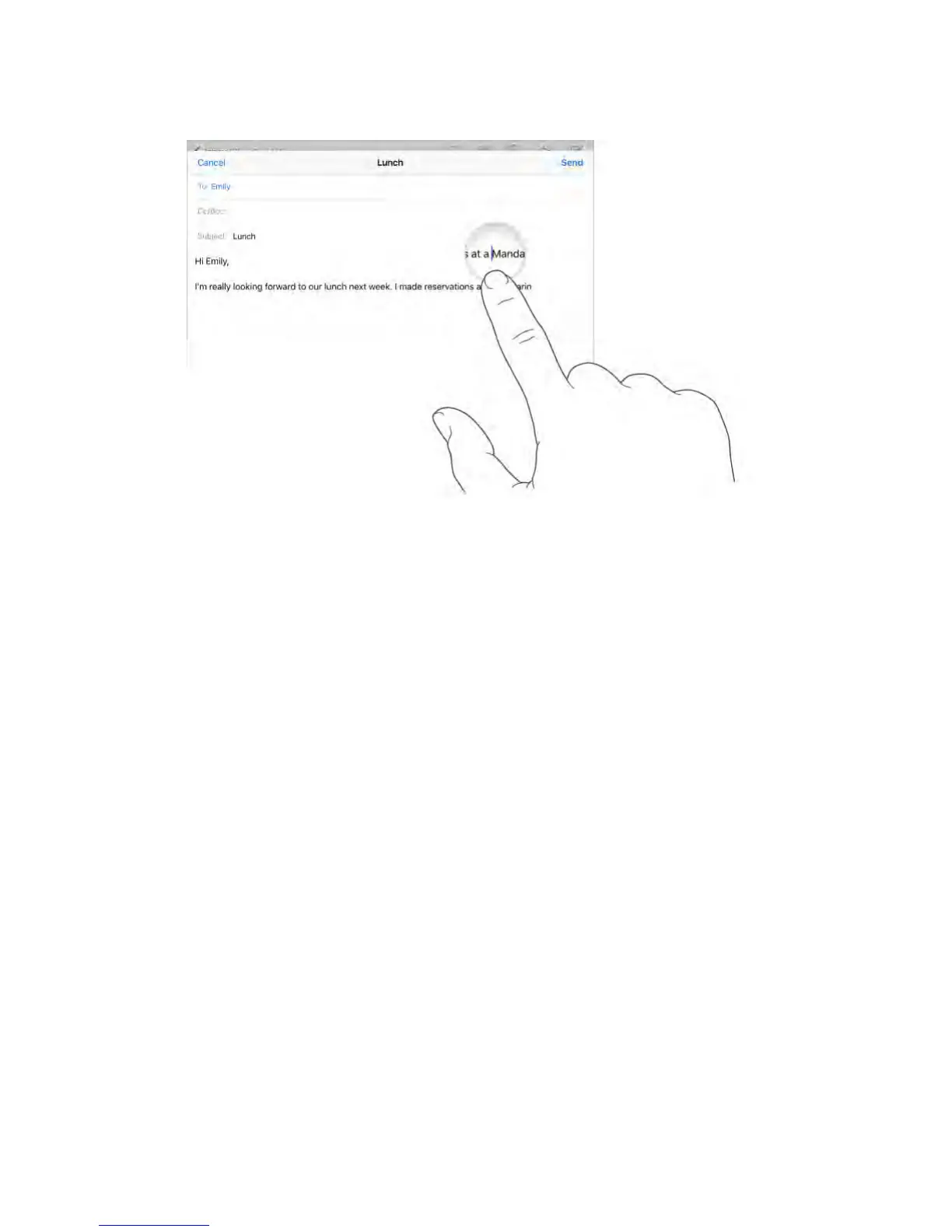
Turn your keyboard into a trackpad.
Touch and hold the keyboard with two fingers until it turns light gray. Drag
around the keyboard to position the insertion point. Lift, then touch and hold
with two fingers to reveal the drag points. Move your fingers to select text. Tap
with two fingers to select a word. Double-tap with two fingers to select a
sentence. Tap three times with two fingers to select a paragraph.



 To Next Page