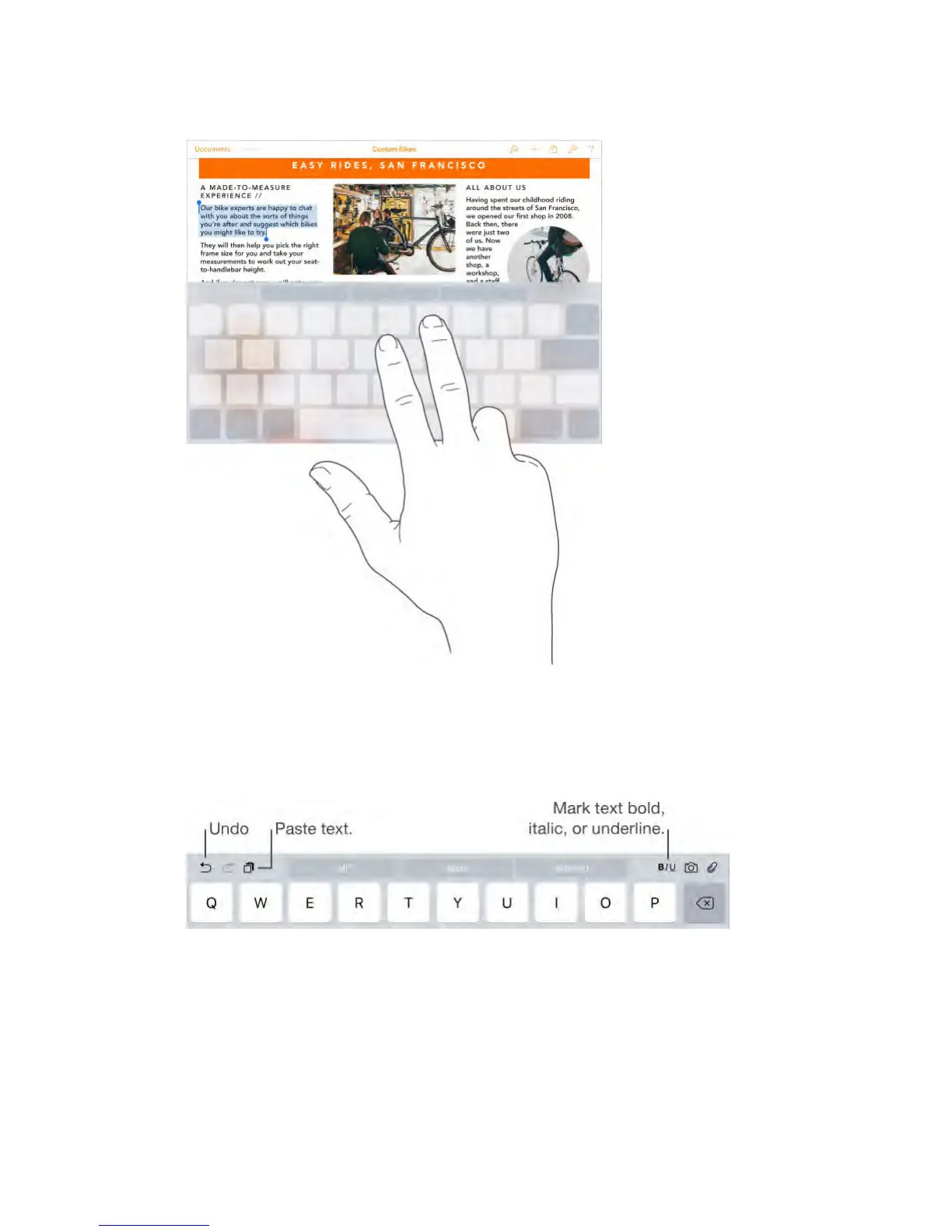
Use the Shortcut Bar.
Copy and paste selected text, or style your text to be bold, italic, or underline—
right from the Shortcut Bar at the top of your keyboard.
Note: The Shortcut Bar will differ from app to app. The features described here
may not be available with all apps.
Undo the last edit.
Use the Shortcut Bar, or shake iPad, then tap Undo.
Justify text.
Select the text, then tap the left or right arrow (not always available).
Save keystrokes



 To Next Page