See a tab’s history.
Touch and hold or .
View the desktop version of a site.
If you want to see the full desktop version of a site instead of the mobile version,
tap , then tap Request Desktop Site.
Keep bookmarks
Bookmark the current page.
Tap (or touch and hold ), then tap Add Bookmark.
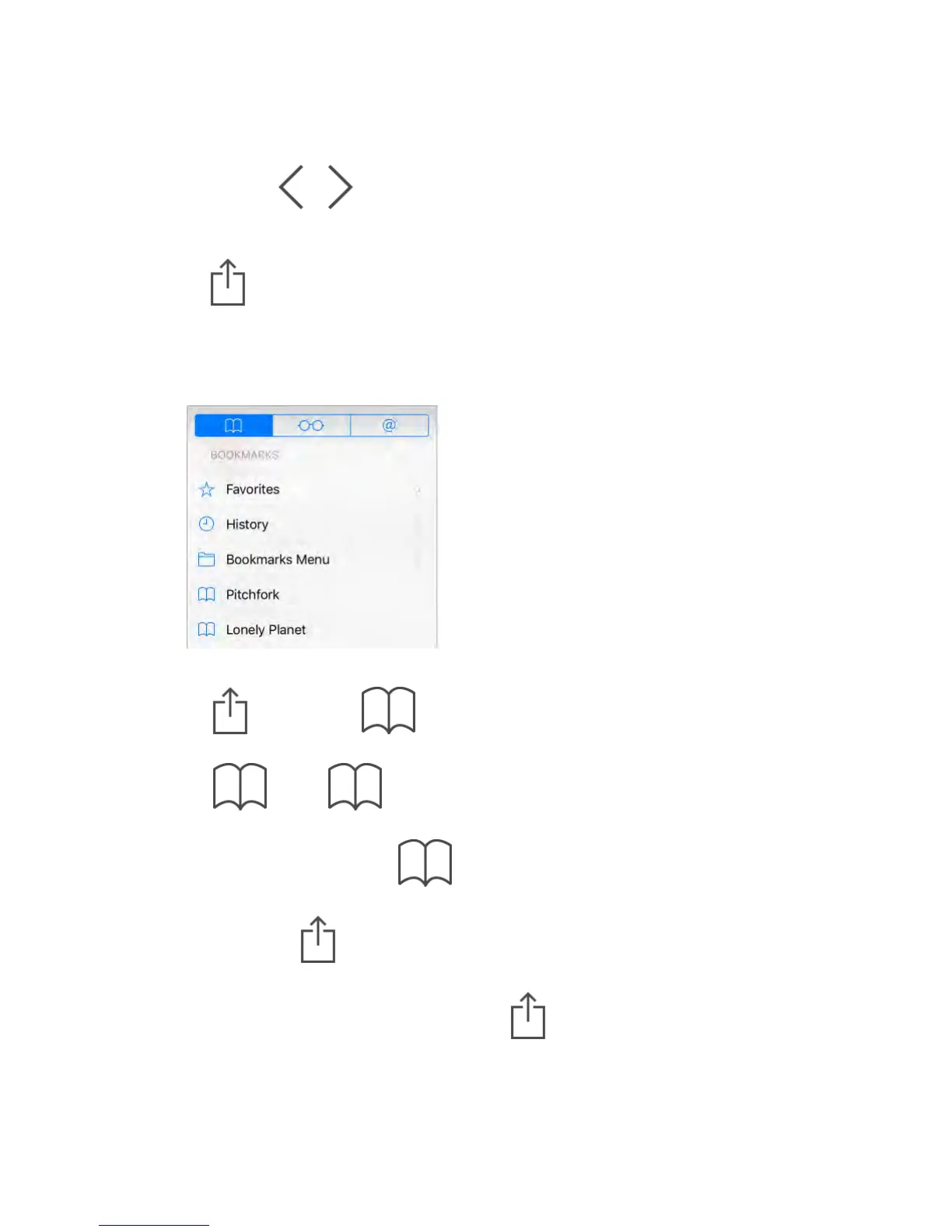
View your bookmarks.
Tap , then tap .
Get organized.
To create a folder for bookmarks, tap , then tap Edit.
Add a webpage to your favorites.
Open the page, tap , then tap Add to Favorites.
Add a site to your News favorites.
On a website that offers an RSS feed, open the page, tap , then tap Add
to News.
Quickly see your favorite and frequently visited sites.



 To Next Page