Watching YouTube Videos on a TV
You can wach YouTube videos, including videos in HD format (iPhone 4), on a TV by
connecting iPhone to your TV or AV receiver using an Apple Component AV Cable,
Apple Composite AV Cable, Apple VGA Adapter, or Apple Digital AV Adapter (iPhone 4),
or wirelessly by using AirPlay and Apple TV. See “Watching Videos on a TV” on page 102.
Managing Videos
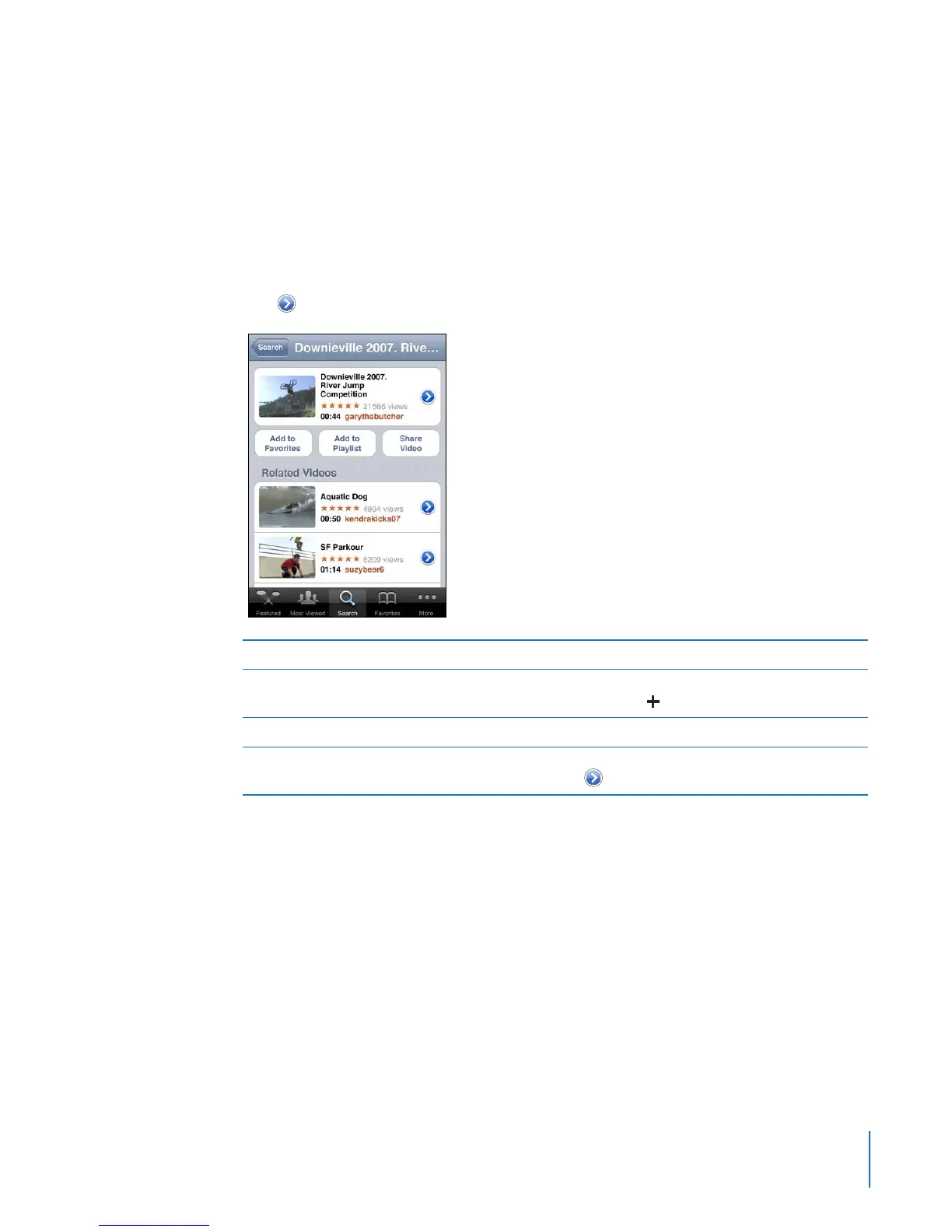
Tap next to a video to see related videos and more controls for managing videos.
Add the video to Favorites Tap “Add to Favorites.”
Add the video to a playlist Tap “Add to Playlist,” then select an existing
playlist or tap
to create a new playlist.
Email a link to the video Tap Share Video.
Browse and view related videos Tap a video in the list of related videos to view, or
tap
next to a video for more information.
131
Chapter 13 YouTube



 To Next Page