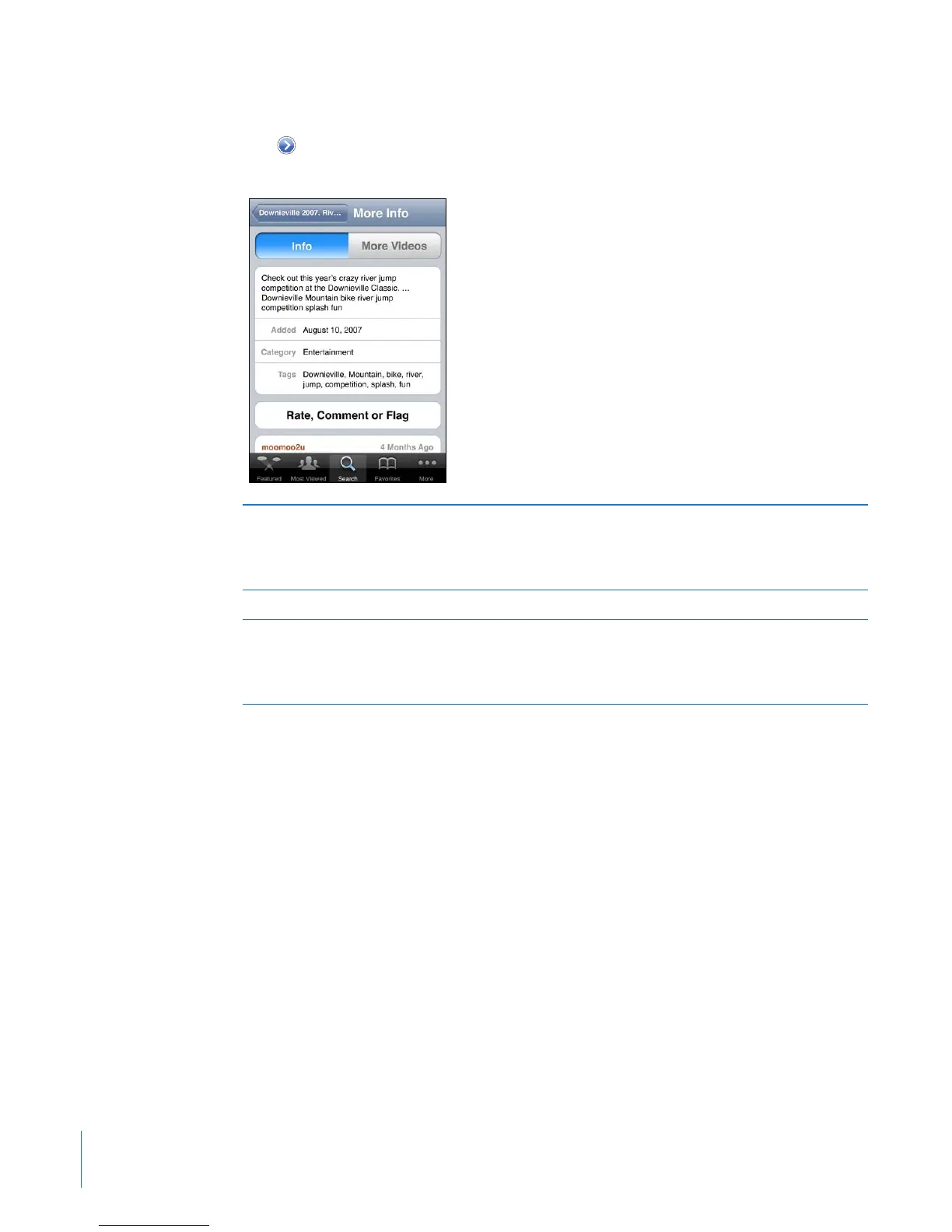
Getting More Information
Tap next to the video to show the video’s comments, description, date added, and
other information.
Rate the video or add a comment On the More Info screen, tap “Rate, Comment,
or Flag,” then choose “Rate or Comment.” You
must be signed in to a YouTube account to use
this feature.
See more videos from this account On the More Info screen, tap More Videos.
Subscribe to this YouTube account On the More Info screen, tap More Videos, then
tap “Subscribe to <account>” at the bottom of
the video list. You must be signed in to a YouTube
account to use this feature.
132
Chapter 13 YouTube



 To Next Page