Writing and Reading Notes
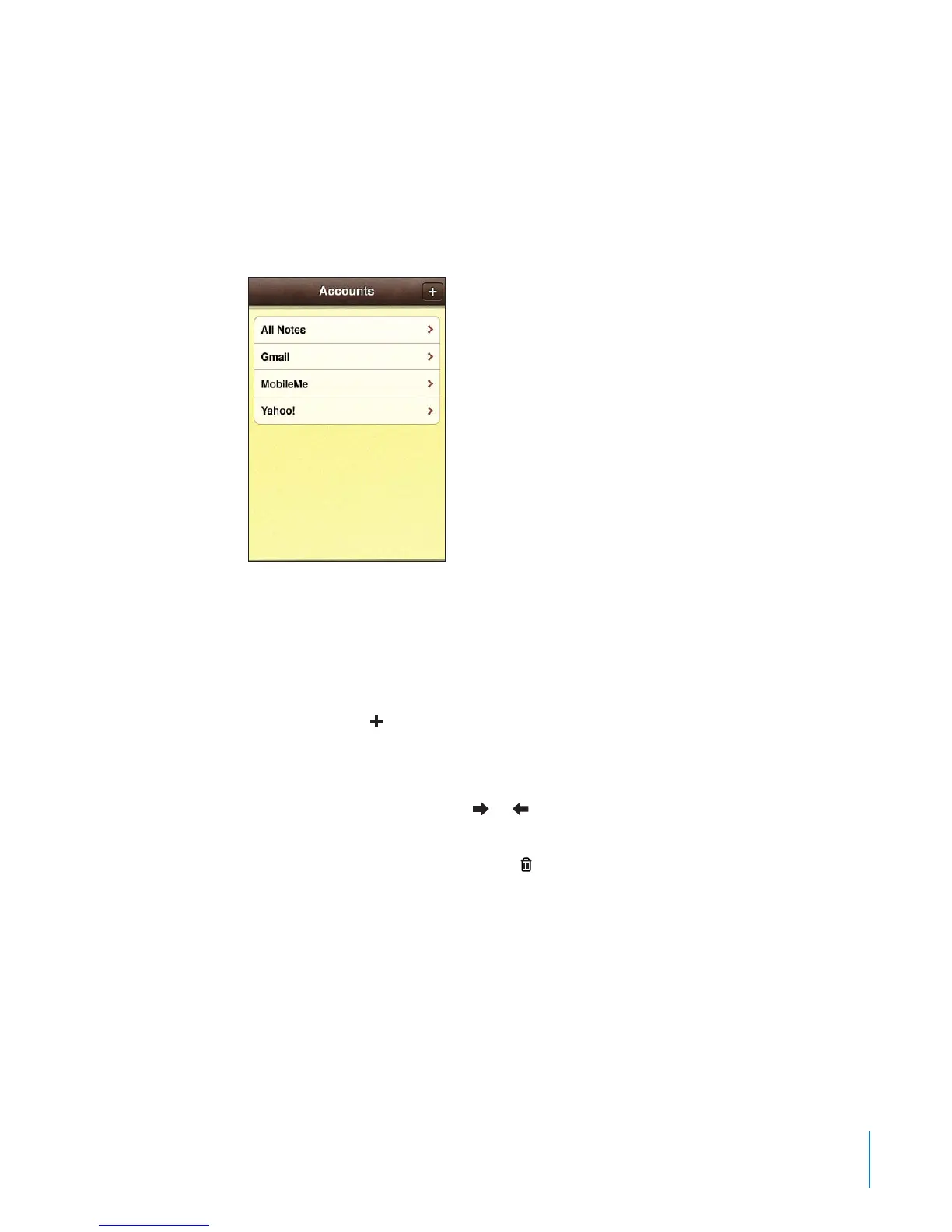
When you sync Notes with an application on your computer or with online accounts,
the Accounts screen shows each those accounts, plus a button to display all notes in a
single list.
See all notes: Tap All Notes.
See notes for a specic account: Tap the account name.
Change the font used to display notes: In Settings, choose Notes, then select the font
you want to use.
Notes are listed by last modied date, with the most recently modied note at the top.
You can see the rst few words of each note in the list. Rotate iPhone to view notes in
landscape orientation and type using a larger keyboard.
Add a note: Tap , then type your note and tap Done.
New notes are added to the default account specied in Notes settings. See “Notes” on
page 211 .
Read a note: Tap the note. Tap or to see the next or previous note.
Edit a note: Tap anywhere on the note to bring up the keyboard.
Delete a note: Tap the note, then tap .
149
Chapter 17 Notes



 To Next Page