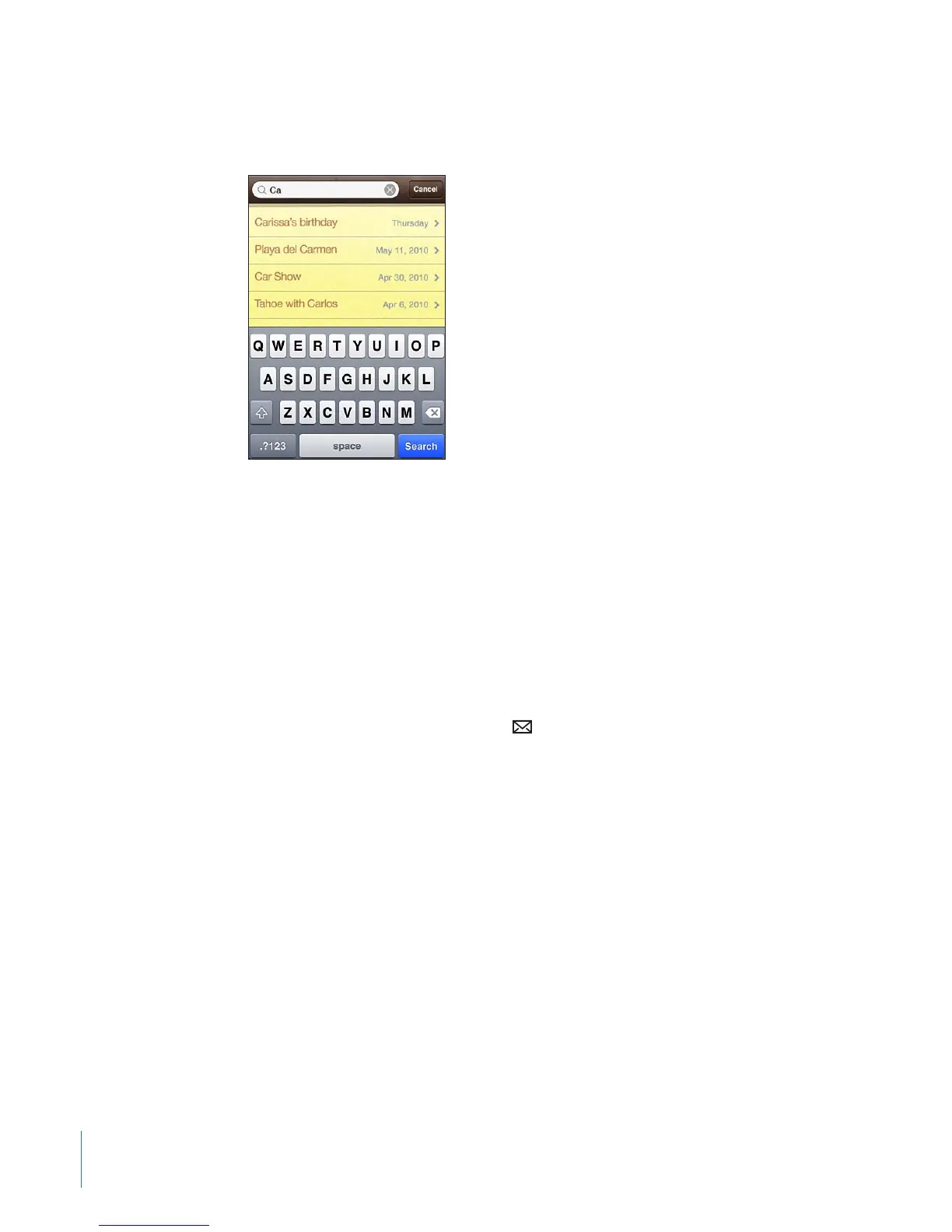
Searching Notes
You can search the text of notes.
Search for notes:
1 Tap the status bar to scroll to the search eld at the top of the note list.
2 Enter text in the search eld.
Search results appear as you type. Tap Search to dismiss the keyboard and see more
of the results.
Notes are included in searches from the Home screen. See “Searching” on page 43.
Emailing Notes
Email a note: Tap the note, then tap .
To email a note, iPhone must be set up for email. See “Setting Up Email Accounts” on
page 75.
150
Chapter 17 Notes



 To Next Page