New
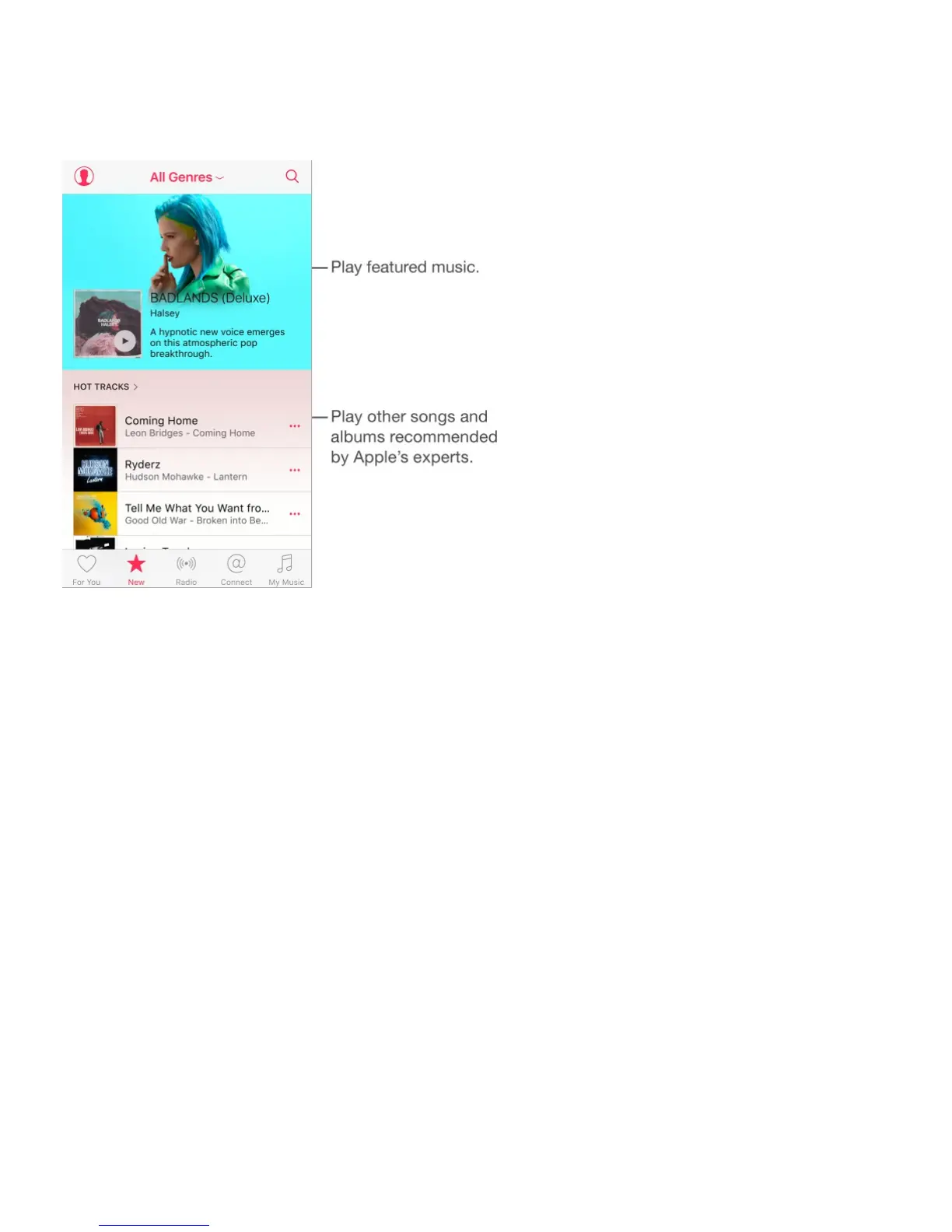
Music experts pick today’s best music. Tap New to browse their recommendations.
Browse expert recommendations. Tap New, then tap a featured album, song, artist, or
playlist.
Browse your favorite genres. Tap All Genres, choose a genre, then tap a featured album,
song, artist, or playlist to hear music handpicked by music experts.
Fit the music to the mood. Scroll down, then tap Activity Playlists to play music that fits
with what you’re doing (or how you’re feeling).
Get expert advice. Scroll down, then tap Apple Editors Playlists or Curator Playlists to
discover music recommended by music experts. Tap Follow to keep up with your favorite
experts.
See what’s hot. Scroll down to Top Songs, then tap More Top Charts to view top songs, top
albums, and other popular content.
Radio
Radio offers the always-on Beats 1, featuring top DJs playing today’s best music. The
featured stations created by experts provide a great way to explore and enjoy new music in



 To Next Page