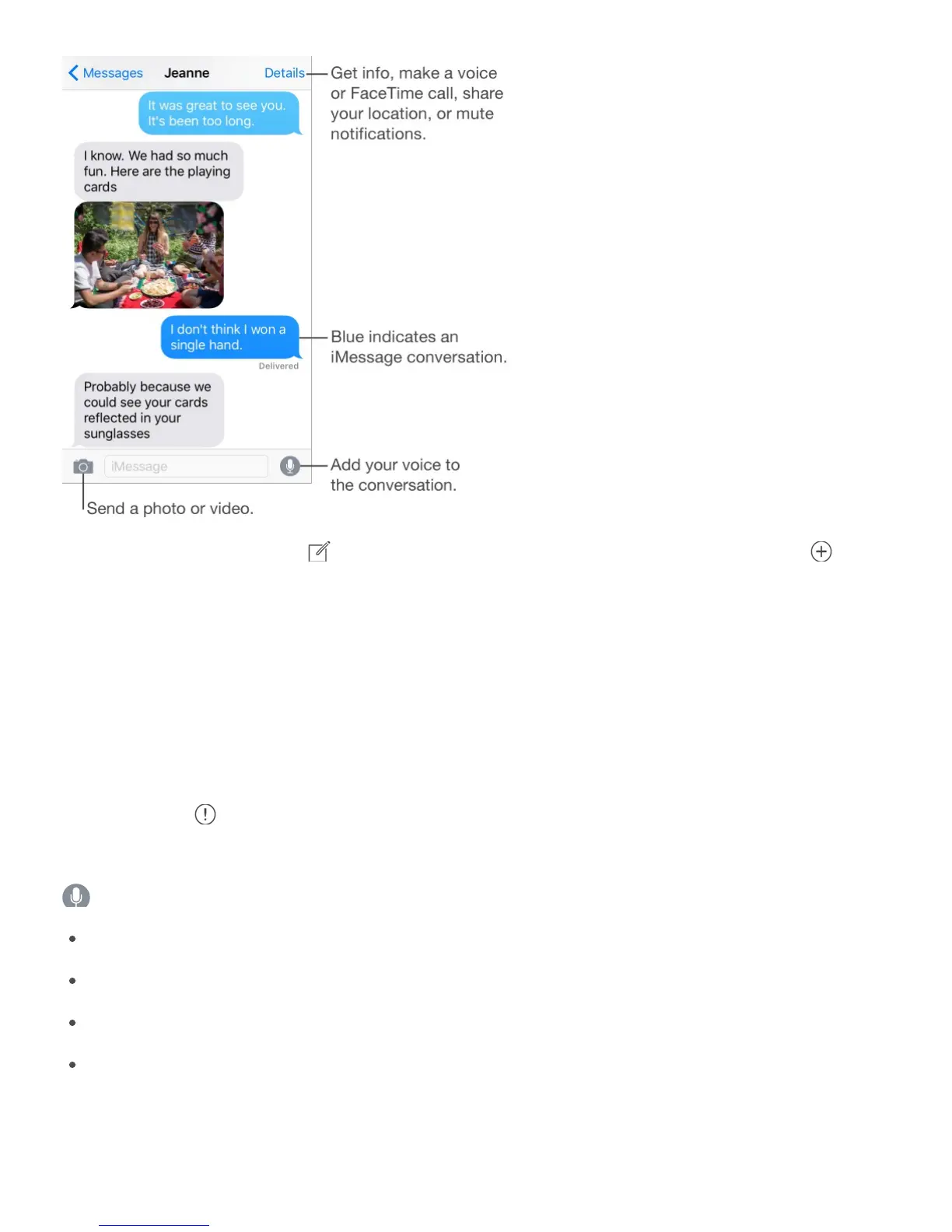
Start a conversation. Tap , then enter a phone number or email address, or tap , then
choose a contact.
You can also start a conversation by touching and holding a phone number in Mail,
Calendar, or Safari, then choosing Send Message. Or, on iPhone 6s and iPhone 6s Plus,
press the phone number, then choose the Message quick action.
Start a conversation from the Home screen. On iPhone 6s and iPhone 6s Plus, press
Messages, then choose the New Message quick action. See .
Note: An alert appears if a message can’t be sent. Tap the alert in a conversation to try
sending the message again.
Ask Siri. Say something like:
“Send a message to Emily saying how about tomorrow”
“Read my messages”
“Read my last message from Bob”
“Reply that’s great news”
Preview a conversation. On iPhone 6s and iPhone 6s Plus, press a conversation in the
Messages list to get a peek at the conversation, then press a little deeper to open it.



 To Next Page