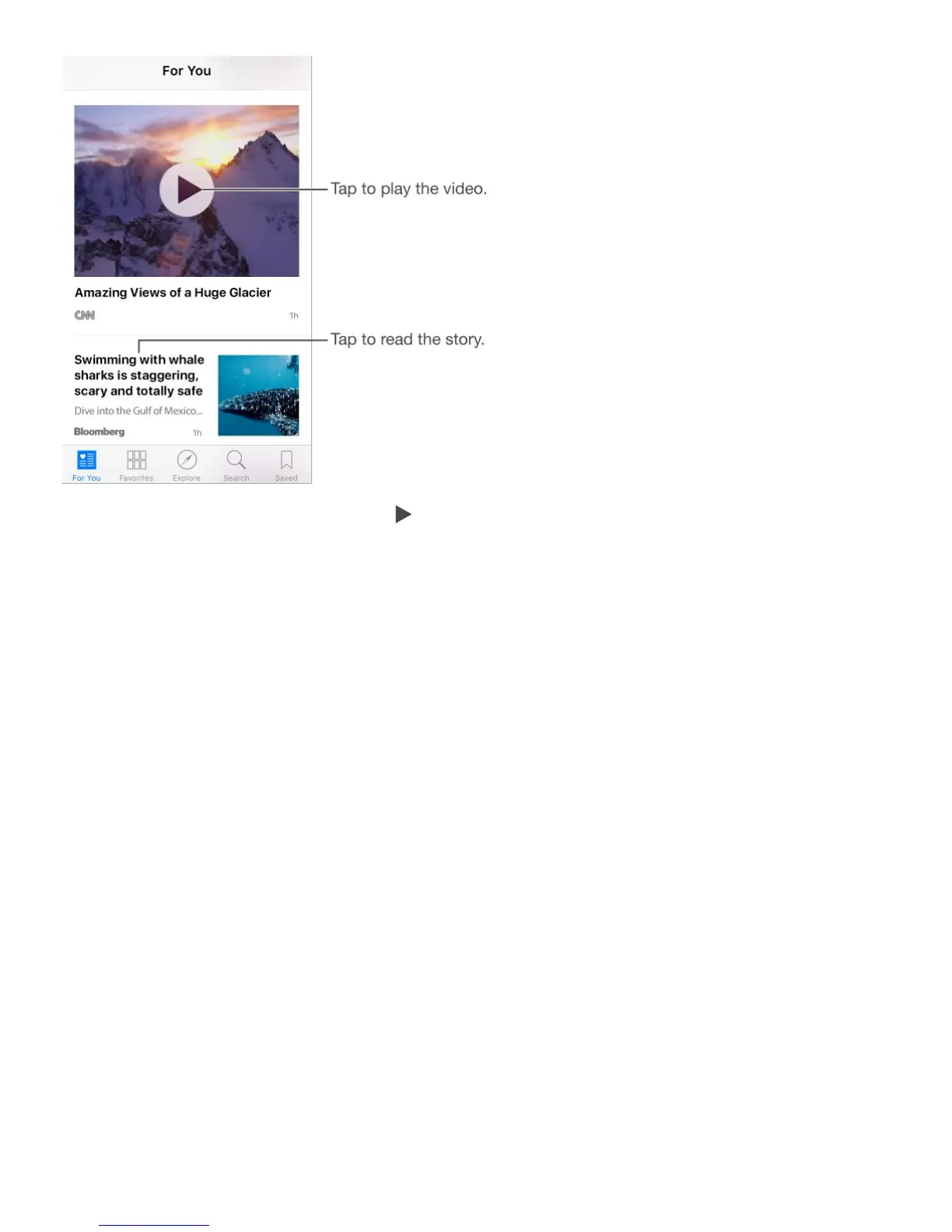
Play a video in the story feed. Tap to play videos in your feed.
Get newer stories. Pull down to refresh the For You feed.
Quickly like, save, or share a story. Swipe the story left, then choose Like, Save, or
Share.
Quickly dislike a story, mute a channel, or report a concern about a story. Swipe a
story to the right, then choose Dislike, Mute Channel, or Report.
Note: To remove a dislike, swipe the disliked story to the right, then tap Remove Dislike.
Access stories from the Home screen. On iPhone 6s and iPhone 6s Plus, press News,
then choose a quick action. See .
Read stories



 To Next Page