23
114
App Store
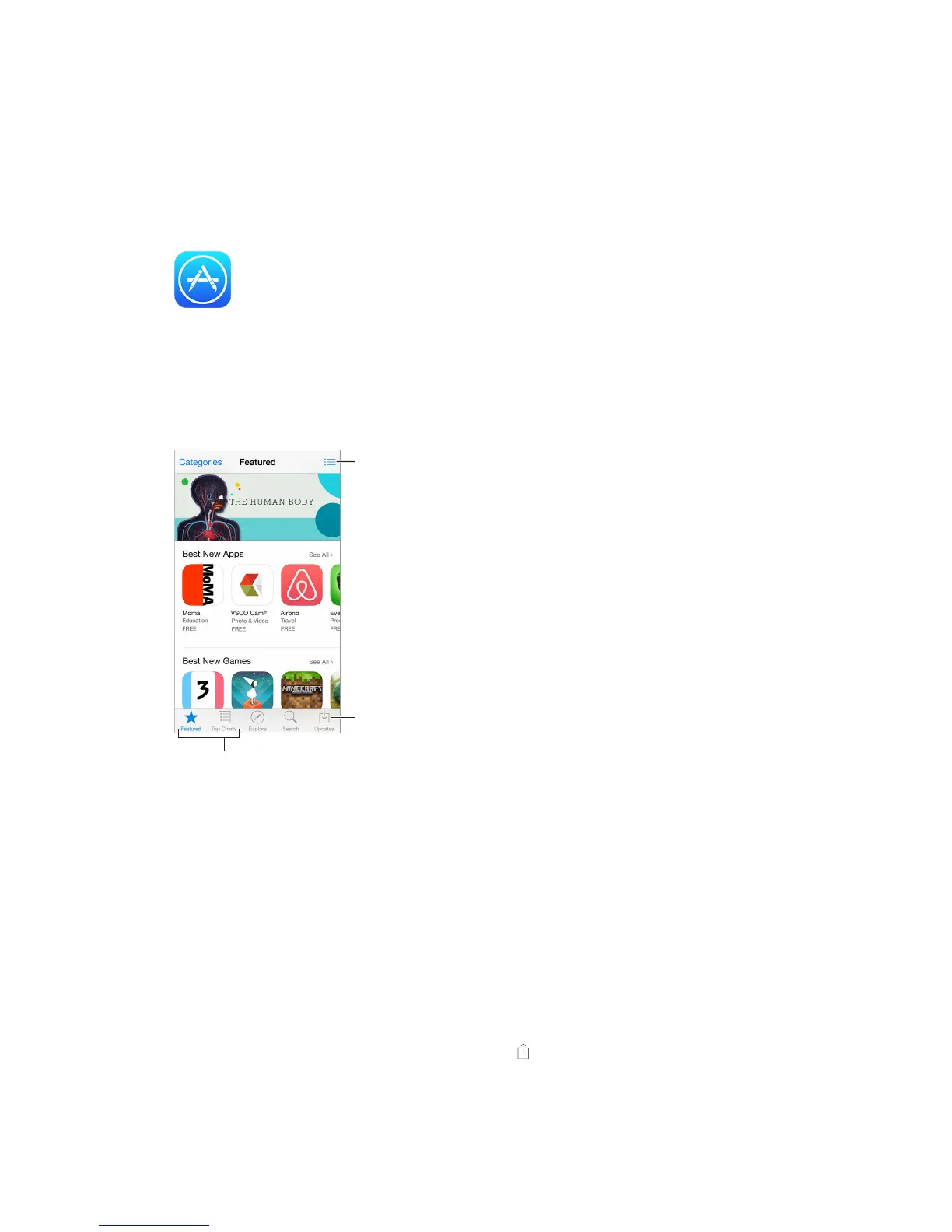
App Store at a glance
Use the App Store to browse, purchase, and download apps to iPhone. Your apps update
improvements and features.
See your Wish
List and other
suggestions
for you.
Note: You need an Internet connection and an Apple ID to use the App Store. The App Store is
not available in all areas.
Find apps
If you know what you’re looking for, tap Search. Or tap Categories to browse by type of app.
Siri can search for items and make purchases in the App Store. For example, tell
app name
Access family members’ apps. With Family Sharing turned on, you can view and download apps
purchased by other family members. Tap Purchased, tap your name or My Purchases, then select
a family member from the menu. For more information, see Family Sharing on page 37.
Want to tell a friend about an app? Find the app, tap , then choose the method. See
AirDrop on page 36.



 To Next Page