Chapter 14 Clock 95
Alarms and timers
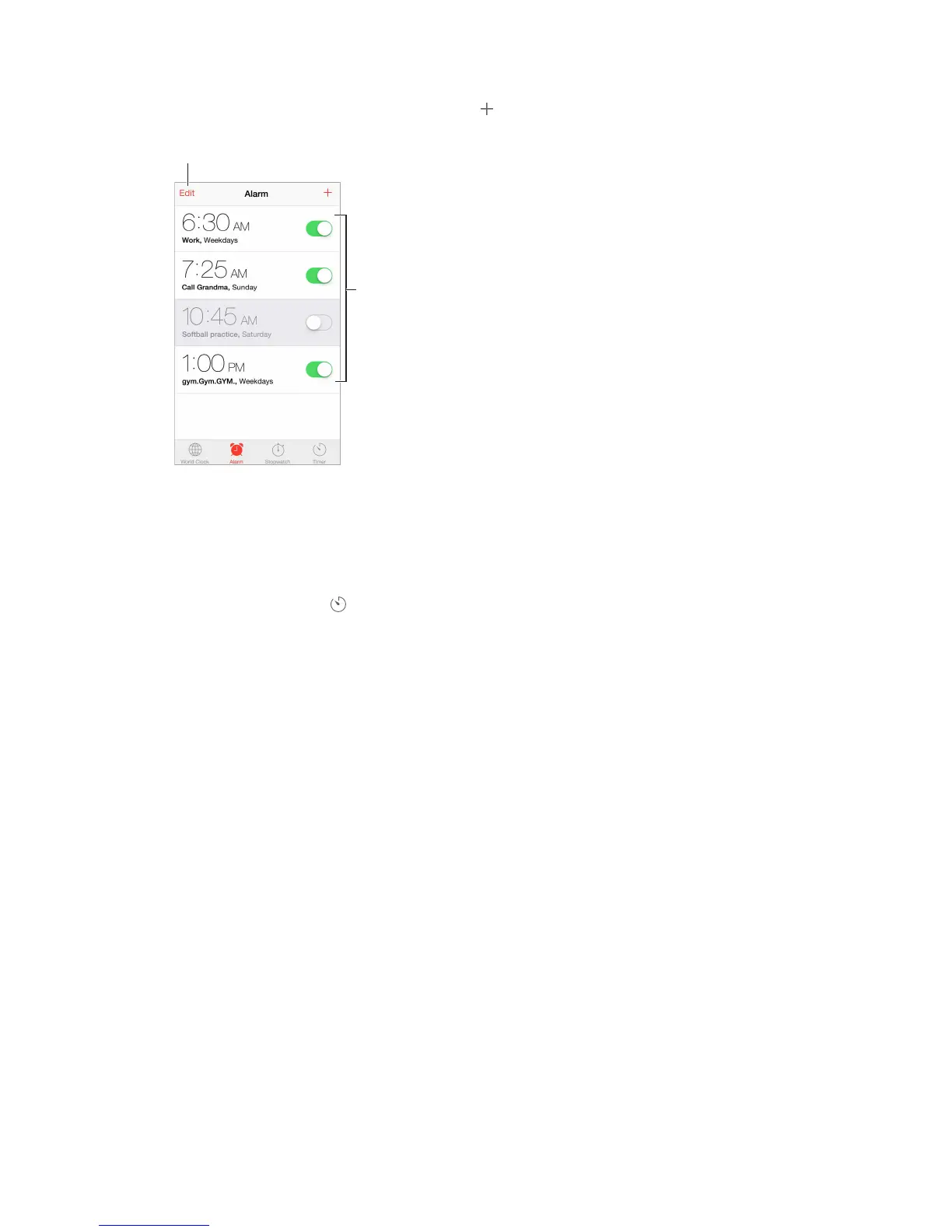
Want iPhone to wake you? Tap Alarm, then tap . Set your wake-up time and other options,
Turn saved
alarms on or off.
No wasting time! You can also use the stopwatch to keep time, record lap times, or set a timer to
Want to fall asleep to music or a podcast? Tap Timer, then tap When Timer Ends and choose
Stop Playing at the bottom.
Get quick access to clock features. Swipe up from the bottom edge of the screen to open
Control Center, then tap . You can access alarms in Control Center even when iPhone is locked.



 To Next Page