iPhone 5c – Disassemble Guide
Page 3 of 9
hp://www.fixez.com/
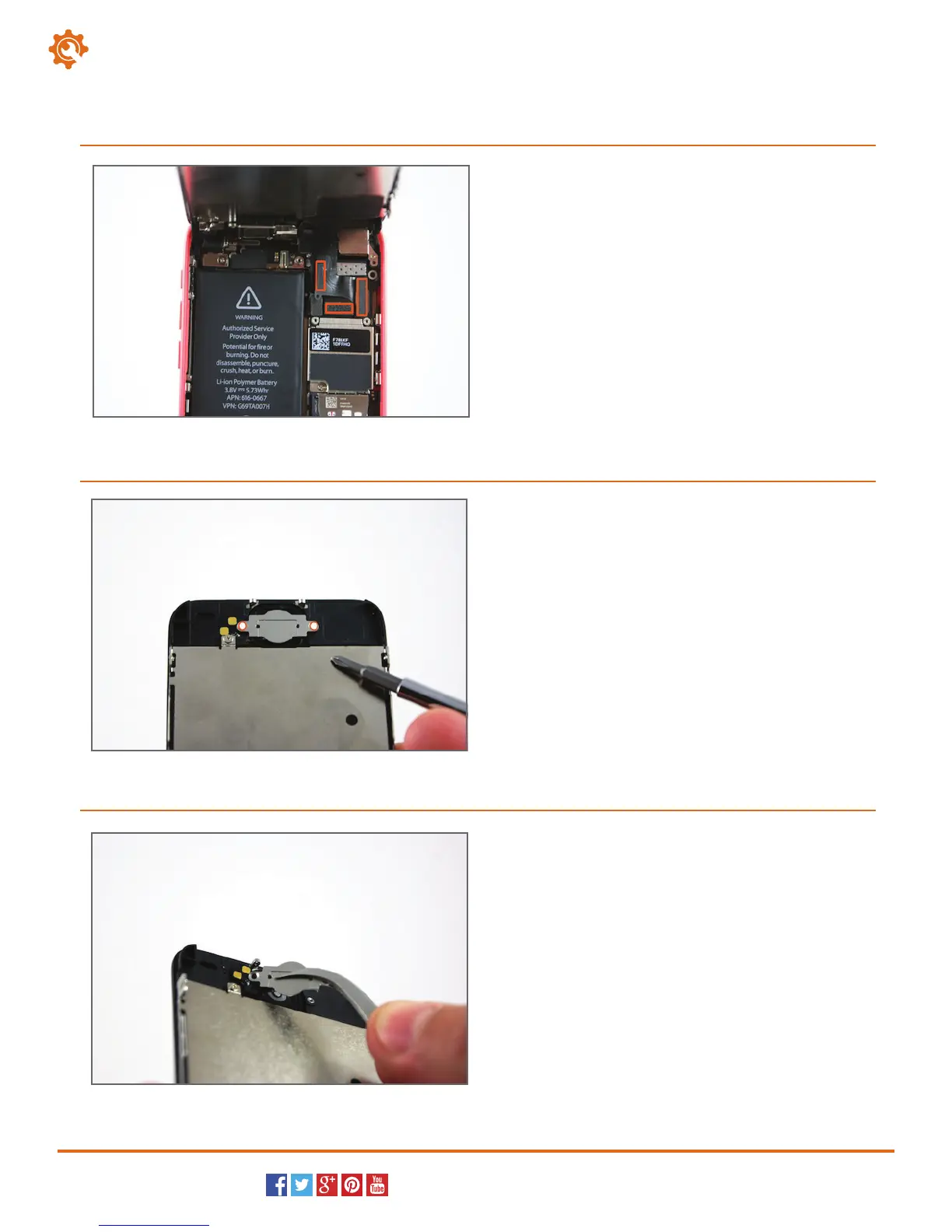
Utilize the plastic opening tool or spudger to pry up
the series of three connections for the display
assembly and front-facing camera.
You can now remove the display assembly from the
iPhone 5c.
4.
Locate and remove the two Phillips screws (#00) that
secure the back plate for the home button assembly.
5.
Using the flat end of the spudger or the tweezers, peel
up the ribbon cable connection for the home button. It
is secured in place with a small amount of adhesive.
You can now remove the home button assembly from
the iPhone 5c.
6.
Home Buon



 To Next Page