View photos and videos
The Photos app lets you view the photos and videos:
Taken with Camera on iPhone
Stored in iCloud (see )
Shared from others (see )
Synced from your computer (see )
Saved from an email, text message, webpage, or screenshot
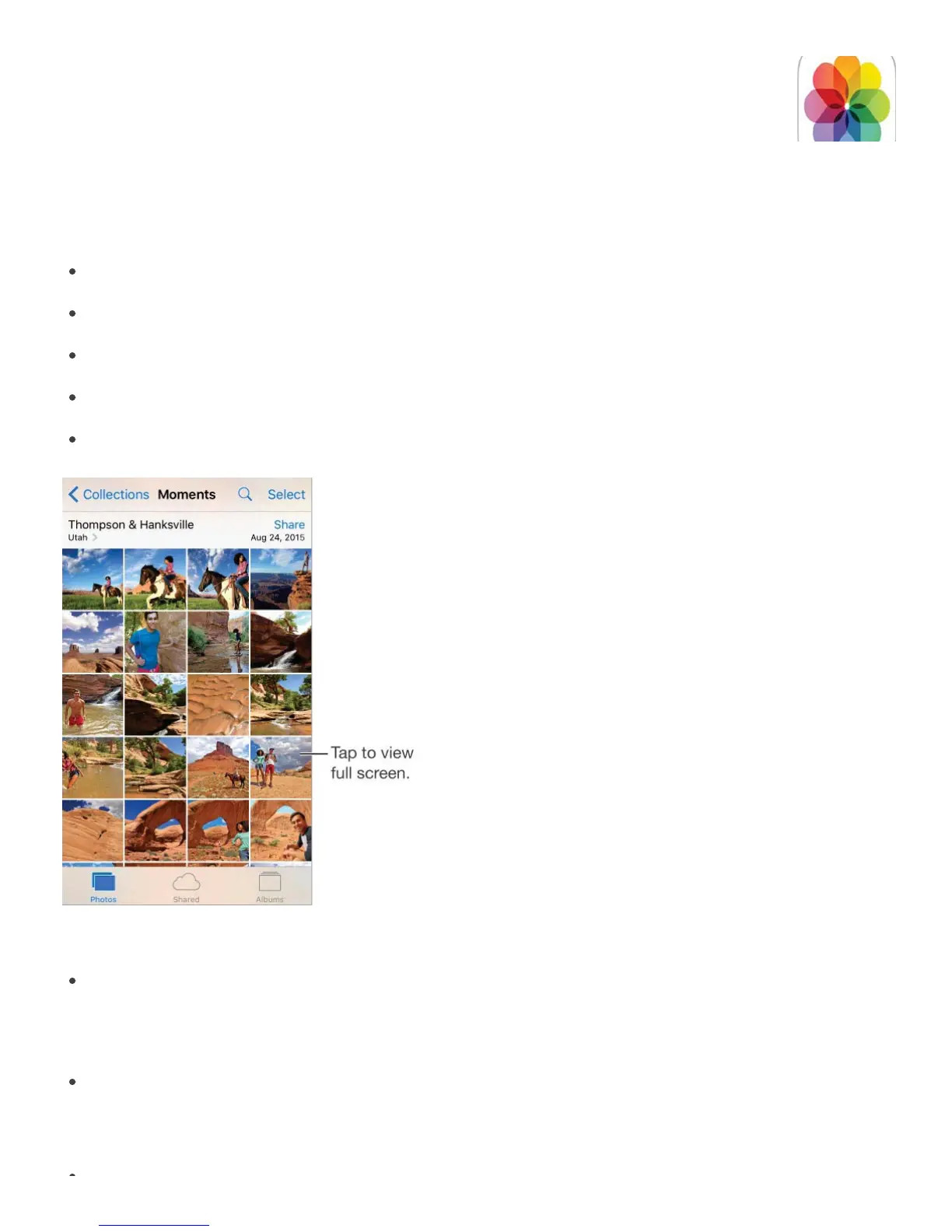
The Photos app includes tabs for Photos, Shared, and Albums.
Tap Photos to see all your still photos, Live Photos, and videos, organized by Years,
Collections, and Moments. To quickly browse the photos in a collection or year, touch
and hold a thumbnail, then drag.
Tap Shared to see photos and videos you shared with others or that others shared with
you. See .
Tap Albums to see how photos and videos are organized by albums See



 To Next Page