Tap Albums to see how photos and videos are organized by albums. See
.
View all your photos and videos. By default, Photos displays a representative subset of
your photos when you view by year or by collection. To see all your photos and videos, go
to Settings > Photos & Camera, then turn off Summarize Photos.
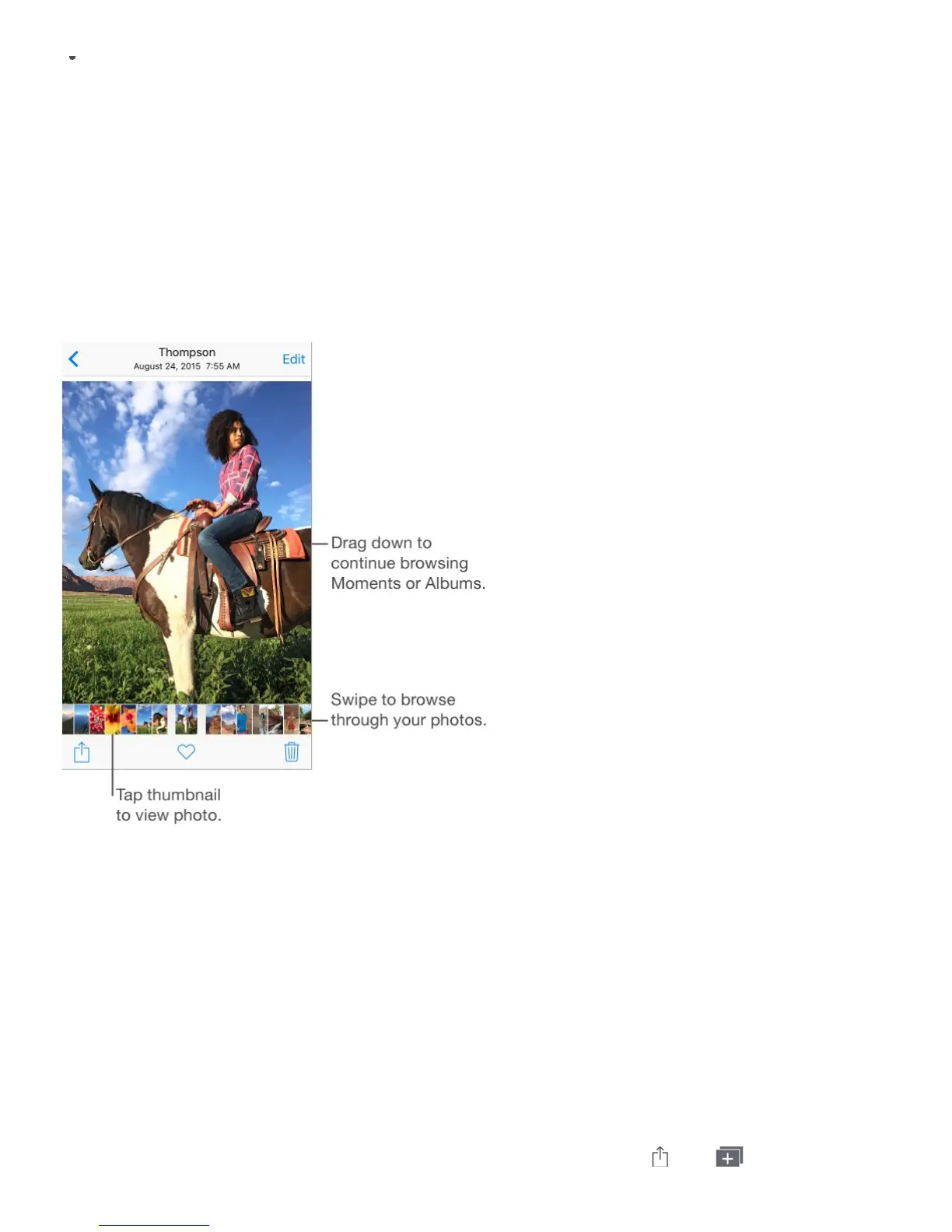
Browse through your photos and videos. While viewing a photo, swipe the thumbnails to
browse through your other photos. Tap a thumbnail to view a photo. Drag the photo down to
continue browsing Moments or Albums.
Press to peek at a photo or video. On iPhone 6s and iPhone 6s Plus, press the thumbnail
in a collection or album to peek at a photo or video. Swipe up to see a list of quick actions,
or press a little deeper to pop open the photo or video to full screen. See .
Play a Live Photo. On iPhone 6s and iPhone 6s Plus, press the Live Photo in full screen.
(See .) On other iOS 9 or later devices, touch and hold the Live Photo in full
screen.
Note: You can also use a Live Photo as the wallpaper on the Lock screen (iPhone 6s and
iPhone 6s Plus). See .
Make a still photo from a Live Photo. View the Live Photo, tap , tap , then tap
Organize
photos and videos



 To Next Page