continue touching the screen with two fingers. To change how distance is shown (in miles or
kilometers), go to Settings > Maps.
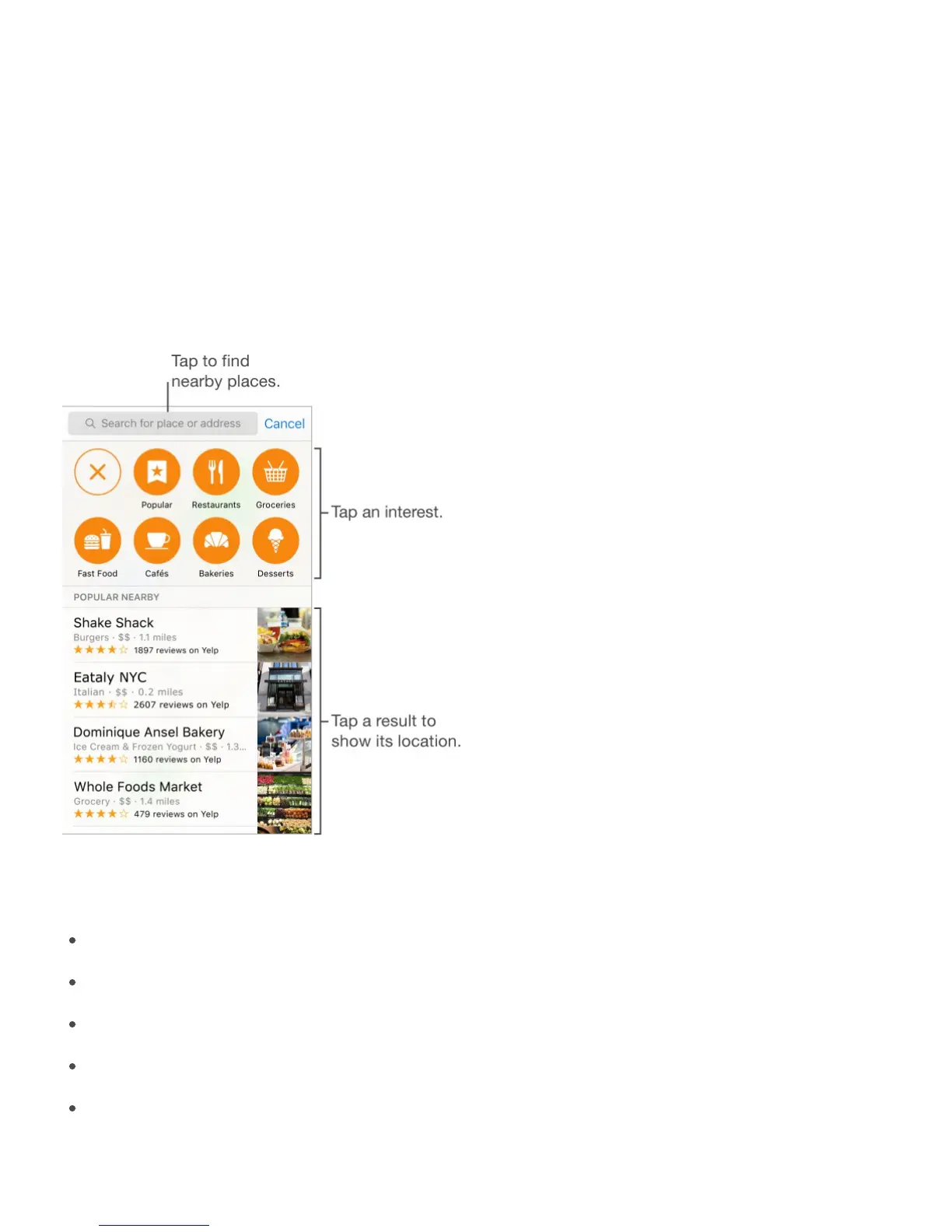
Find nearby attractions, services, and more. Tap the search field, tap a category such as
Food or Shopping, then tap a result. (For availability, see
.)
Find nearby places from the Home screen. On iPhone 6s and iPhone 6s Plus, press
Maps, choose the Search Nearby quick action, tap a category, then tap a result. See
.
Search for a location. Tap the search field. You can search for a location in different ways.
For example:
Intersection (“8th and Market”)
Area (“Greenwich Village”)
Landmark (“Guggenheim”)
Zip code
Business (“movies,” “restaurants San Francisco CA,” “Apple Inc New York”)
Maps may also list recent locations, searches, or directions that you can choose from.
www.apple.com/ios/feature-
availability/#maps-nearby
3D
Touch



 To Next Page