Keep track of the major exchanges and your stock portfolio, see the change in value over
time, and get news about the companies you’re watching.
Manage your stock list. Tap .
Addanitem:Tap . Enter a symbol, company name, fund name, or index, then tap
Search.
On iPhone 6s and iPhone 6s Plus, press Stocks on the Home screen, then choose
Search. See .
Delete an item: Tap .
Rearrange the order of items: Drag up or down.
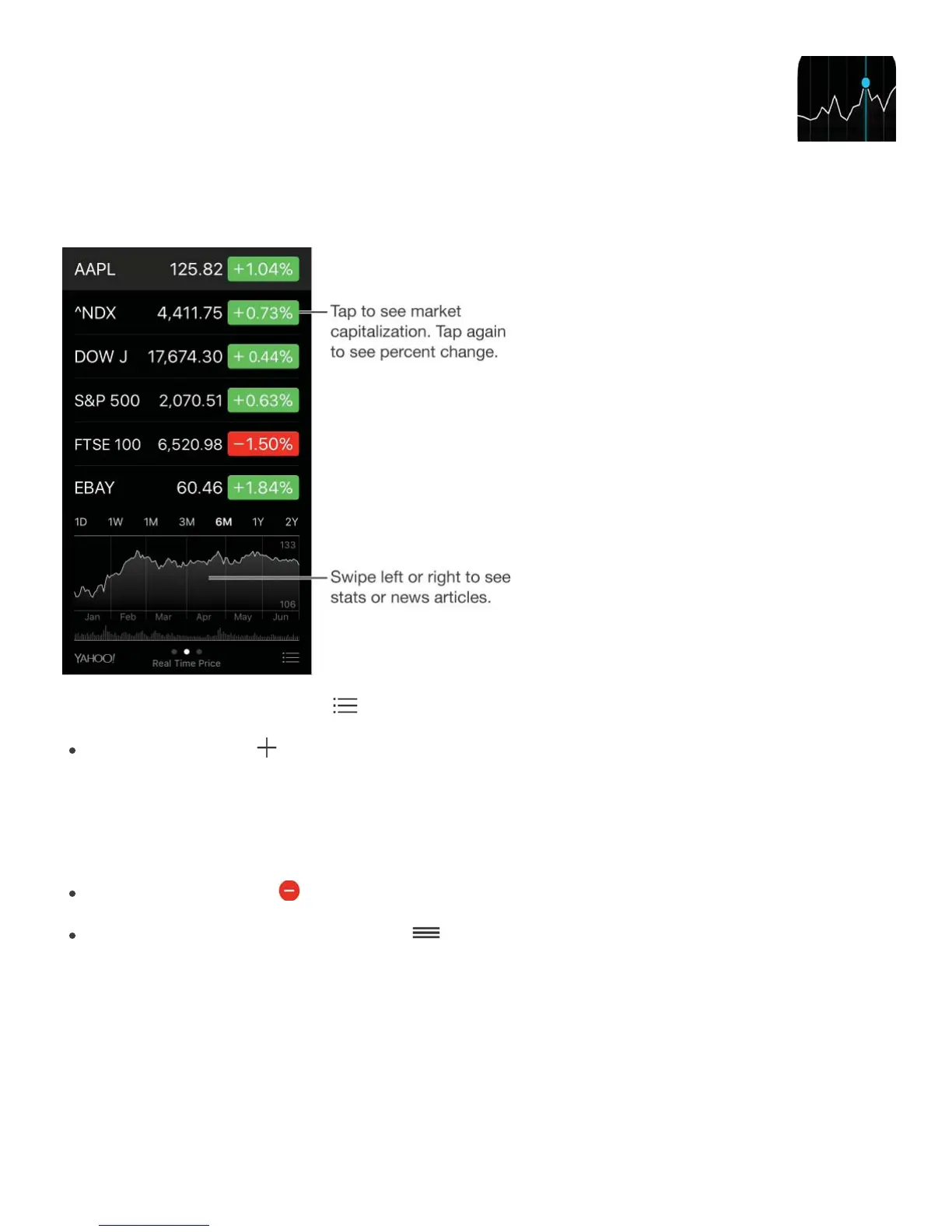
While viewing stock info, you can tap any of the values along the right side of the screen to
switch the display to price change, market capitalization, or percentage change. Swipe the
info beneath the stock list to see the summary, chart, or news for the selected stock. Tap a
news headline to view the article in Safari.
On iPhone 6 Plus or iPhone 6s Plus, use landscape orientation to see your stock list with
news, or with the summary and chart, all at the same time.



 To Next Page