You can also see your stocks in the Today tab of Notification Center. See
.
Note: Quotes may be delayed 20 minutes or more, depending upon the reporting service.
Add a news article to your reading list. Touch and hold the news headline, then tap Add
to Reading List. To add all news articles to your reading list, tap Add All to Reading List.
Ask Siri. Say something like:
“How are the markets going?”
“How’s Apple stock today?”
Find out more. Tap YAHOO!
View a full-screen chart. Rotate iPhone to landscape orientation. (On iPhone 6 Plus and
iPhone 6s Plus, rotate to landscape orientation, then touch the chart to expand it to full-
screen view.) Swipe left or right to see your other stock charts.
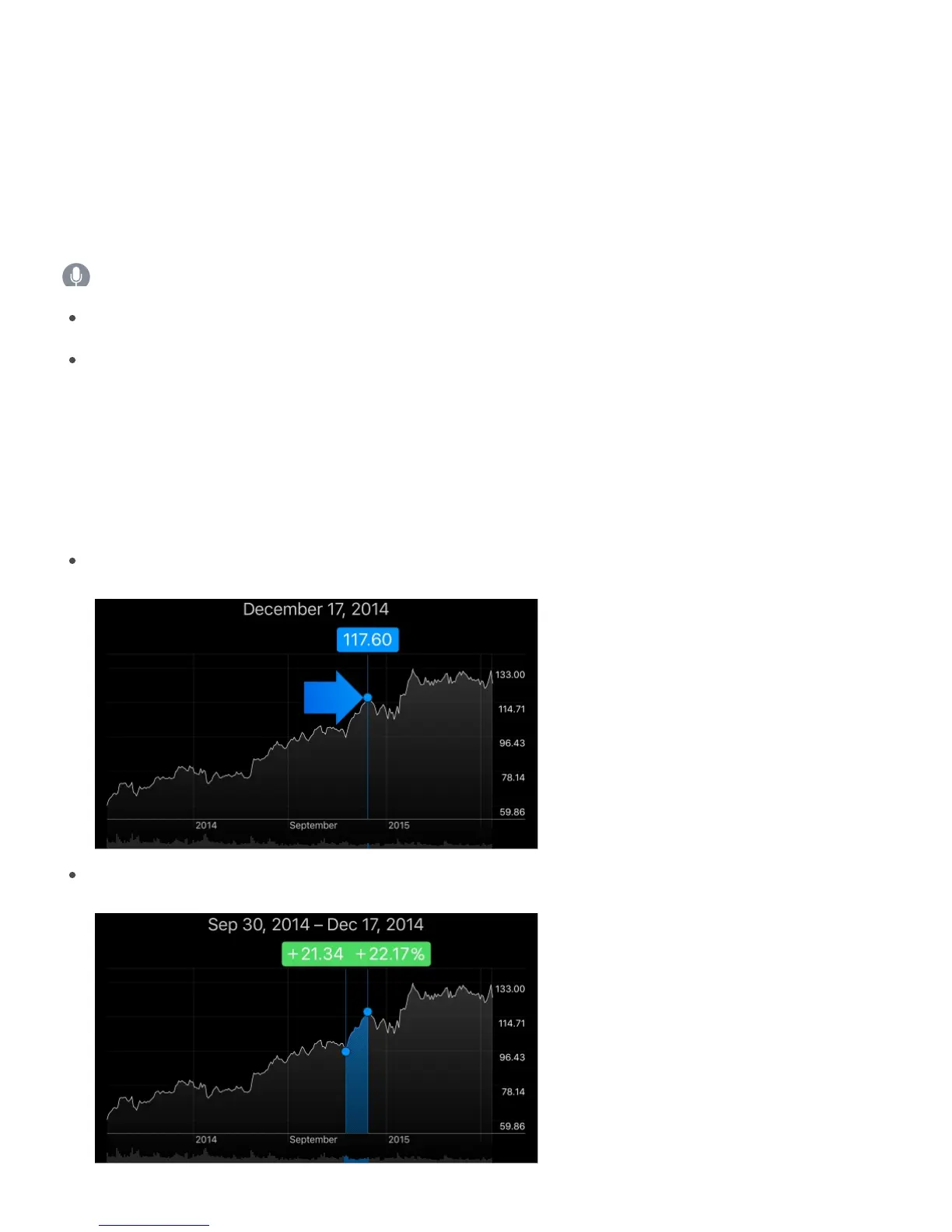
See the value for a specific date or time: Touch the chart with one finger.
See the difference in value over time: Touch the chart with two fingers.
Notification
Center



 To Next Page