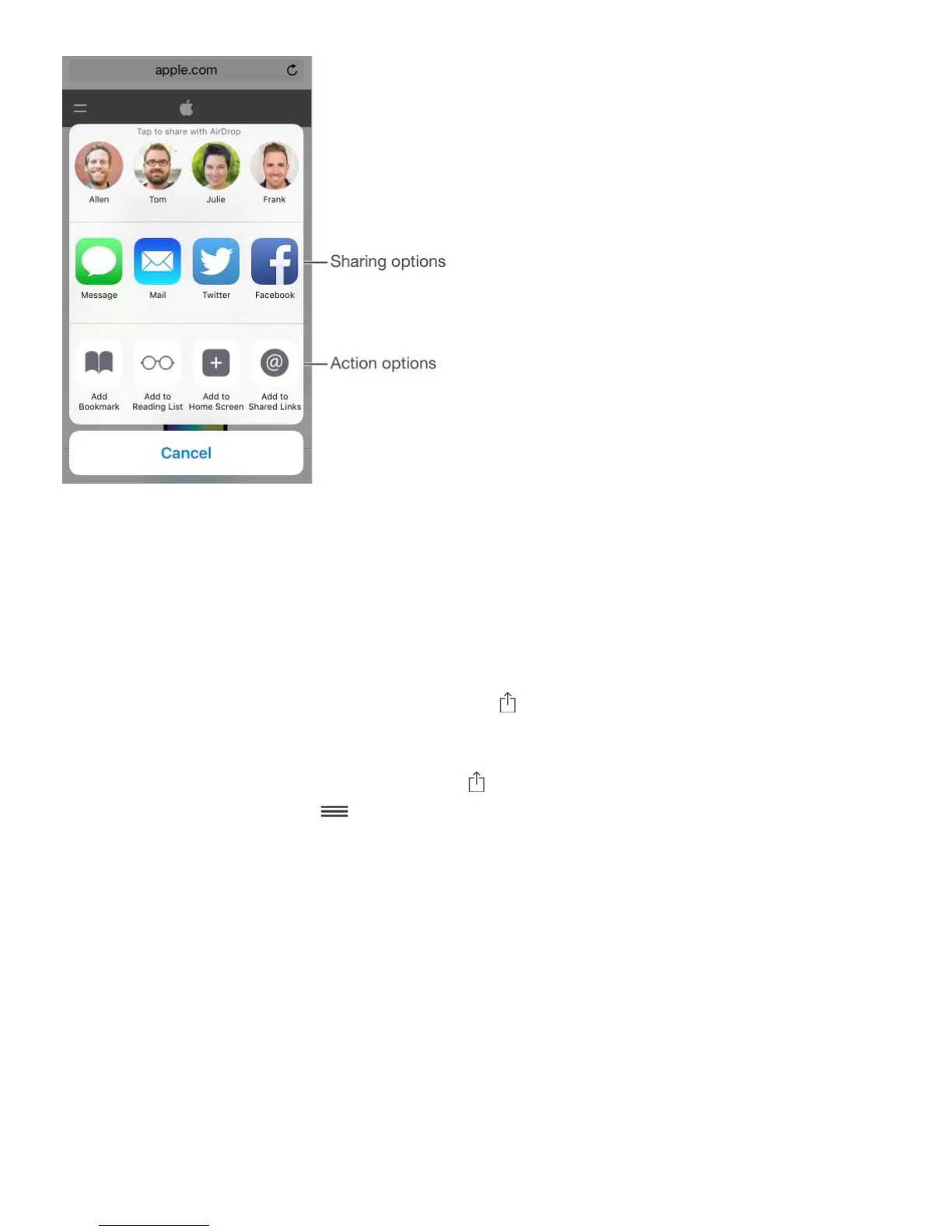
App extensions can also help you edit a photo or video in your Photos app. For example,
you can download a photo-related app that lets you apply filters to photos from your Photos
app.
Install app extensions. Download the app from the App Store, then open the app and follow
the onscreen instructions.
Turn sharing or action options on or off. Tap , then tap More (drag options to the left if
necessary). Turn off third-party sharing or action options (they are on by default).
Organize sharing and action options. Tap , then tap More (drag options to the left if
necessary). Touch and drag to rearrange your options.
For more information about Notification Center widgets, see . For more
information about Sharing options, see .
Customize iPhone
Arrange your apps
Arrange apps. Touch and hold any app on the Home screen until you see the app icons
jiggle. Drag an app to move it. Drag an app to the edge of the screen to move it to a different
Home screen, or to the Dock at the bottom of the screen (remove another app first). Press
the Home button to save your arrangement.



 To Next Page