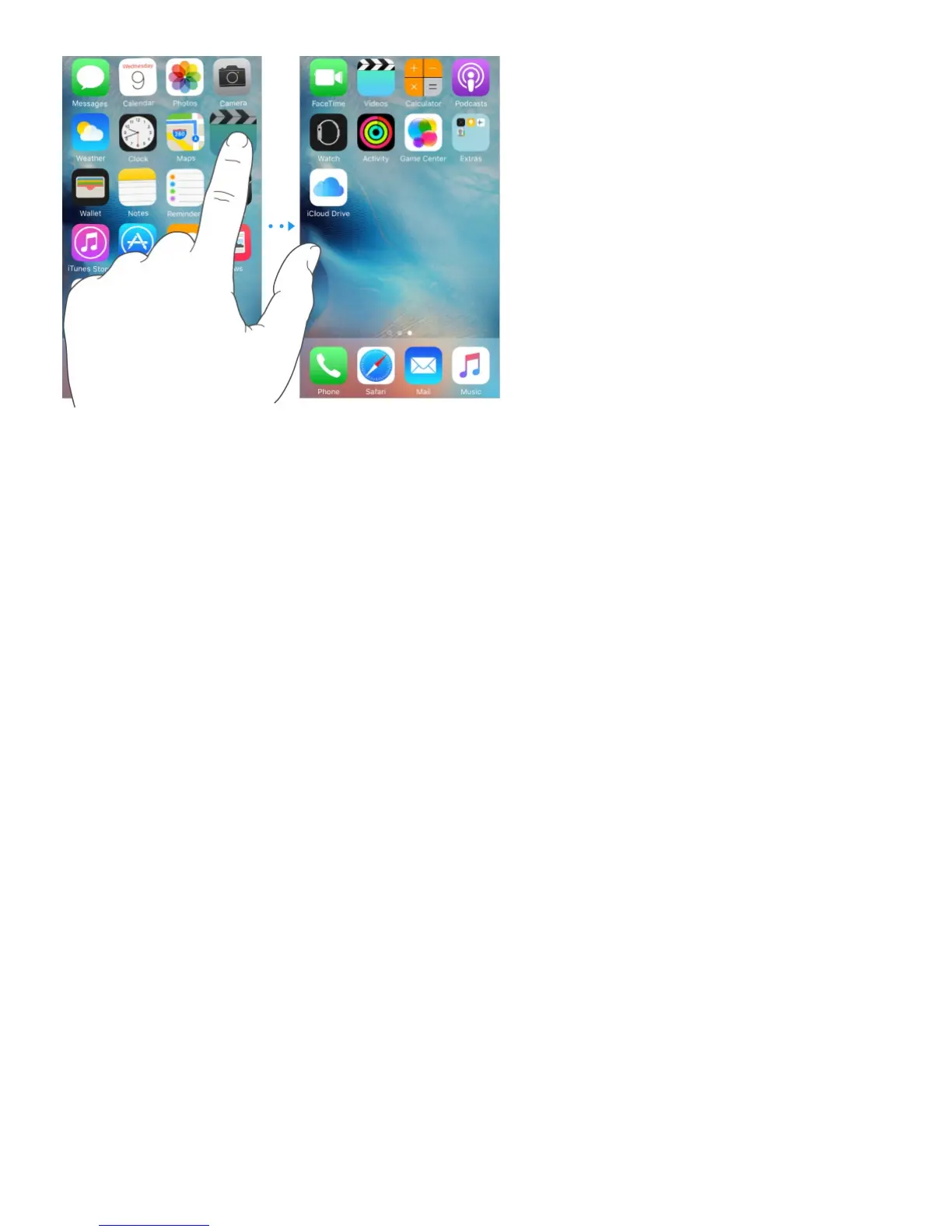
Create a new Home screen. While arranging apps, drag an app to the right edge of the last
Home screen. The dots above the Dock show how many Home screens you have, and
which one you’re viewing.
You can also customize the Home screen using iTunes, when iPhone is connected to your
computer. In iTunes, select iPhone, then click Apps.
Start over. Go to Settings > General > Reset, then tap Reset Home Screen Layout to return
the Home screen and apps to their original layout. Folders are removed and the original
wallpaper is restored.
Organize with folders
Create a folder. While arranging apps, drag one app onto another. Tap the name of the
folder to rename it. Drag apps to add or remove them. Press the Home button when you
finish.



 To Next Page